
Compress Video for Email
Use this workflow to make an email-friendly review copy without sacrificing the only high-quality source. Preserve the best source, choose settings from the destination backward, and verify the complete output.
Quick answer
Check the recipient’s real attachment limit before encoding. Keep the master, shorten unnecessary footage, reduce resolution or bitrate in measured steps, and send a short tested copy. When the file still exceeds the limit, use an approved secure sharing link instead of repeatedly crushing quality.
Choose the Right Conversion Approach
| Situation | Recommended approach | What to verify |
|---|---|---|
| Remove unnecessary duration | Trim dead time before lowering quality | Message remains complete |
| Reduce dimensions or bitrate | Change one major variable at a time | Text, faces, and motion remain usable |
| Attachment still too large | Use an approved sharing link | Recipient access and privacy are correct |
Step-by-Step Workflow
- Preserve and inspect the source
Keep the original unchanged. Check container, codecs, dimensions, frame rate, aspect ratio, audio, subtitles, duration, and rights.
- Define the exact destination
Identify the device, platform, recipient, archive policy, file-size limit, or publishing specification before choosing a preset.
- Run a representative test
Convert a short section containing motion, speech, text, captions, and difficult detail before starting a long file or batch.
- Choose only necessary changes
Preserve native frame rate and aspect ratio when practical, and adjust resolution, bitrate, codecs, tracks, or branding for a documented reason.
- Verify the complete output
Play outside the converter and check beginning, middle, ending, sync, seeking, captions, orientation, file size, and the real destination.
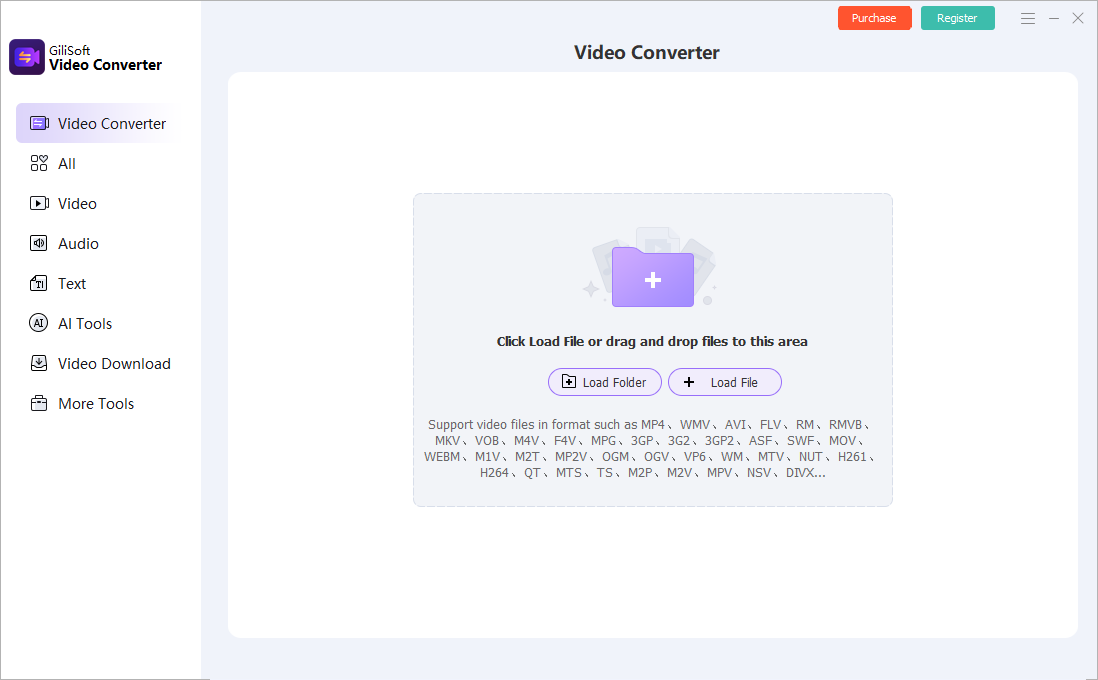
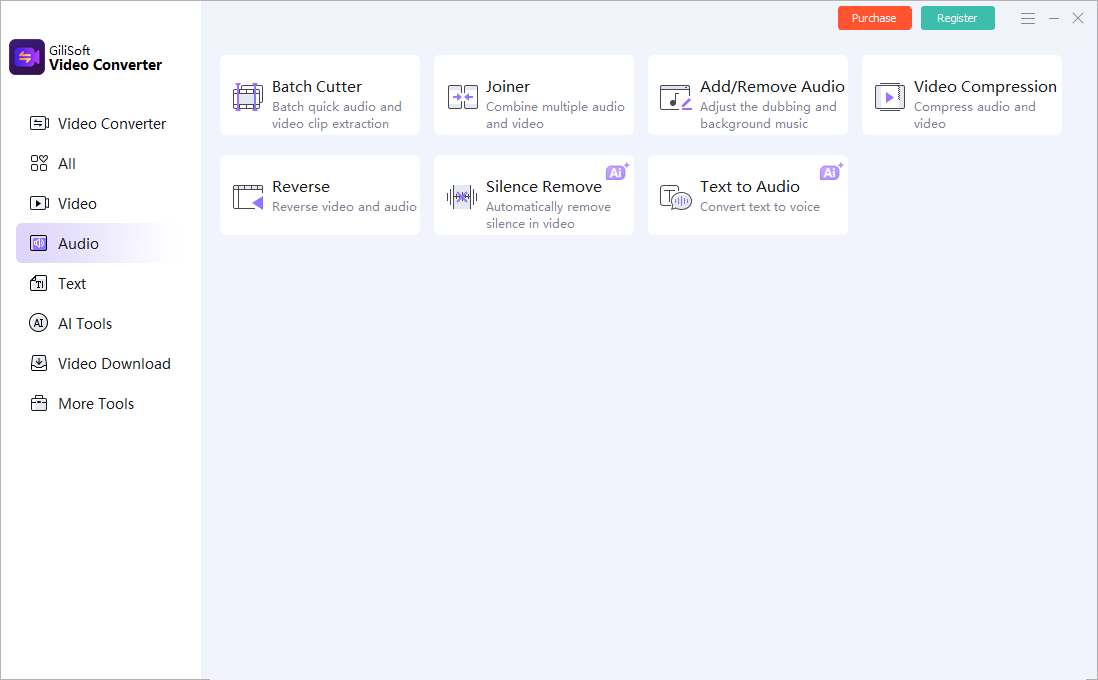
Use the GiliSoft Video Converter Workspace
These screenshots show real product workspaces. Presets and controls can change, so inspect the source and test the actual destination instead of treating a preset name as proof of compatibility.
Verify the Output Before Delivery
| Attachment size and readability | Test a representative section and the complete file on the actual destination. |
|---|---|
| Picture and sound | Check aspect ratio, motion, color, audio sync, channels, captions, and readable text. |
| File identity | Confirm the output path, name, size, duration, version, and relationship to the preserved source. |
Frequently Asked Questions
What is the best email video size?
There is no universal value. Check the actual sender and recipient limits and use a secure link when a useful video cannot fit.
Which setting reduces size most?
Duration, resolution, codec, frame rate, and bitrate all matter. Start by removing unnecessary duration, then test measured output changes.
Will compressing twice make the file much smaller?
It can, but repeated lossy encoding compounds artifacts. Return to the best available source for each new output.
Should I overwrite the source?
No. Keep the source or approved master and create a separate converted output.
Why test outside the converter?
The internal preview does not prove that codecs, tracks, captions, seeking, metadata, and destination playback are correct.