Convert Video and Audio Formats
Convert MP4, MOV, AVI, WMV, MKV, H.264, H.265, camcorder footage, screen recordings, downloaded clips, and common audio sources into the formats required by the next device or destination.

Convert video and audio formats, process large batches, compress media, download authorized online videos, manage subtitles and sound, and prepare device-ready output in one Windows application.
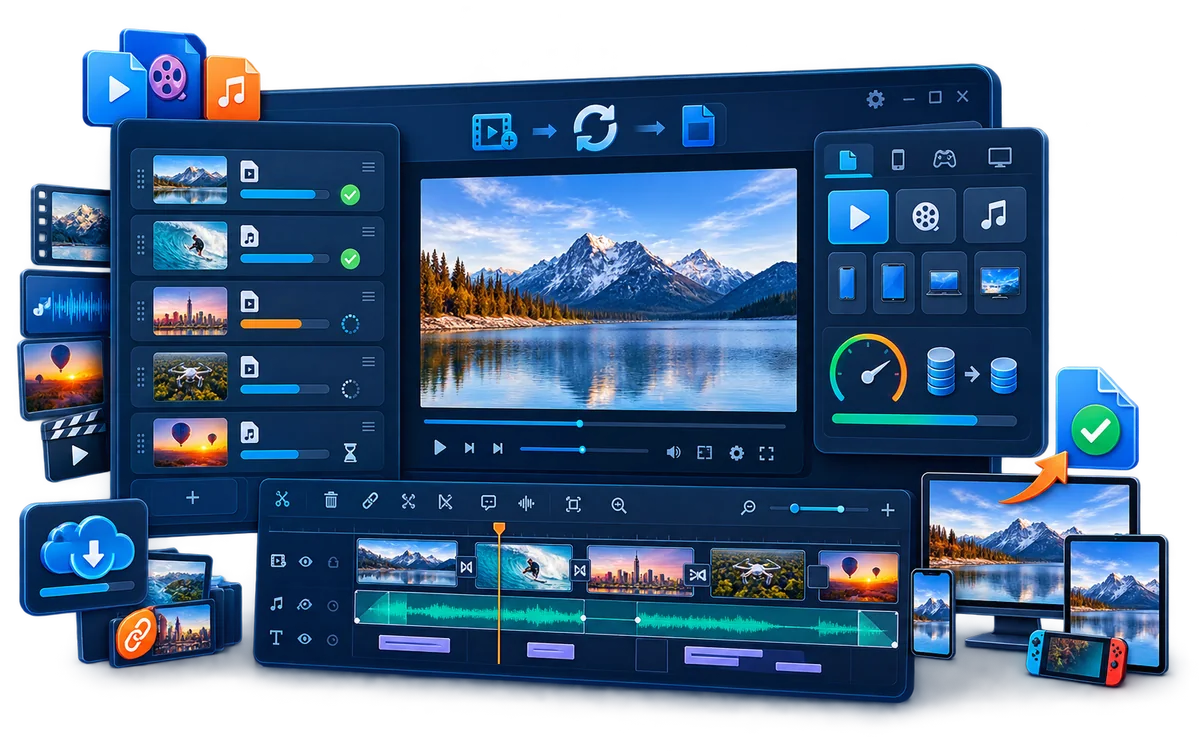
GiliSoft Video Converter combines video and audio format conversion with batch processing, GPU acceleration, compression, authorized online video download, and output profiles for devices, websites, archives, lessons, demos, and team sharing.
Its wider media toolkit handles cutting and joining, crop and rotation, playback speed, subtitles, visible watermarks, audio extraction and conversion, music replacement, volume adjustment, silence removal, and visual effects without moving the source through several separate utilities.
For macOS, see GiliSoft Video Converter for Mac.

Convert MP4, MOV, AVI, WMV, MKV, H.264, H.265, camcorder footage, screen recordings, downloaded clips, and common audio sources into the formats required by the next device or destination.
Queue multiple files or folders and use supported hardware acceleration, including NVIDIA NVENC, to complete repeated conversion work more efficiently.
Bring permitted online video sources into the same Windows application, then convert, compress, cut, subtitle, or process the downloaded file.
Reduce large files for upload, email, mobile sharing, review, or archive storage while controlling the output format, resolution, and quality.
Keep useful sections, combine clips, correct framing or orientation, and change playback speed before producing the converted result.
Create, extract, edit, and position subtitles; turn text or supported documents into video or audio assets; and prepare clearer lessons, demos, and presentations.
Extract and convert audio, add or remove music, adjust volume, remove silent sections, and prepare the soundtrack together with the video output.
Choose output profiles for devices and publishing destinations, then add visible text or logo marks, filters, color adjustments, overlays, and other visual refinements.

The converter helped us standardize exports for web, mobile, and training portals without constant profile adjustments.
Batch conversion handles mixed source files reliably, which reduced prep time before weekly publishing.
Output quality remains stable after compression, which helps us meet upload limits without obvious quality loss.
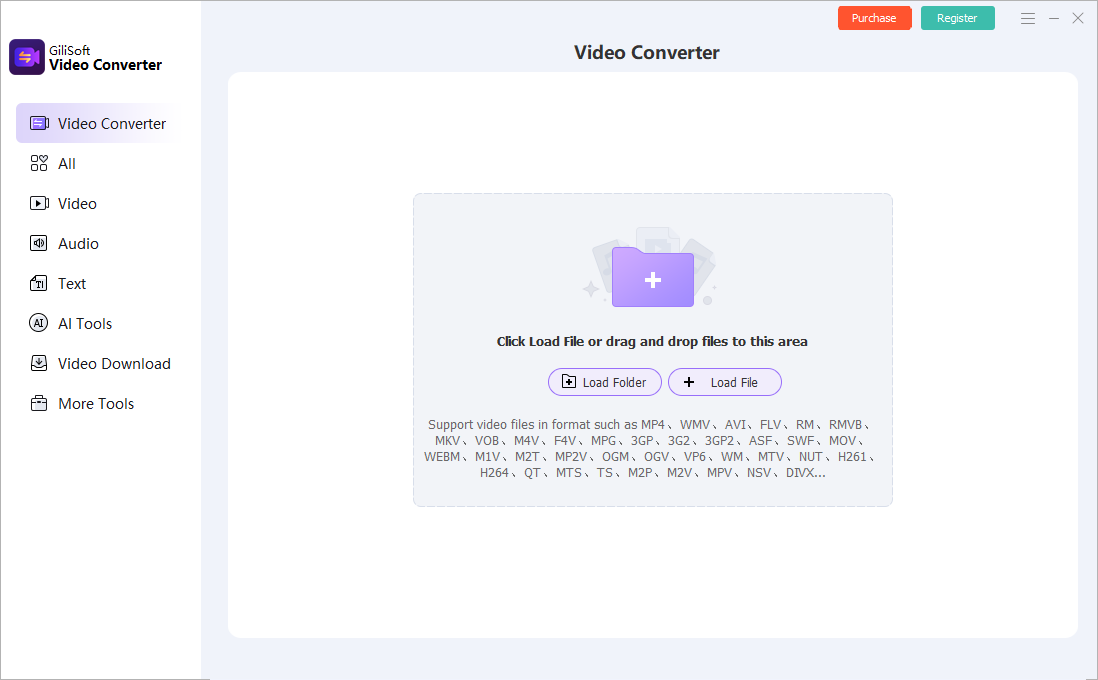
Load files or folders, choose output formats, preview clips, and run video or audio conversion from the main Windows workspace.
Convert mixed source files into consistent output formats for uploads, archives, portable devices, websites, lessons, and internal media libraries.
Use conversion together with cutting, joining, compression, subtitles, audio adjustment, and format presets in one Windows product.
Use batch processing and GPU acceleration to convert many files more efficiently while keeping common processing tools close at hand.
Export practical formats for phones, tablets, media players, training portals, social channels, review links, and archive storage from one Windows app.
Convert video and audio, then handle download, compression, subtitles, sound, and output presets in the same Windows application.
Process folders and repeated file lists with batch controls and supported GPU encoding instead of exporting every source separately.
Cut, merge, crop, rotate, change speed, compress, manage subtitles, and adjust sound before creating the final converted files.
Use ready output profiles for playback devices, websites, review, training delivery, social publishing, and long-term storage.
Standardize incoming clips before review, upload, publishing, or archiving.
Batch Video Converter for Windows | Video to MP4 Converter for Windows
Turn source files into output formats that play more reliably on phones, tablets, and portable media devices.
Convert Video for Devices on Windows | Video Converter for Windows 11 | Video Converter for Mac
Package clips with subtitle files or simple visible marks when the converted output needs clearer context or ownership.
Add Subtitles During Video Conversion | Add Watermark to Video
Keep useful sections, reduce file size, adjust the frame, process sound, and export the result without treating conversion as a separate isolated step.
Convert and Trim Video in One Product | Video Compressor for Windows | Video Converter with Editing Tools
Make files easier to store, move, and reuse across departments without keeping every source asset in its original oversized format.
Convert Videos for Archive Storage | Convert Videos for Team Sharing
Bring authorized online videos into a local Windows conversion project, then compress, cut, subtitle, process audio, or export the media for permitted reuse.
Find setup instructions, feature walkthroughs, output decisions, and additional task-specific conversion guides on the dedicated help page.
It is best for users whose main job is video or audio conversion, but who also need downloading, compression, subtitle handling, audio tools, and output presets around that conversion task.
Yes. It supports batch processing and GPU-accelerated encoding on supported hardware to speed up larger conversion queues and repeated export work.
GPU Accelerated Video Converter | Batch Video Converter for Windows | Video Converter for Windows 11
Yes. It includes online video download, compression, cutting, joining, subtitle handling, audio extraction, audio adjustment, silence removal, and practical output presets.
Add Subtitles During Video Conversion | Video Converter with Basic Editing Tools
Choose Video Editor Pro when the project is mainly timeline editing, layered production, multi-track creative work, or detailed editing. Choose Video Converter when conversion is the center of the job and the extra tools support that media processing path.

 Editors highlighted broad format compatibility, practical conversion presets, and useful batch processing for mixed media sources.
Write-ups emphasized that the converter remains useful when teams need conversion plus related download, compression, subtitle, and audio tools in one product.

Reviewers praised conversion stability on large files and long-duration media assets. Lab notes cited dependable queue behavior during repeated multi-file batch runs.
Independent commentary also noted that subtitle, trim, compression, and audio controls help reduce tool switching during routine media processing.

Independent analysis described the converter toolset as practical for daily video and audio conversion tasks. Commentary emphasized consistency and low operator overhead for production teams.
Coverage also pointed out that the software remains approachable when conversion work needs richer processing options without turning into a full editing project.


Enter your email address to get our latest newsletter