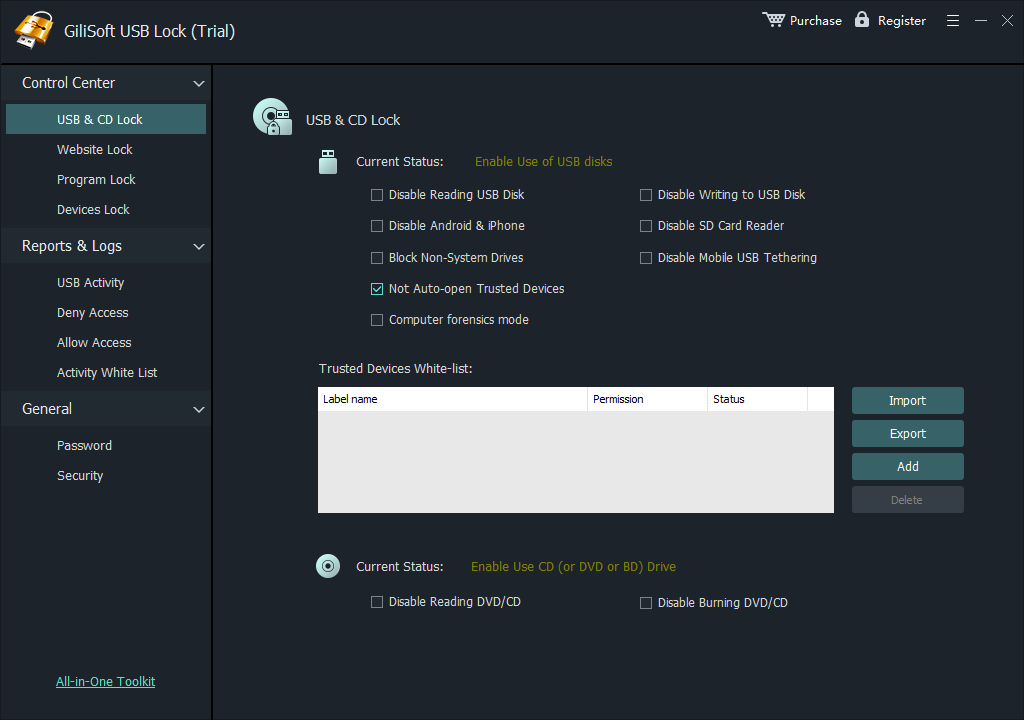
Install and create the administrator password
- Install GiliSoft USB Lock with administrator permission.
- Create the master password used to change device-control policies.
- Add a recovery email before deploying restrictions.
- Confirm the protection service is running.
Prepare a safe first test
- Keep one approved USB drive available for whitelist testing.
- Close files currently open from removable media.
- Start with one test computer before repeating the policy elsewhere.
- Record the administrator and recovery information securely.