Hide folders, files and drives
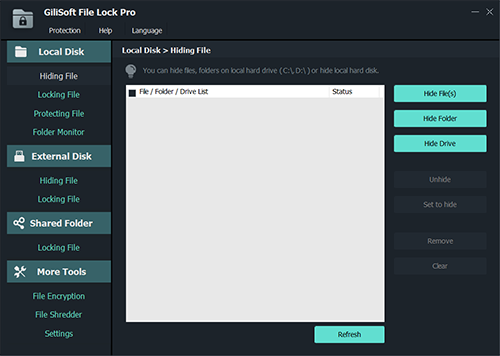
File Lock helps you protect your privacy by hiding your folders, invisible to anyone who has access to your PC even under safe mode, hidden folders visible only if you have access to the program.

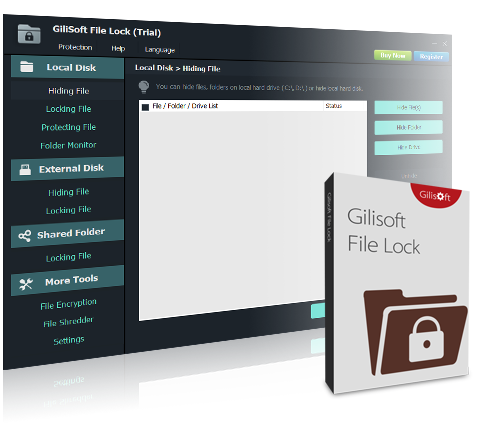
Gilisoft File Lock
Lock, hide, password protect files and folders from unwanted access.
XP/7/10/11 (32 bits&64 bits)
Download TrialVersion: 12.0BUY NOW$34.95 $44.95

File Lock is a security software that can restrict access to files and folders: lock files, folders and drives; hide files and folders to make them completely invisible; password protect files and folders; monitor what happens in a folder; encrypt your business and personal data; permanently remove unwanted files; File Lock protects files and folders without altering those files and folders, your files won't have chance to be destroyed by it, and it will not slow down the system speed. With the users & groups and schedule options, you can specify different protection modes for different users, or at different date time. You can easily protect any file or folder by dragging it to the main window of File Lock.
For macOS users, please go to File Lock for macOS
For Android users, please go to File Lock for Android
For Windows users, please go to File Lock for Windows


File Lock helps you protect your privacy by hiding your folders, invisible to anyone who has access to your PC even under safe mode, hidden folders visible only if you have access to the program.
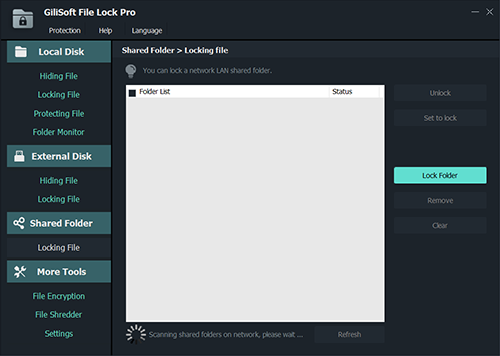
Folder lock offers basic features and a very easy way to lock your folders on a Windows device. Locked files, folders or drives can’t be opened, modified, renamed, moved, deleted, copied without password.
Protect with a password your sensitive files will be locked and safe from prying eyes, from unauthorized access, hacking and virtual theft. File Lock will automatically lock your folder once you close it. You are NOT required to open and lock it manually every time.
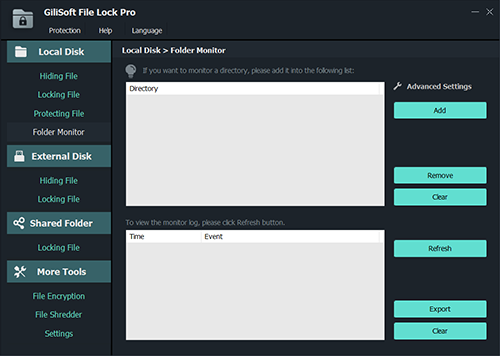
File Lock monitors the folder or disk drive that you choose and lists every filename that is being modified, created, or deleted. You can specify "*." in the include/exclude wildcard fields in order to include or exclude files without extension
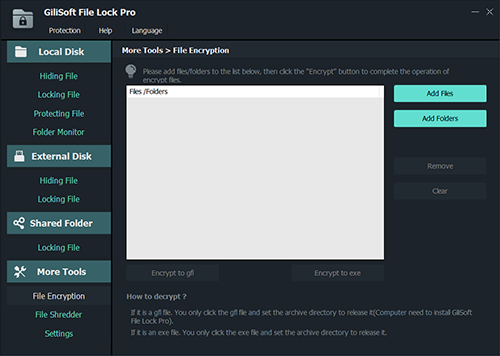
File Lock uses high compression and strong AES-256 encryption to encrypt your files to GFL or EXE format. Your files are compressed and encrypted, so when you go to access them, you simply need to input password to view the file.
It's sometimes possible to recover files after you've deleted them. File Lock can permanently securely delete individual files, whole folders, entire disk drives or partitions, and even unused space on a disk.
Another very impressive feature of File Lock is that you cannot uninstall the program without putting in the password. This is extremely beneficial as hackers will often try to attack important programs on your device.
File Lock can hide itself from destop, quick link, start menu or context menu. When someone enters wrong password more than 5 times, it will send alarm notifications to your pre-defined e-mail and the unknown login will be temporarily banned.


“GiliSoft File Lock is a useful piece of software for people looking to pro- tect important or sensitive information from prying eyes...”

“ GiliSoft File Lock has an attractive interface that is simple to operate. The program guides users through the entire process with a few simple onscreen instructions...”


$34.95
$39.95


Enter your email address to get our latest newsletter