Separate Lead Vocals
Isolate the main vocal from a song so singers, teachers, editors, and creators can review or reuse the vocal part separately.

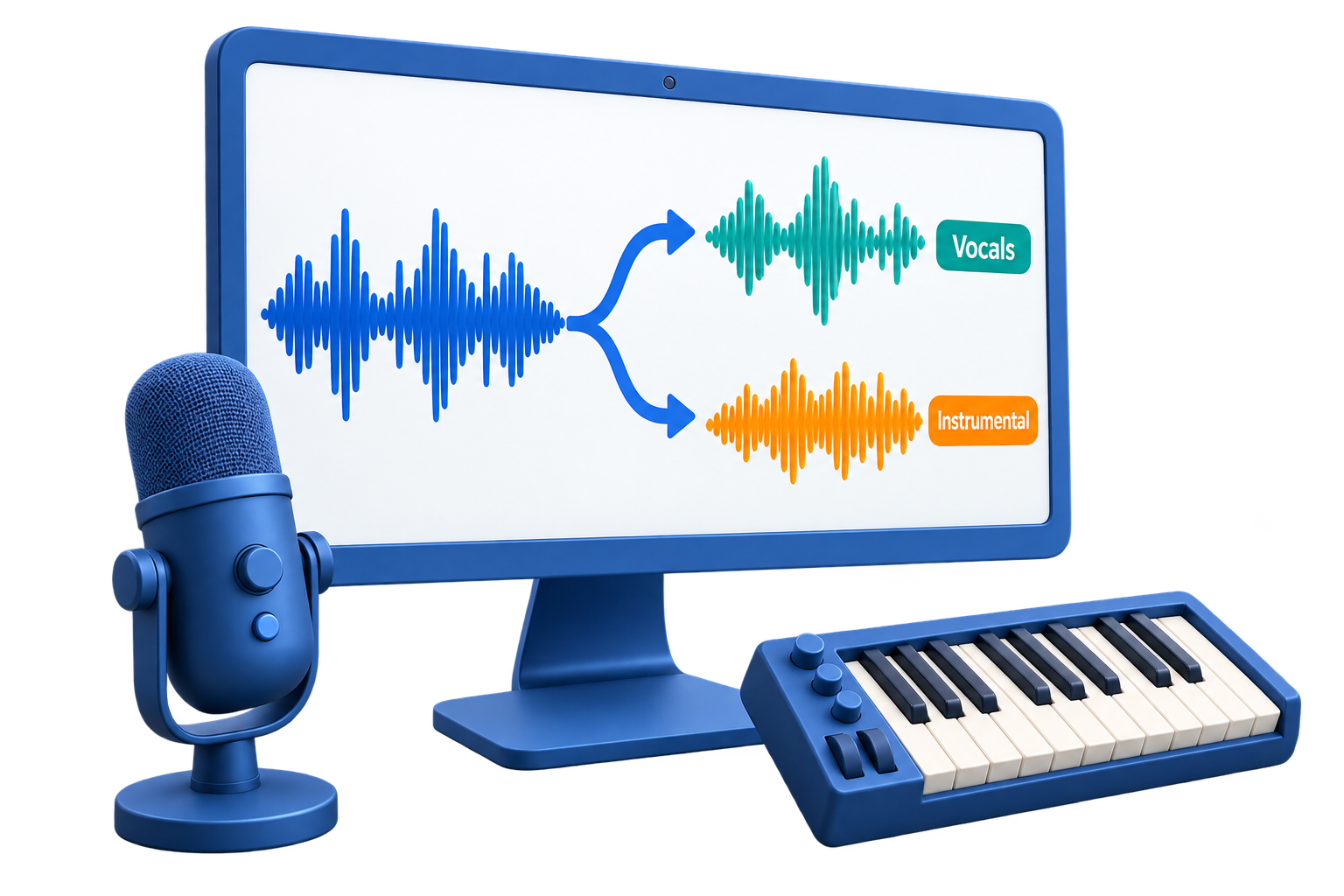
GiliSoft Vocal Remover is designed for practical vocal and instrumental separation. Load a song, separate the lead vocal from the backing track, preview the result, then export the part you need for karaoke practice, cover rehearsal, music teaching, remix preparation, or content production.
Because vocal separation is included in Audio Toolkit Suite, the next step stays nearby. You can cut a cleaned section, join clips, convert formats, record narration, reduce noise, adjust volume, or prepare final MP3, WAV, FLAC, AAC, M4A, OGG, and WMA output without jumping between many small tools.
Results depend on the source mix, mastering, and audio quality. For best results, use clean stereo tracks and review the output before publishing or performing.

Isolate the main vocal from a song so singers, teachers, editors, and creators can review or reuse the vocal part separately.
Reduce or remove vocals to prepare sing-along backing tracks for practice, lessons, small events, and social content.
Keep the separated vocal or accompaniment track for editing, reference, cover production, or later audio processing.
Review separated results and adjust levels before exporting so practice tracks and demo files are easier to use.
After separation, use related tools for cutting, joining, converting, recording, noise cleanup, and final audio preparation.
Prepare output for rehearsal, lesson materials, remix ideas, video editing, podcast beds, or music archives in common audio formats.

Vocal Remover helped our music class create practice backing tracks quickly without opening a full studio setup.
We use it to pull rough vocal references from demo songs before preparing cover arrangements.
The suite connection matters: after separation we can trim, convert, and clean the result in the same package.
For karaoke events, it gives us a practical starting point when an instrumental version is not available.
Create backing tracks when a clean instrumental version is not available, then review the result before public use.
Separate vocals or accompaniment to study melody, timing, phrasing, harmony, and arrangement details.
Prepare lesson examples, singing exercises, listening materials, and practice tracks from existing source audio.
Create rough vocal or instrumental parts for demos, video projects, remix ideas, and internal creative review.
Use this page when the main task is removing or isolating vocals, creating karaoke tracks, or preparing separated audio parts.
Vocal separation becomes more useful when trimming, joining, conversion, recording, cleanup, and export tools are nearby.
Instead of relying only on old center-channel removal methods, use a dedicated separation tool and inspect the result by ear.
For format conversion use Audio Converter Ripper. For waveform editing use Audio Editor.
Create a backing track for singing practice, small events, or personal rehearsal when no official instrumental is available.
Export the vocal part to study performance, timing, pronunciation, phrasing, or arrangement ideas.
Prepare accompaniment for cover practice, demo recording, school lessons, or rehearsal materials.
Trim, convert, join, clean, record, and export separated audio parts using other tools in Audio Toolkit Suite.
Get vocal separation plus practical tools for audio cutting, joining, conversion, recording, cleanup, speech tools, and final export in one Windows package.
Buy Audio Toolkit Suite 


Enter your email address to get our latest newsletter