Convert PDF to editable files
Export PDF content to Word, DOCX, Excel, PowerPoint, images, TXT, HTML, RTF, and eBook formats when documents need editing, reporting, reuse, or archive migration.

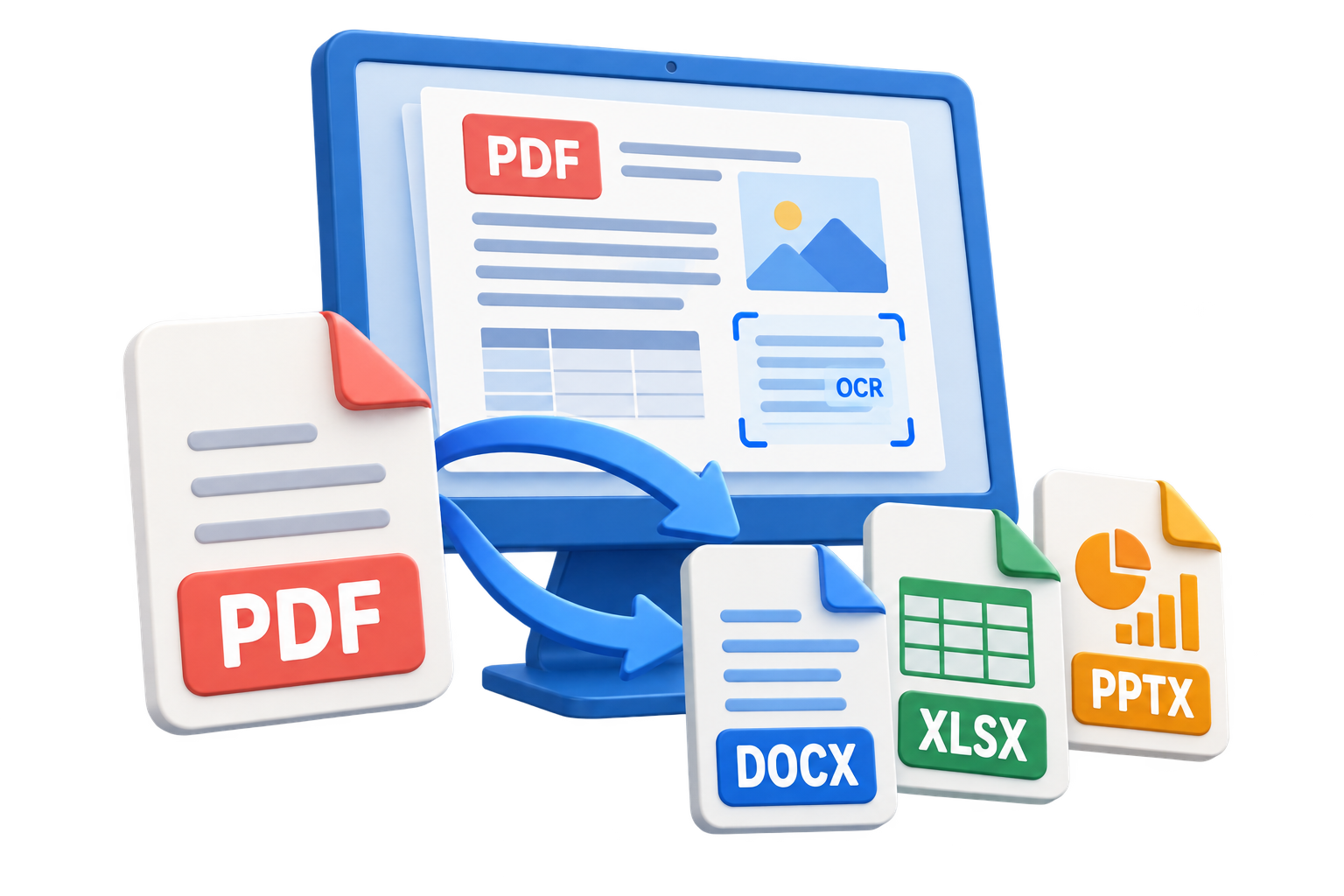

GiliSoft PDF Converter handles both directions of everyday PDF work: export PDF content for editing in Word, Excel, PowerPoint, images, text, or HTML, and turn documents or pictures into stable PDF files for review, printing, delivery, and archiving.
OCR helps recover searchable text from scanned pages, while batch conversion, compression, merge, split, encryption, and decryption keep related document preparation in one local Windows workflow. The PDF Converter tools are delivered as part of GiliSoft Formathor.

Export PDF content to Word, DOCX, Excel, PowerPoint, images, TXT, HTML, RTF, and eBook formats when documents need editing, reporting, reuse, or archive migration.
Convert Word, Excel, PowerPoint, images, HTML, TXT, RTF, EPUB, MOBI, CHM, XML, and other file types into PDF for review, delivery, printing, or long-term storage.
Recognize text in scanned PDFs and image-based files so contracts, invoices, archive scans, and paper documents become searchable and easier to reuse.
Process many files with repeatable output choices when teams need to convert archives, reporting packs, scanned folders, or mixed source documents.
Reduce large PDF file sizes before email, upload, client delivery, portal submission, or storage while keeping output practical for the document's purpose.
Combine related PDFs into one packet, split large documents by page range, and prepare smaller files for review, email, archive, or team delivery.
Add password protection for safer PDF sharing, or open password-protected files when you have the correct password and need to convert, organize, or prepare the document.
Use supporting tools such as page organization, PDF preparation, security, and output cleanup when converted files need to be polished before delivery.

We use PDF to Word and PDF to Excel every day for report updates, and table structure is much easier to work with after conversion.
Batch PDF conversion helped us process legacy archives quickly while maintaining consistent output quality across departments.
The OCR option is useful for scanned contracts and invoices, especially when we need searchable text for audits.
Converting Word and PPT files to PDF for client delivery is now a one-step process for our team.
Preview the core PDF conversion workflow: PDF to reusable files, file to PDF, OCR, text-layer PDF, compression, merge, split, encryption, and decryption.
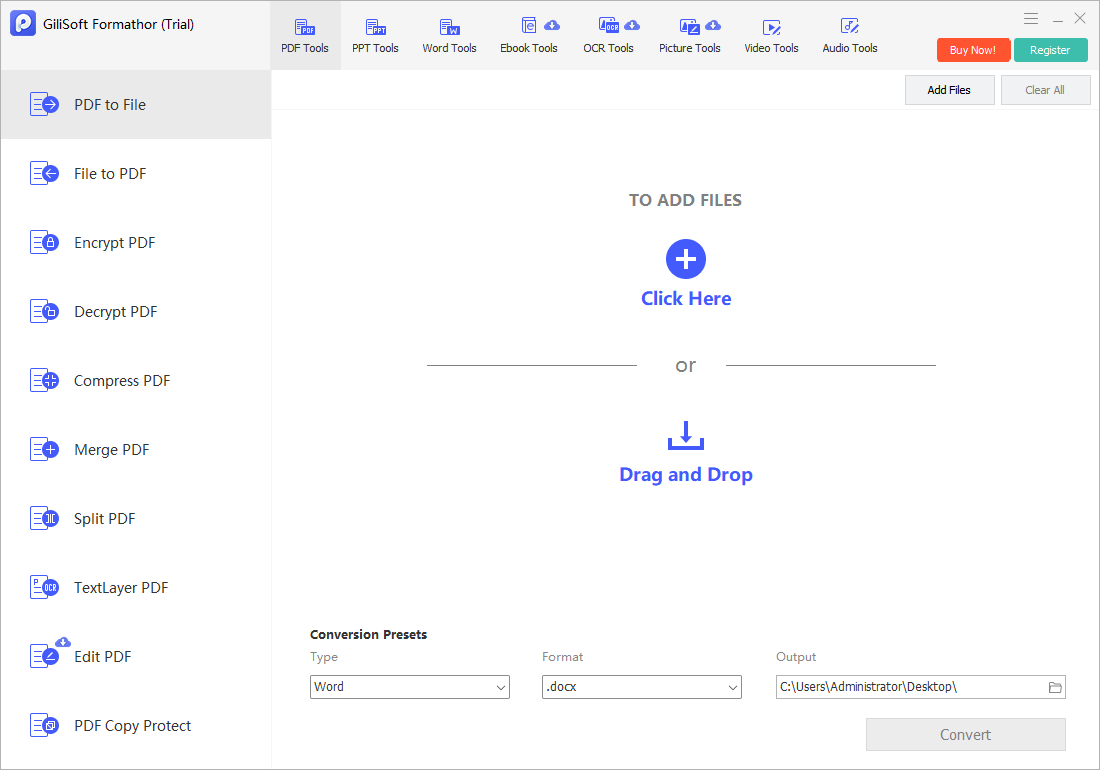
Convert PDF content into Word, Excel, PowerPoint, images, text, HTML, and other reusable formats.
Click the screenshot to enlarge.Follow the GiliSoft Formathor guide for PDF-to-file conversion, file-to-PDF output, OCR, searchable PDF creation, compression, page management, and document security.
Open the User GuideUse PDF Converter when reports, contracts, tables, forms, and archived PDFs need to become Word, Excel, PowerPoint, TXT, HTML, or image files for editing and reuse.
Create PDFs from Word, Excel, PowerPoint, images, HTML, text, eBooks, and other common files when documents need review, delivery, print, or archive-ready output.
OCR helps convert scanned contracts, invoices, paper forms, and image-based PDF files into searchable content before editing, extraction, or document reuse.
Merge, split, compress, encrypt, and decrypt tools are useful when monthly reports, client packets, training files, or archive collections need consistent preparation.
This page focuses on two PDF directions: converting PDF content into reusable files and converting common source files into shareable PDF documents.
Instead of using separate PDF utilities for OCR, conversion, compression, merge, split, and protection, users can keep related PDF preparation tasks in one product.
Files are processed on the Windows PC, which is helpful for contracts, invoices, business records, student materials, and other documents that should not be uploaded to browser tools.
Use PDF Converter when repeated PDF conversion, OCR, batch output, page preparation, and PDF security matter more than a one-time drag-and-drop conversion. For broader Word, PowerPoint, eBook, picture tools, and mixed document conversion, see GiliSoft Formathor.

Editors highlighted strong PDF conversion accuracy and practical OCR support for mixed document sources.
Coverage noted reliable tools for converting, merging, splitting, compressing, and securing PDF files.
Reviewers praised consistency on large PDF files and mixed-format source documents.
Batch conversion and export behavior were noted as useful for teams handling frequent PDF processing tasks.
Independent notes described the suite as a dependable option for PDF conversion, OCR, and document preparation.
Local processing, predictable output, and batch tools were highlighted for long-term document management.
Download GiliSoft Formathor to use PDF Converter for editable Office output, file-to-PDF creation, OCR, batch processing, compression, page organization, and PDF security.


Enter your email address to get our latest newsletter