Word to PDF
Fixed-page document
Prepare contracts, reports, policies, and handouts for sharing and printing.

Turn Word reports, contracts, and lessons into PDFs, presentations, images, web content, or spoken audio. Create Word working copies from existing files and batch-convert document sets for sharing, editing, publishing, and listening.
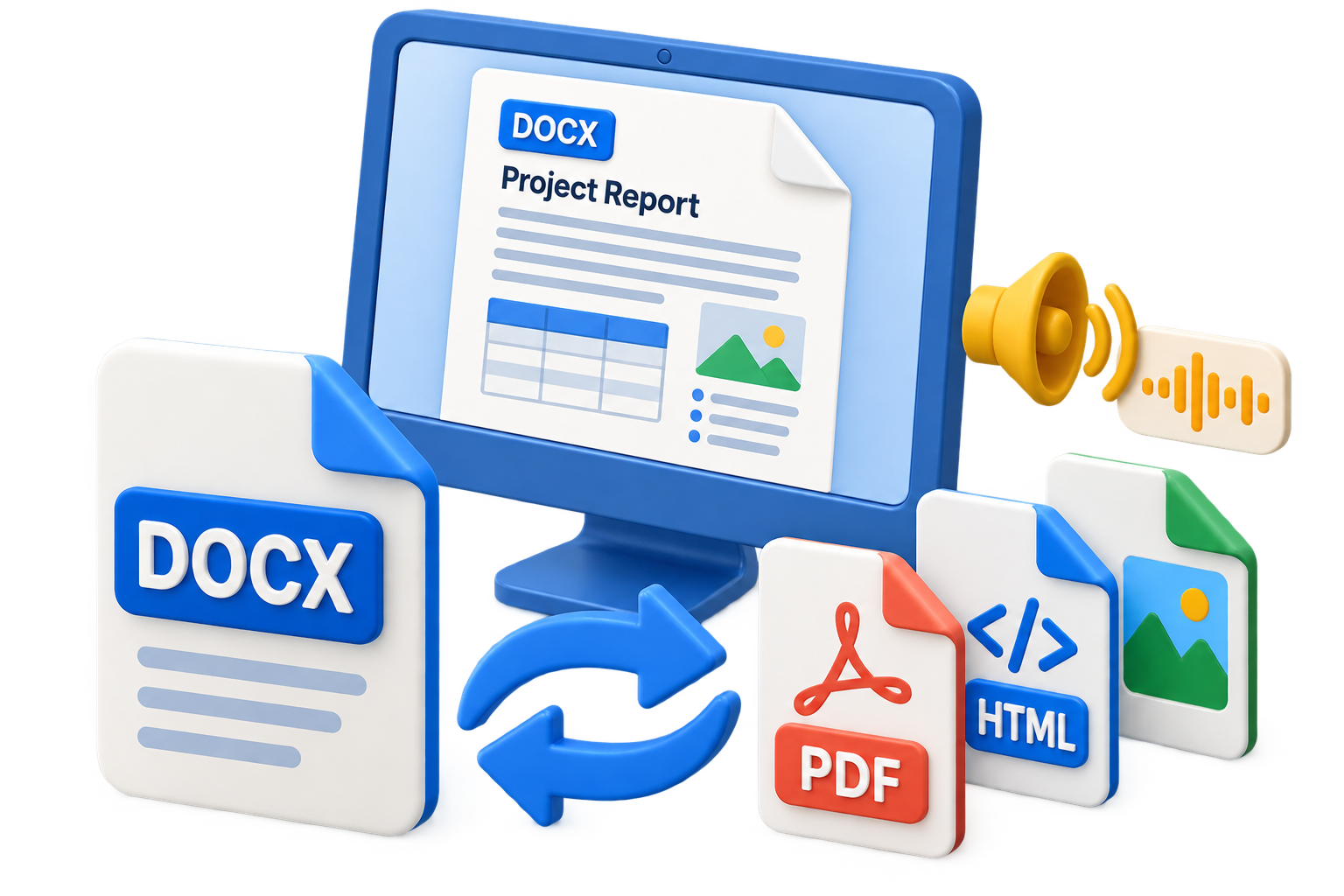

GiliSoft Word Converter prepares DOC and DOCX content for the way people need to use it next. Make a PDF copy of a contract, turn a report into PowerPoint material, export page images, or reuse text and HTML for publishing. Work from your existing documents instead of recreating the same content in several applications.
File to Word creates Word output from supported source documents, pictures, text, HTML, and other available input types. The included PDF conversion tools also turn received PDFs into Word working copies for updates to wording, tables, and document structure.
Word to Audio is a separate task for listening to document text, making manuals, policies, lessons, and reference material easier to review away from the page. Batch conversion in Word to File handles repeated export work across document sets using the selected Type, Format, and Output folder.
These Word Converter tools are included in GiliSoft Formathor for Windows. Download the trial, open Word Tools, and select the conversion direction or the audio task. The illustrated Word conversion guide explains the available workspaces.

Prepare PDF copies of contracts, reports, policies, and course materials for review, printing, and records. Keep editable Word originals while sharing a fixed-page version.
Reuse document content in presentation form. Select PowerPoint under Type and an available Format such as .pptx, then refine the resulting slides for meetings or teaching.
Convert documents to supported JPG, PNG, BMP, or TIFF output for page previews, illustrations, visual references, and publishing workflows that need pictures.
Reuse wording as plain text or prepare HTML content for web-oriented editing. Choose the available Type and Format for the publishing or text-processing task.
Use File to Word for supported documents, images, HTML, text, and other available sources. Prepare a working copy, then edit its content and layout in Word.
Use the included PDF Tools and choose Word output in PDF to File. Reuse received reports, contracts, and reference documents without retyping every paragraph.
Open the separate Word to Audio task for listening copies of lessons, manuals, and policies. Review the text reading order and listen to the output before sharing it.
Add several supported DOC or DOCX files to Word to File, select Type and Format, and choose Output. Process repeated conversion jobs with the same target settings.

We use it to convert policy documents from Word to PDF for distribution, and formatting stays consistent across departments.
Batch conversion is a major time saver when we need to prepare DOCX, TXT, and HTML versions from the same source files.
PDF to Word output is accurate enough for editing contracts and templates without rebuilding layouts from scratch.
Word to audio is useful for accessibility and review because team members can listen to long documents on the go.
The interface is simple for non-technical staff, but robust enough for high-volume conversion tasks in daily operations.
Fixed-page document
Prepare contracts, reports, policies, and handouts for sharing and printing.
PowerPoint output, including PPTX
Turn document content into a presentation starting point for meetings or lessons.
JPG / PNG / BMP / TIFF
Create page previews, document illustrations, and visual reference copies.
HTML / TXT
Reuse wording for web content, publishing, or text-based workflows.
Separate audio task
Prepare a listening copy of document text rather than another page-layout format.
Supported document / image / text / HTML sources
Create Word output for further editing and content reuse.
Use Word to File for document export. File to Word and Word to Audio are separate tasks in the same Word Tools workspace.
Launch GiliSoft Formathor, select Word Tools, and open Word to File to convert a DOC or DOCX document.
Use Add Files or drag supported documents into the workspace. Add several files for conversion to the same target format.
Choose Type and Format, then set Output. The screenshot shows PowerPoint and .pptx; select the format for your own task and run Convert.
Review fonts, page or slide order, tables, images, and text placement in the destination application. Keep the original Word file for revisions.
See the real Formathor workspaces for exporting Word content, creating Word files, and loading documents for the separate audio task.
Word to File includes Type, Format, and Output controls. This view shows PowerPoint with .pptx selected, ready for source documents to be added.
Find the task for sharing, editing, or listening.
Convert Word to PDF Create Word documents from files Turn Word text into audio Convert PDF to Word Open the User GuidePrepare PDF copies of reports and policies, batch-convert document sets, and reuse existing files as Word working documents.
Create review copies of contracts and proposals, convert received PDFs for editing, and preserve source documents for future revisions.
Turn lesson documents into presentation material, printable handouts, or spoken text for listening review and study.
Reuse document wording as HTML or text, export page visuals, and prepare listening copies of manuals and reference material.
GiliSoft Word Converter is the Word toolset included in GiliSoft Formathor. Install Formathor on Windows, open Word Tools, and choose Word to File, File to Word, or Word to Audio. The download and purchase links on this page are for Formathor, which includes these conversion tools.
A free trial is available through the Formathor download, with paid licenses available for the full product. Use the trial to evaluate your own documents. Check the installed tool's trial and activation screens for its limits before selecting a license.
Open Word Tools and select Word to File. Add the Word documents, choose PDF from the available Type and Format options, set Output, and run Convert. Open the PDF to check page breaks, fonts, tables, images, and links before sharing or printing.
Yes. Word to File includes PowerPoint output; the screenshot shows PowerPoint under Type and .pptx under Format. Add the Word source, select those output options, set Output, and run Convert. Review the resulting slide sequence and adjust text placement in PowerPoint.
For PDF to Word, use the included PDF Tools, select PDF to File, and choose Word output. File to Word handles supported source files in the Word workspace. Scanned pages and pictures may need OCR because their visible words can be part of an image. Creating a Word file does not by itself turn every image into editable text; proofread recognized text and review the layout.
Yes. Add several supported DOC or DOCX files to Word to File, select one target Type and Format, choose Output, and run the conversion. Group files by the output needed and run another batch for a different format. Word to Audio is a separate task, not an extra output automatically created by a normal document-conversion batch.
Word to Audio is a separate task for producing spoken output from document text. Use it for listening to manuals, lessons, policies, or reference material. Audio does not carry the original page layout or describe every chart and image. Review reading order and listen to names, numbers, and abbreviations in the result.
Choose PDF or page images when the goal is a fixed visual copy. Word, PowerPoint, HTML, text, and audio serve different editing, publishing, or listening needs and do not all preserve the same page structure. Check representative output for fonts, page breaks, tables, headings, and images, and keep the original DOC or DOCX file.

Editors highlighted Word conversion with strong layout retention in common business documents.
Coverage noted practical support for PDF, image, HTML, text, and audio export targets.

Reviewers praised consistency on large documents and mixed-format input sources.
Repeated batch conversion and export operations were noted as practical for office teams handling frequent document format changes.

Independent notes described the suite as a dependable option for Word conversion and document preparation.
Archive-ready exports and collaboration-friendly format standardization were highlighted for recurring office work.
Get GiliSoft Word Converter in Formathor for document export, Word working copies, batch conversion, and spoken audio from document text.


Enter your email address to get our latest newsletter
