Hardcoded Subtitle Removal
Clean burned-in subtitles, caption bars, translated text, and old language overlays that are part of the video image rather than a separate subtitle file.


GiliSoft Subtitle Remover is for subtitles and text burned into video frames. If subtitles remain selectable in the player, disable or remove that separate track instead. For hardcoded text, mark the affected area, preview a representative section, and export a cleaner clip; detailed or moving backgrounds may leave artifacts.
Use it for authorized training videos, course clips, demo recordings, social videos, archived footage, and localization projects where the visible text needs to be removed before re-editing, dubbing, or publishing a cleaner version.
Download the software to prepare and preview the cleanup area. Review a short representative section before processing a long export, then buy points when additional AI video processing is required.

Clean burned-in subtitles, caption bars, translated text, and old language overlays that are part of the video image rather than a separate subtitle file.
Remove visible titles, scrolling text, date marks, speaker labels, and other on-screen text that distracts from reused or localized footage.
Mark subtitle regions and let AI-assisted detection help identify the area that should be reconstructed, with manual control when the scene is complex.
Smart inpainting helps fill the subtitle area so cleaned frames look more natural than simple cropping, masking, or heavy blur.
Process multiple clips with similar subtitle positions when preparing lessons, social clips, archived videos, or repeated localization assets.
Prepare subtitle-free video masters for dubbing, new captions, training delivery, campaign reuse, or internal review without rebuilding the whole project.

It cleaned embedded subtitles from our training videos with very little manual touch-up.
The logo and ticker removal quality was better than we expected for weekly social clips.
Batch processing saved us hours when preparing multilingual versions for localization.
We use it for archive cleanup before re-editing old footage, and the background fill looks natural.
Preview the subtitle cleanup workflow: load a video, mark burned-in subtitle or text regions, review the cleaned result, prepare repeated subtitle positions, and export a subtitle-free video for reuse.
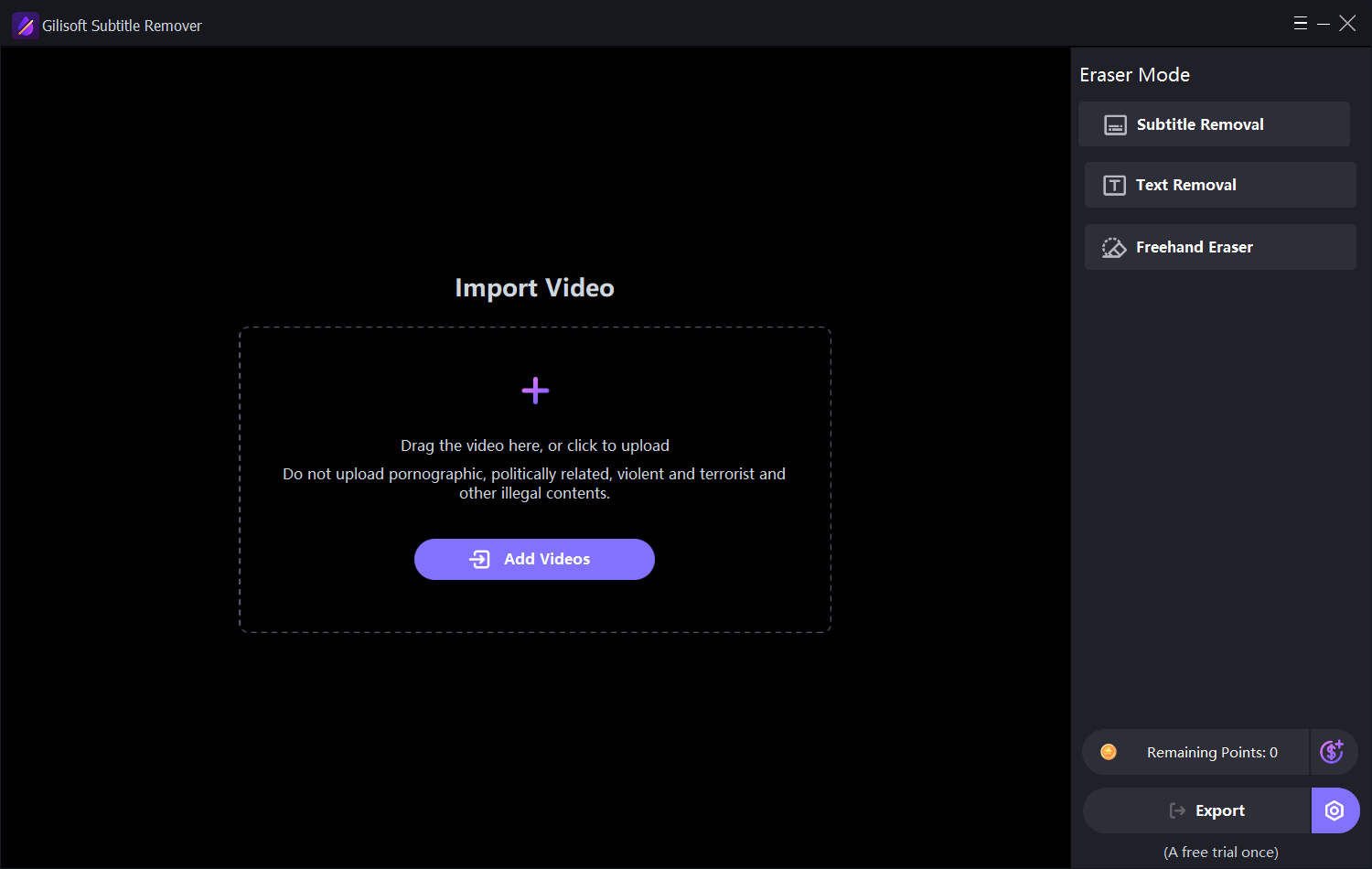
Open the video cleanup workspace and prepare a clip that contains hardcoded subtitles, lower-third text, timestamps, or other visible text overlays.
Remove burned-in subtitles before adding a new language track, new captions, or a cleaner localized edit.
Clean old captions, text labels, or dated overlays from lesson videos before updating course material.
Prepare short clips for reuse by removing old text, channel marks, timestamps, and promotional overlays.
Make older video assets easier to reuse when embedded subtitles or lower thirds no longer match the project.
Clean the old caption area before exporting a version with updated subtitles, narration, or translated text.
Remove text captions, channel tags, lower thirds, and title overlays when clips need a cleaner edit.
Prepare screen recordings, demos, or archive footage by removing visual text that no longer belongs in the final version.
Use ClipMark for broader video watermark cleanup and Watermark Remover when the same task includes both images and video.


Enter your email address to get our latest newsletter