Face Detection and Alignment
Locate facial landmarks and align the source identity with the angle, scale, and position of the target face.

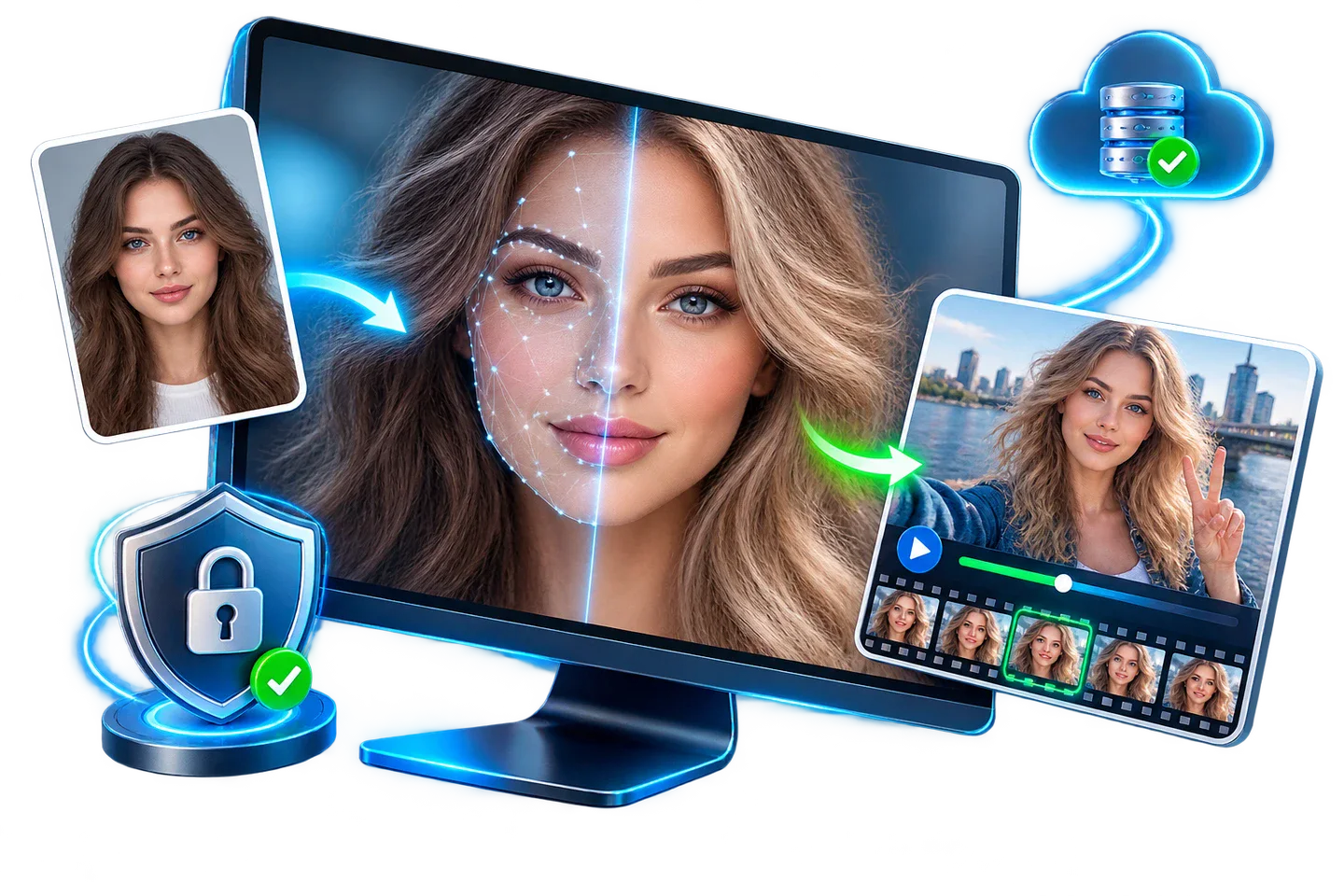
GiliSoft Face Swap replaces faces in photos and video clips with AI-assisted facial detection, alignment, blending, and frame-to-frame processing. It is built for authorized social content, campaign mockups, training demonstrations, creative previews, and repeatable Windows production.
Choose cloud processing for occasional jobs and flexible usage. Choose Offline FaceSwap Master when source photos, client footage, and generated results should remain on the local PC, or when repeated work should not depend on uploads and online quotas.
Best for fast online experiments, campaign concepts, and occasional production bursts where upload-based processing is acceptable.
Best for private projects, repeated usage, and local desktop creation where uploads, quotas, or browser-only tools are not the right fit.

Locate facial landmarks and align the source identity with the angle, scale, and position of the target face.
Select the source identity and target media, preview the detected face, and create the replacement without manual frame-by-frame compositing.
Create high-quality face swaps for portraits, social posts, and creative design materials from still images.
Apply face replacement to video clips with smooth frame-to-frame consistency for more realistic motion output.
Blend facial boundaries, lighting, and visible skin tones so the replacement sits more naturally in the target scene.
Process multiple assets efficiently to speed up repetitive production and large-volume content tasks.
Run face swap tasks directly on your PC to reduce dependency on network conditions and improve data control.
Use cloud resources when needed for flexible scaling in usage-based scenarios and faster online collaboration.
With Offline FaceSwap Master, keep source media and generated results on the Windows PC instead of uploading them for browser processing.
Apply the selected identity across a moving clip and review facial consistency through changes in pose, expression, and motion.

GiliSoft Face Swap helped us build playful social creatives faster without losing too much realism in close-up shots.
The offline process made it easier to keep preview assets local while still testing multiple face-swap ideas quickly.
One-click swaps were useful for fast campaign mockups and internal concept reviews before final editing.

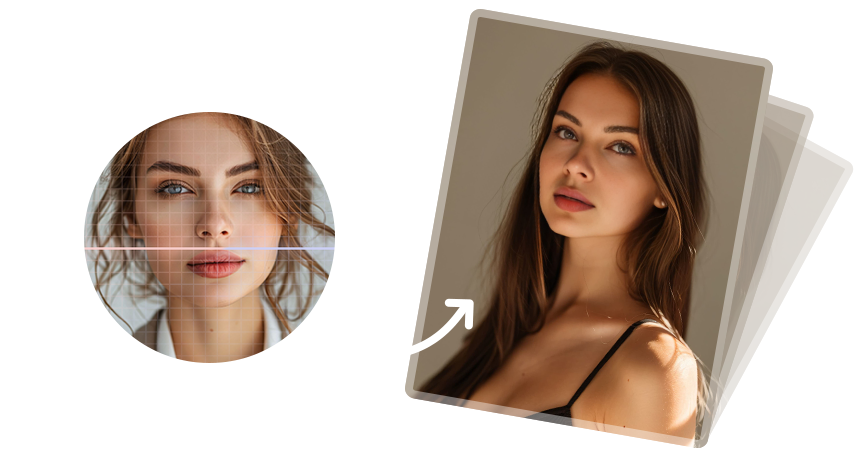
Preview the type of photo and video face swap process this Windows tool is designed for: source face selection, target media preparation, AI-assisted replacement, and final creative review.
Use Face Swap for social clips, parody concepts, short-form experiments, and visual storytelling that needs fast AI face replacement.
Create quick test visuals, ad concepts, and demo assets when you need realistic face swaps without a heavy manual compositing process.
Choose cloud processing for flexible online jobs or offline mode when local creation and local data storage matter more.
Work with a Windows desktop app instead of relying only on browser tools, online quotas, or always-on cloud processing.
Face swap tools should be used with content you own, have permission to edit, or are allowed to use for parody, education, internal demos, or creative testing.
Do not use face swap output to deceive viewers, imitate someone without permission, or create harmful identity-based content.
When private footage, internal previews, or client materials are involved, Offline FaceSwap Master keeps creation and storage on the local PC.
For public-facing campaigns, demos, and social posts, clear context helps audiences understand that the result is an edited or AI-assisted creative asset.
Build visual concepts, memes, parody images, and campaign mockups from portraits and still photos.
AI face swap for photos | Face swap for social media | Improve face swap realism
Generate video variations for demos, social content, campaign tests, and internal creative reviews.
AI face swap for videos | Improve unstable video swaps | Slow online video uploads
Use offline mode when local processing and local data storage matter more than cloud flexibility.
Offline face swap software | Face swap without uploading photos | Local face swap software
Choose online processing for occasional experiments, or move to offline creation when privacy, predictable access, and repeated use matter more.
Online vs offline face swap | Compare free online options | Online export limits
Yes. The product supports face swapping for still photos and video clips on Windows.
Cloud mode is designed for flexible online processing, while Offline FaceSwap Master focuses on local creation, local data storage, and lifetime offline usage.
Yes. It fits creators, marketers, social teams, and demo builders who need fast AI face swaps for photos and videos.
Yes. Offline FaceSwap Master is meant for local processing and local data storage when privacy control matters more than cloud flexibility.
Yes. Both plans use the same installer download so users can start quickly and choose the process that fits them best.
Users who want a Windows desktop process, stronger local privacy control, and the option to work offline should consider GiliSoft Face Swap.
Why avoid browser-only face swap tools? | Keep face swap work local

 Editors highlighted practical face tracking across different lighting conditions and head angles.
Coverage also noted fast turnaround for social visuals, demos, and campaign mockups.
Review notes described Face Swap as an approachable option for photo and short-video creative work.
Reviewers praised useful controls for identity consistency, blending, and repeatable video output.
Test feedback emphasized practical results when creators compare several renders of the same sequence.
Independent coverage noted a useful balance between simple operation and control over the final face-swap result.

Independent write-ups described the choice between cloud convenience and offline privacy as easy to understand.
Commentary highlighted the local Windows option for projects that should not depend entirely on browser tools.
The product line was noted as practical for creators comparing quick online processing with local data control.


Enter your email address to get our latest newsletter