Copy DVD to Blank Disc
Copy DVD movie content to a blank DVD disc for physical backup or offline delivery, with practical support for common DVD burner and media combinations.

Back up DVD movies, DVD folders, and ISO images with practical copy paths for disc-to-disc duplication, DVD to ISO archive, DVD folder output, ISO burning, and folder-to-ISO conversion on Windows.
GiliSoft Home DVD Copy is designed for users who need reliable DVD backup and duplication rather than video conversion. It helps copy DVD movies to ISO files, DVD folders, or blank discs, and can also burn ISO images or DVD folders back to physical media when a playable disc is needed.
Use it to archive old DVD collections, prepare backup copies before discs wear out, verify content with virtual-drive playback, create multiple copies for offline delivery, or keep ISO and folder backups on a hard drive or media server. It also supports common CD/DVD media paths for routine disc copy tasks.
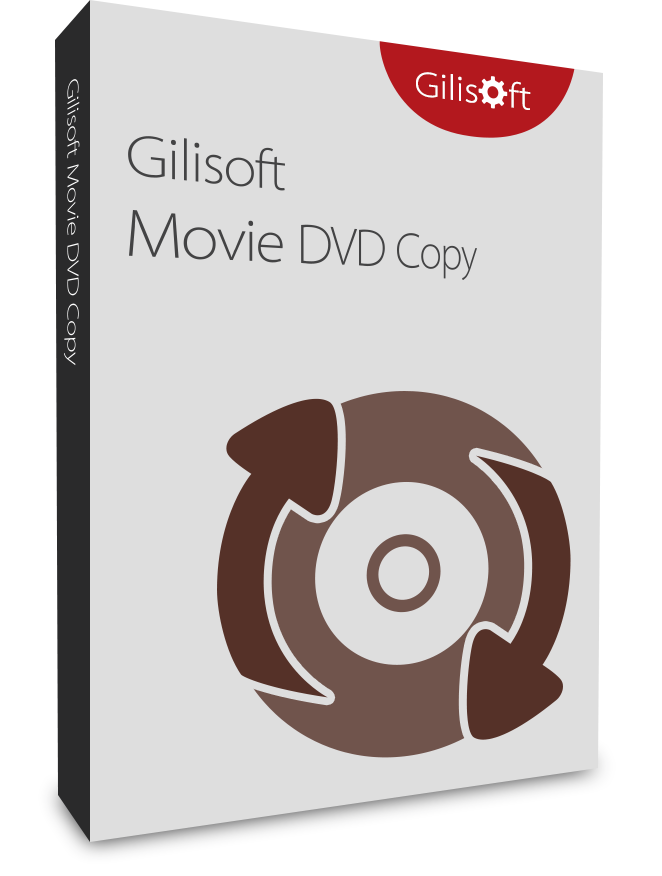

Copy DVD movie content to a blank DVD disc for physical backup or offline delivery, with practical support for common DVD burner and media combinations.
Copy a DVD directly to an ISO image file for reliable backup. This is useful when you want to archive disc content first and burn it later, or keep a digital copy for virtual drive playback.
Burn an existing DVD folder from your hard drive to a blank DVD disc. This is practical for restoring backed-up folders to physical media when needed.
Mount ISO backups like a virtual DVD drive so you can check content from the hard drive before burning or storing the final backup.
Burn ISO image files to blank DVD discs in a straightforward process. This helps recreate playable or archival discs from previously saved ISO backups.
Convert VIDEO_TS or DVD folder content to a standard ISO file for easier storage, transfer, and later burning to disc.
Burn DVD folders or ISO files to blank discs, including DVD+R/RW, DVD-R/RW, DVD+R DL, and DVD-R DL, with practical copy paths for everyday backup tasks.
With a clear interface and intuitive controls, both beginners and experienced users can complete DVD backup and copy tasks in just a few steps.
Create multiple copies of the same source disc when you need to distribute backup media for team, classroom, or family use.
Use DVD to ISO, ISO to DVD, and folder-based burn paths together for flexible backup tasks that adapt to different storage and delivery needs.
Handle common disc tasks involving audio CDs, data CDs, bootable CDs, data DVDs, bootable DVDs, DVD movies, and D9 DVD media.
It supports CD-R/RW, DVD-R/RW (DL), DVD+R/RW (DL), and SCSI, IDE, USB CD/DVD burners or recorders on the market.

We use Home DVD Copy to archive our old disc collection to ISO files, and restore jobs are much easier now.
DVD to folder backup works reliably for our training discs, and burning back to blank media is straightforward.
The compatibility support saved us time when consolidating DVD content for internal playback and archiving.
Copying DVD to ISO first and burning later gave us much more flexibility during large backup batches.
Virtual drive playback is practical for quick verification before we commit files to final discs.
The interface is simple for non-technical staff, but robust enough for routine DVD backup operations.
We regularly create multiple copies for offline distribution, and the process is consistent from start to finish.

 Editors highlighted reliable DVD backup paths, including disc-to-ISO, folder export, and direct disc copy. Coverage noted practical compatibility with common burners and playback environments.
GiliSoft Home DVD Copy was described as easy to operate, reliable for routine DVD copy tasks, and light enough for everyday backup use.

Reviewers praised stable copying on full-length DVD movies and mixed disc structures. Lab notes cited dependable behavior during repeated backup tasks.
The product was noted for copying DVD content to blank discs, ISO files, or hard-drive folders with practical speed and predictable results.
Independent analysis described the toolset as practical for daily DVD backup and duplication tasks. Commentary emphasized speed, consistency, and low operator overhead.
Coverage emphasized that users can create DVD movie copies with only a few configuration choices, which keeps the backup process approachable.


Enter your email address to get our latest newsletter