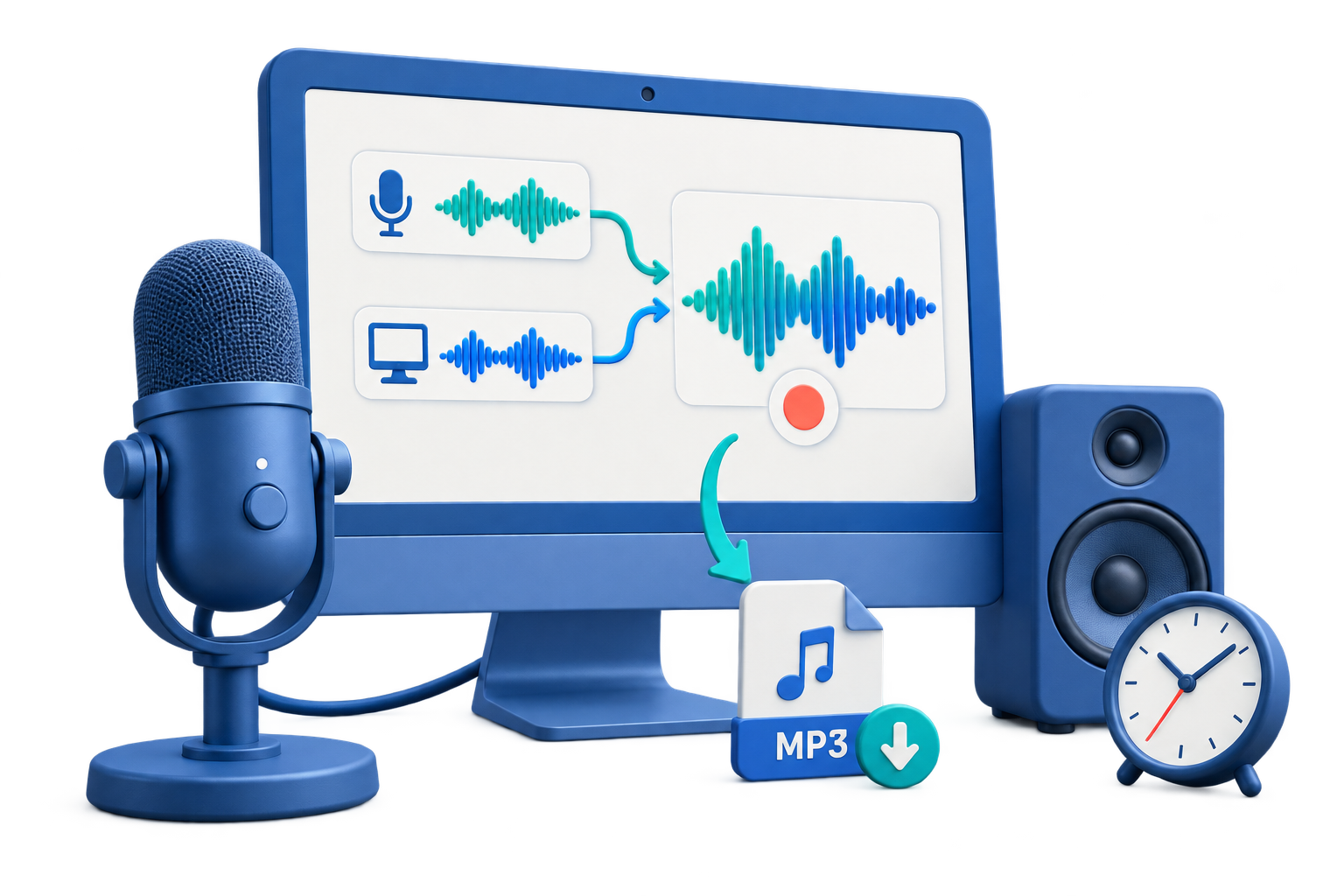
Give a Voice Memo a Clear Beginning and End
| Part | Include | Keep it useful |
|---|---|---|
| Opening | Date, speaker, audience, and subject | Tell the listener what the memo is about immediately |
| Summary | Main decision, finding, or request | Put the most important point near the start |
| Details | Evidence, context, and constraints | Use short labeled sections |
| Actions | Owner, task, and deadline | State responsibilities explicitly |
| Closing | Next review point or contact | Make the follow-up unambiguous |
Record a Voice Memo on Windows: Step by Step
Write a short outline
List the opening, key message, supporting details, actions, and closing.
Choose and test the microphone
Confirm the intended Windows input, permission, speaking distance, and loudest expected words.
Set the output folder and format
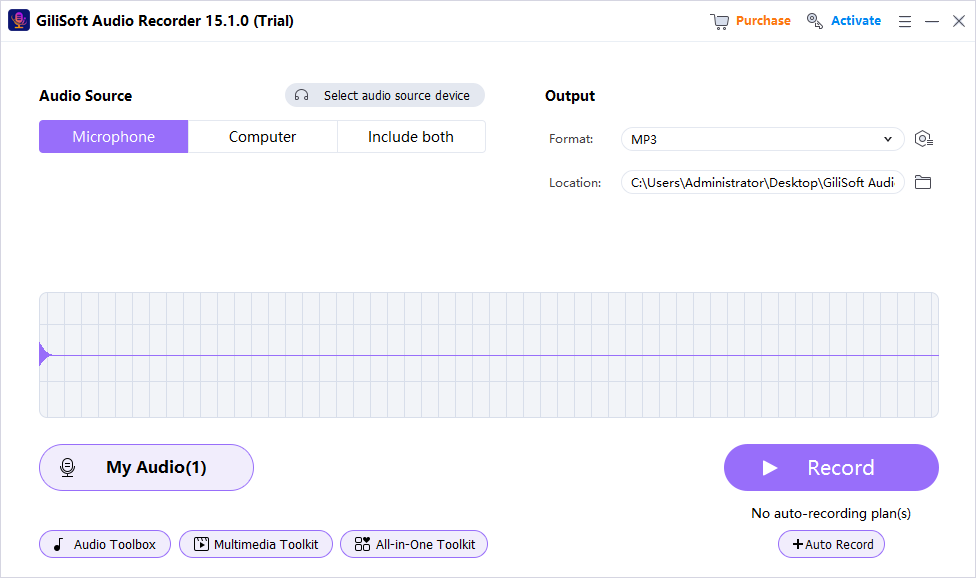
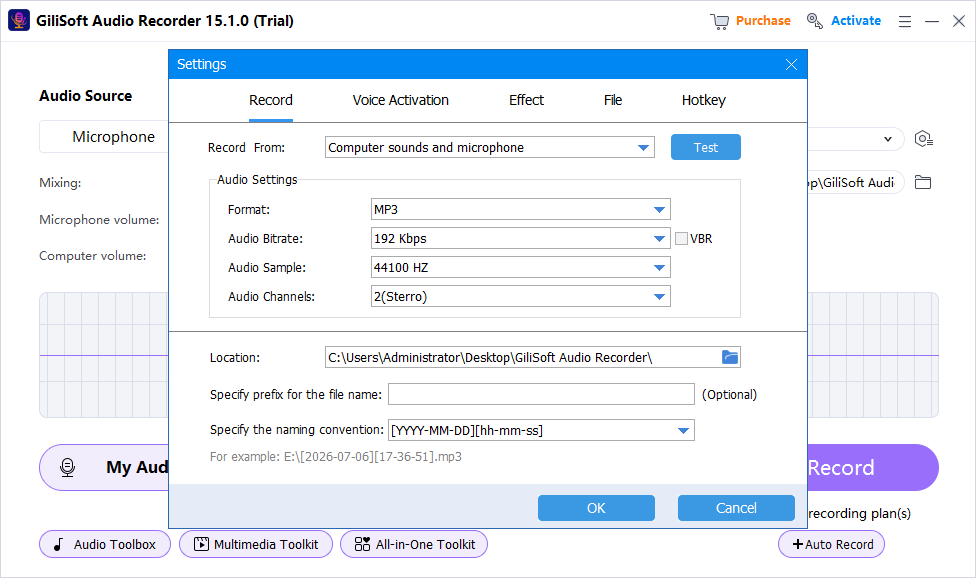
Choose a known local location and a format the recipients can play.
Record in logical sections
Pause between sections and repeat a section rather than restarting the entire memo.
Review for clarity and omissions
Check names, dates, decisions, actions, background noise, and the ending.
Name and distribute the approved file
Use a descriptive filename and share only through an appropriate channel.
Make a Spoken Memo Easier to Follow
Lead with the conclusion
Give busy listeners the decision or request before the supporting detail.
Use verbal headings
Phrases such as “Background,” “Decision,” and “Next actions” create an audible structure.
Maintain microphone distance
Consistent positioning prevents distracting changes in volume and tone.
Pause instead of filling silence
Brief pauses are easier to understand and edit than repeated filler words.
Recommended Windows Tool: GiliSoft Audio Recorder Pro
GiliSoft Audio Recorder Pro fits structured Windows voice memos when you need reliable microphone capture, hotkeys, scheduled starts, voice activation, denoise tools, and file management for longer recordings.
Choose the source first
Record computer sound, microphone input, or both instead of repairing the wrong source later.
Test before the full session
A short saved sample catches silence, clipping, echo, and device mistakes early.
Use practical cleanup tools
Voice activation, silence handling, noise reduction, and recorded-file management support a cleaner workflow.
Keep the original recording
Preserve an untouched source before cleanup, effects, conversion, or destructive trimming.
Voice Memo Recording Checklist
- Confirm the correct microphone and Windows access before the real take.
- Use a quiet room and keep the microphone distance consistent.
- Connect power and prevent sleep for long or scheduled memos.
- Check names, dates, figures, and action owners during review.
- Keep the original before cleanup or conversion.
Frequently Asked Questions
How is a voice memo different from a voice note?
A memo is usually longer and structured for review or distribution; a note is usually a quick personal idea, observation, or reminder.
Should I write a script?
A short outline is often enough. Use a full script when wording, legal accuracy, or timing must be exact.
Can I pause and resume?
Yes, when the workflow supports it. Leave a brief pause around section boundaries and review the join afterward.
How do I reduce filler words?
Use an outline, speak in short sections, and allow quiet pauses instead of filling every gap.
Can I schedule a voice memo recording?
Yes, but verify the microphone, clock, power, sleep behavior, storage, and recorder state before relying on a schedule.
Should I clean the audio before sharing?
Only as needed. Preserve the original and use conservative noise reduction so speech does not become metallic or distorted.
More Windows Audio Guides
Continue with the recording, cleanup, or troubleshooting guide that matches the next task.