Media Review

 Editors highlighted the product as a practical choice for everyday trimming, subtitle, and watermark tasks.
Coverage emphasized that the tool balances usability with a broad set of routine editing functions.
A user-friendly Windows editor is most valuable when it can handle real work quickly. This page is strongest when presented as practical editing software rather than a heavy studio suite.

Reviewers praised the editor's fit for social clips, lesson videos, and product demos.
Notes focused on how quickly users can move from raw footage to a cleaner publishable result.
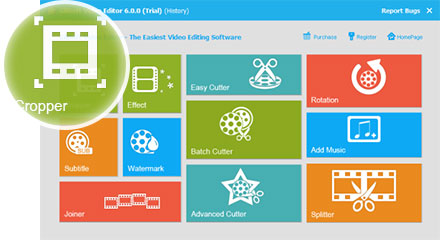
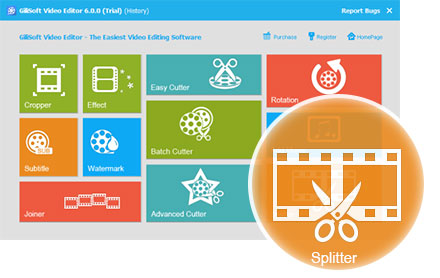
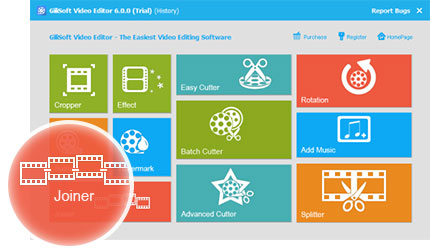
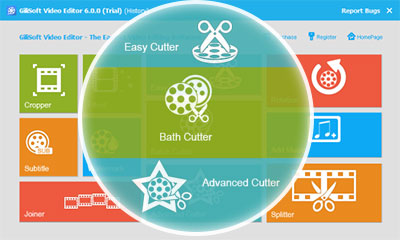
The product is not limited to cut, join, and split. Its stronger value comes from combining those basics with crop, rotate, watermark, subtitle, and music tools in one place.

Independent write-ups described the editor as efficient for repeated cleanup and re-export cycles.
Commentary pointed to its value for teams that need stable, understandable editing tools instead of overbuilt production software.
For many users, the best video editor is the one that makes practical edits easy to finish. That is the core positioning this page now supports.