
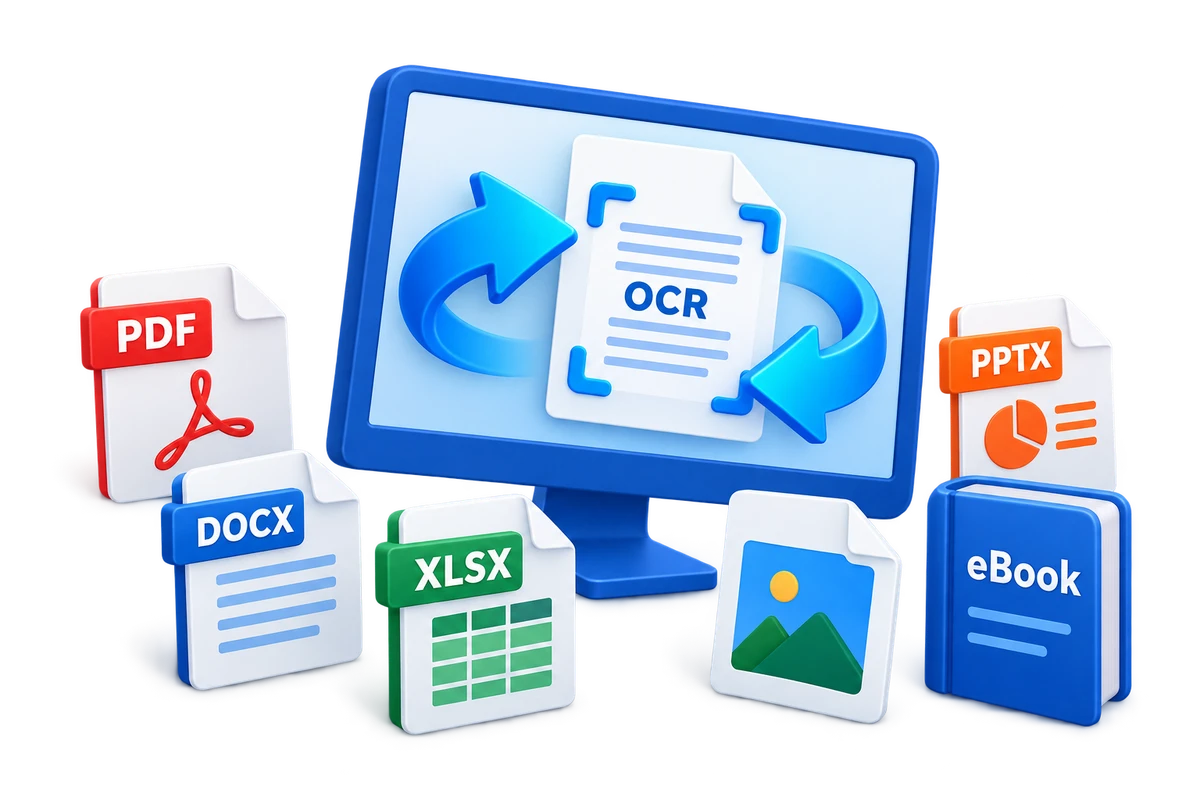
Free PDF Converter for Windows: Choose the Right Output
PDF conversion quality depends on the source, the output format, and whether the pages contain real text or scanned images. Choose the workflow around what you need to edit or reuse.
Quick answer
Use a free converter for an occasional, nonconfidential file when its page and format limits are acceptable. Choose GiliSoft Formathor when you need local PDF-to-Word, Excel, PowerPoint, image or text conversion, files-to-PDF, OCR for scanned pages, or repeatable batch work. Its download is a trial.
Choose the PDF conversion by the result you need
| Goal | Output | Check afterward |
|---|---|---|
| Edit paragraphs | Word or text | Fonts, columns, headers, and page breaks |
| Reuse tables | Excel | Merged cells, numeric formats, and column boundaries |
| Present pages | PowerPoint | Object placement and editable text |
| Publish page images | JPG or PNG | Resolution, crop, and color |
| Make a scanned PDF editable | OCR to Word or text | Recognition errors and reading order |
Decide between online and offline conversion
Online tools are convenient, but uploading a PDF transfers it to another service. Use a local converter for contracts, financial records, client files, internal reports, or documents covered by policy. Regardless of method, work from a copy and inspect the output before replacing or sharing anything.
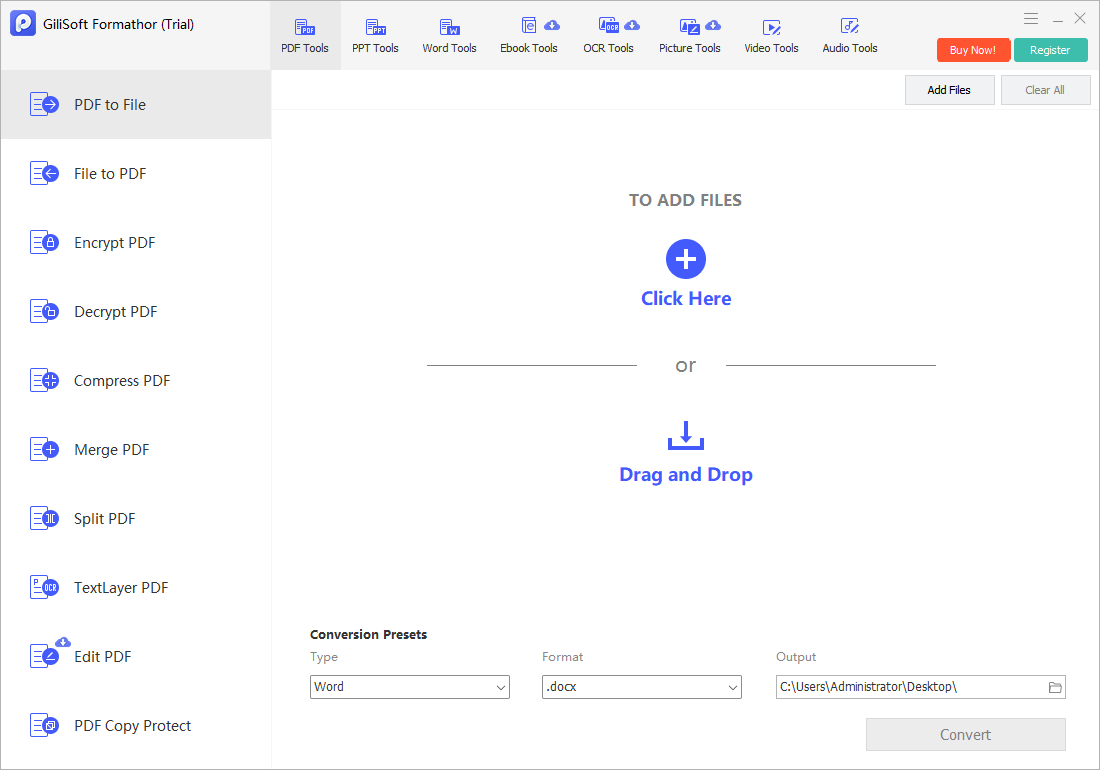
Convert PDF files with Formathor
- Choose the conversion direction.
Select PDF to Word, Excel, PowerPoint, image, or text, or choose a files-to-PDF workflow.
- Add a representative file first.
Test the most complex layout before starting a large batch.
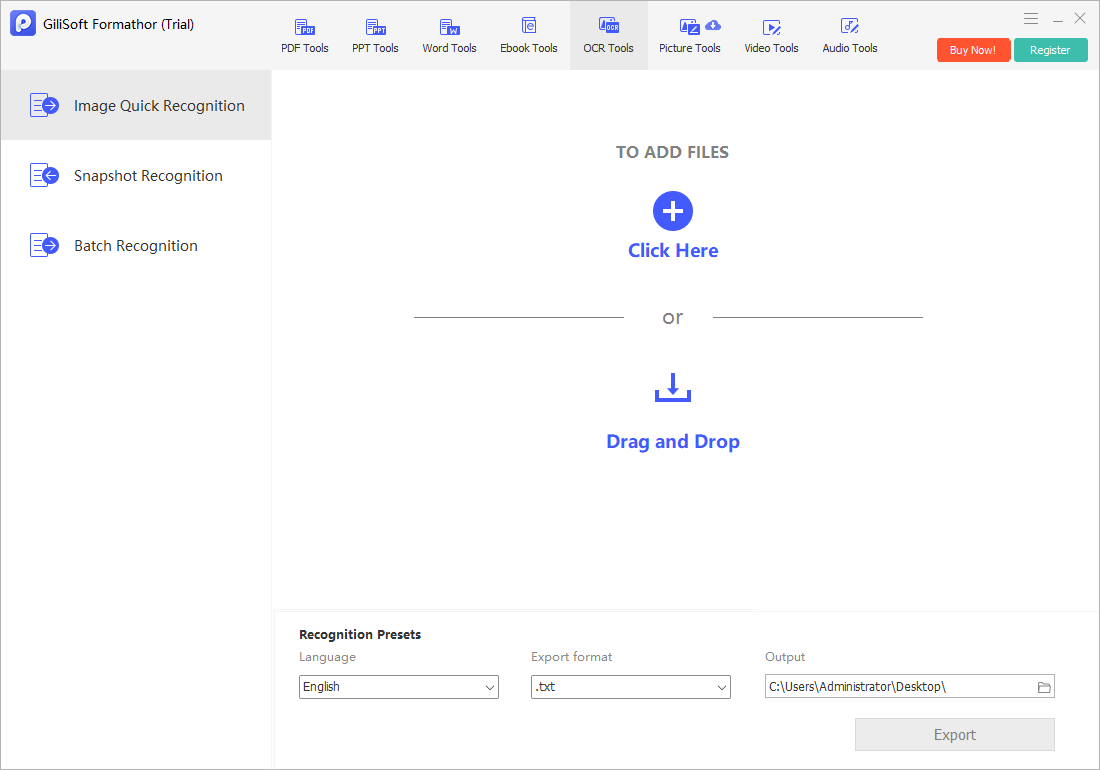
- Enable OCR only for scanned pages.
Choose the correct recognition language and expect to proofread the result.
- Select a separate output folder.
Keep original PDFs unchanged until every result is verified.
- Convert and inspect.
Check tables, fonts, images, page order, formulas, and editable text.
Improve conversion quality
- Use the original digital PDF instead of a screenshot when available.
- Choose OCR only when the page contains image-based text.
- Convert a representative page before processing hundreds of files.
- Install or substitute required fonts before judging layout.
- Compare page count, tables, formulas, links, and reading order.
Frequently asked questions
Can I convert PDF files for free?
Yes. Free tools may handle occasional files, but page limits, OCR, batch conversion, privacy, and output quality vary.
Can a scanned PDF be converted to editable Word?
Only with OCR. The result still needs proofreading because layout, tables, and recognition accuracy depend on scan quality.
Is online PDF conversion safe for confidential files?
Uploading sends the document to a third party. For confidential files, use an approved local workflow and follow retention policy.
Will PDF conversion preserve the original layout perfectly?
Not always. Complex columns, forms, fonts, tables, and scanned pages may require correction after conversion.
Is Formathor free?
The download is a trial. Use it to test formats, OCR, batch processing, and output quality before purchasing.