
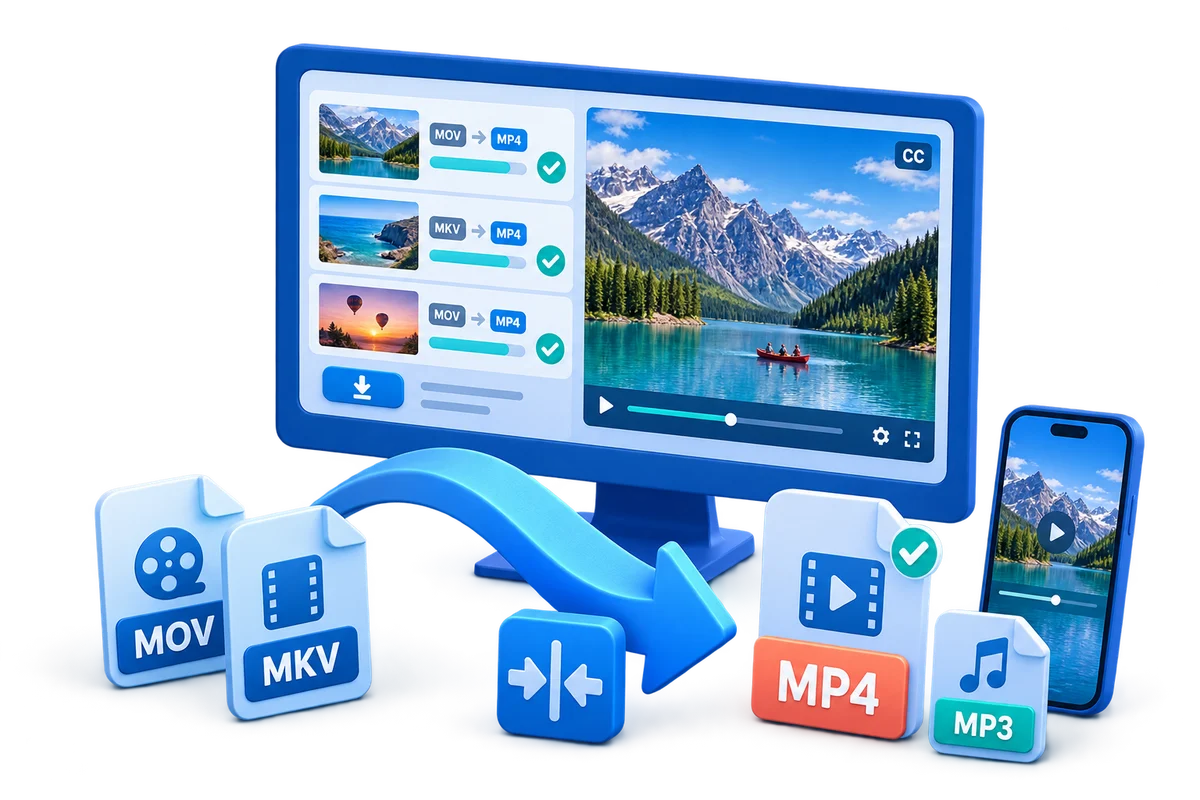
Add captions, music, and supporting audio without losing clarity
Start with the delivery goal, then choose only the edits and output settings needed for that goal.
Step-by-step workflow
Prepare the source and assets
Use a clean video, approved subtitle text or music, and confirm the intended language, audience, and usage rights.
Place the text or music on the timeline
Add captions, titles, or background music at the correct start point and keep the visual hierarchy simple.
Adjust timing and readability
Check line length, contrast, safe margins, and synchronization with speech or scene changes.
Balance the audio mix
Keep narration and important dialogue clear while reducing music or unrelated source audio underneath it.
Export and review the finished file
Watch a representative beginning, middle, and ending, then confirm captions, audio, resolution, and file compatibility.
Improve the result before export
Keep the source clean
Use the best available source, approved assets, and a clear file name before editing or converting.
Review a representative sample
Check the beginning, a busy middle section, and the ending before committing to the full export.
Match the destination
Choose dimensions, format, audio, and file size from the target platform or device requirement.
Common export problems to check
- Confirm the source aspect ratio and output dimensions before export.
- Check captions, logos, music, and speech for overlap or timing problems.
- Test audio sync and volume on the target playback device.
- Keep the original source until the final file has been reviewed and backed up.
Frequently Asked Questions
How do I keep captions readable?
Use a clear sans-serif font, sufficient contrast, safe margins, and short lines that can be read before the next scene.
Should music play louder than speech?
Usually no. Keep speech intelligible and lower the music enough that it supports rather than competes with narration.
Can I add subtitles during conversion?
Yes, when the converter supports subtitle input or when the video is prepared in an editor before export.
Should I review auto-generated captions?
Yes. Automatic captions can contain recognition and timing errors, so review names, numbers, and technical terms manually.