
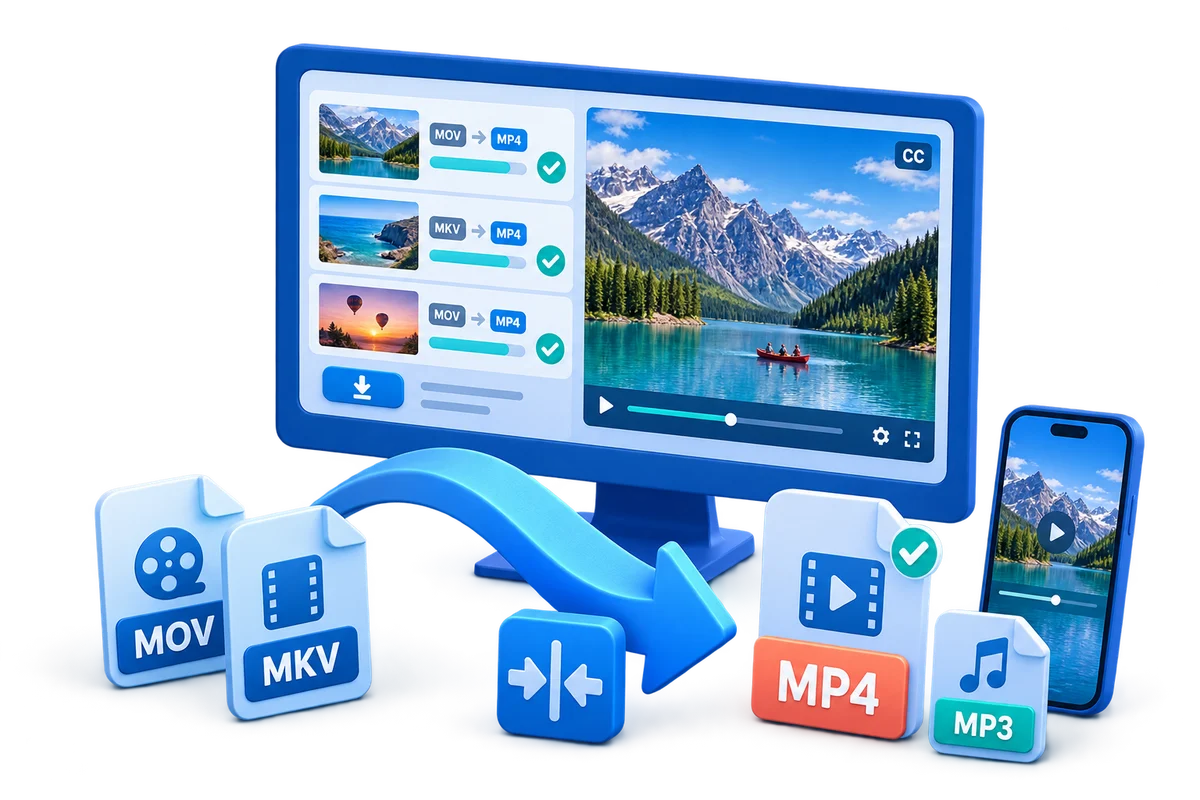
MKV to MP3 Converter for Windows
An MKV file can contain several audio tracks, subtitles, and video streams. Before conversion, identify the correct language or commentary track and decide whether MP3 is needed for compatibility or whether a lossless source should also be retained.
Quick answer
Use GiliSoft Video Converter to open the MKV, select the intended audio stream, choose MP3, and convert a short sample before processing the full file. Match the sample rate to the source when practical and avoid an unnecessarily high bitrate for spoken audio.
Confirm Rights Before Editing
- Use your own video or material whose owner and platform permit downloading, modification, and intended distribution.
- Keep license, consent, attribution, and source records with the project.
- Do not remove ownership marks, required attribution, access controls, or evidence from material you do not control.
Match the Goal to the Workflow
| Situation | Recommended action | Review checkpoint |
|---|---|---|
| Speech, lecture, or interview | Use a moderate MP3 bitrate and the correct language track | Voices remain clear without needless file size |
| Music performance you may convert | Use a higher-quality MP3 setting | No clipping, dropouts, or wrong channel layout |
| MKV contains several audio tracks | Preview and select the intended stream | Language and commentary match the expected output |
Step-by-Step Workflow
- Inspect the MKV source
Confirm the file plays correctly and identify duration, audio tracks, language, channels, and source quality.
- Add the file to Video Converter
Import the MKV and select only the audio track you need when multiple streams are available.
- Choose MP3 settings
Select MP3, keep a sensible sample rate and channel layout, and choose bitrate based on speech or music.
- Convert a representative sample
Test a section with both quiet and loud material, then listen for sync, clipping, artifacts, and the correct track.
- Convert and verify the complete file
Check duration, tags, beginning, middle, and ending; retain the MKV when it is the archival source.
Verify the Export
- Play the beginning, middle, and ending outside the editor.
- Check timing, aspect ratio, text, overlays, audio sync, and destination compatibility.
- Keep the untouched source and clearly label the approved export.
Know the Limits
Source compression, motion, missing background detail, poor audio, or low resolution can limit the result. Upscaling does not recreate true source detail, and editing tools do not grant permission to copy, modify, or distribute protected material.
Frequently Asked Questions
Can I edit or convert any video I download?
No. Downloading, editing, and redistributing may require separate permissions. Use your own or explicitly authorized material.
Should I overwrite the downloaded source?
No. Keep an untouched source and export a new version so the workflow can be corrected or repeated.
Why should I export a short test?
It reveals codec, quality, timing, overlay, and audio problems before a long render.
Does editing software grant reuse rights?
No. Software provides technical tools; ownership, licenses, consent, and platform rules determine permitted use.