
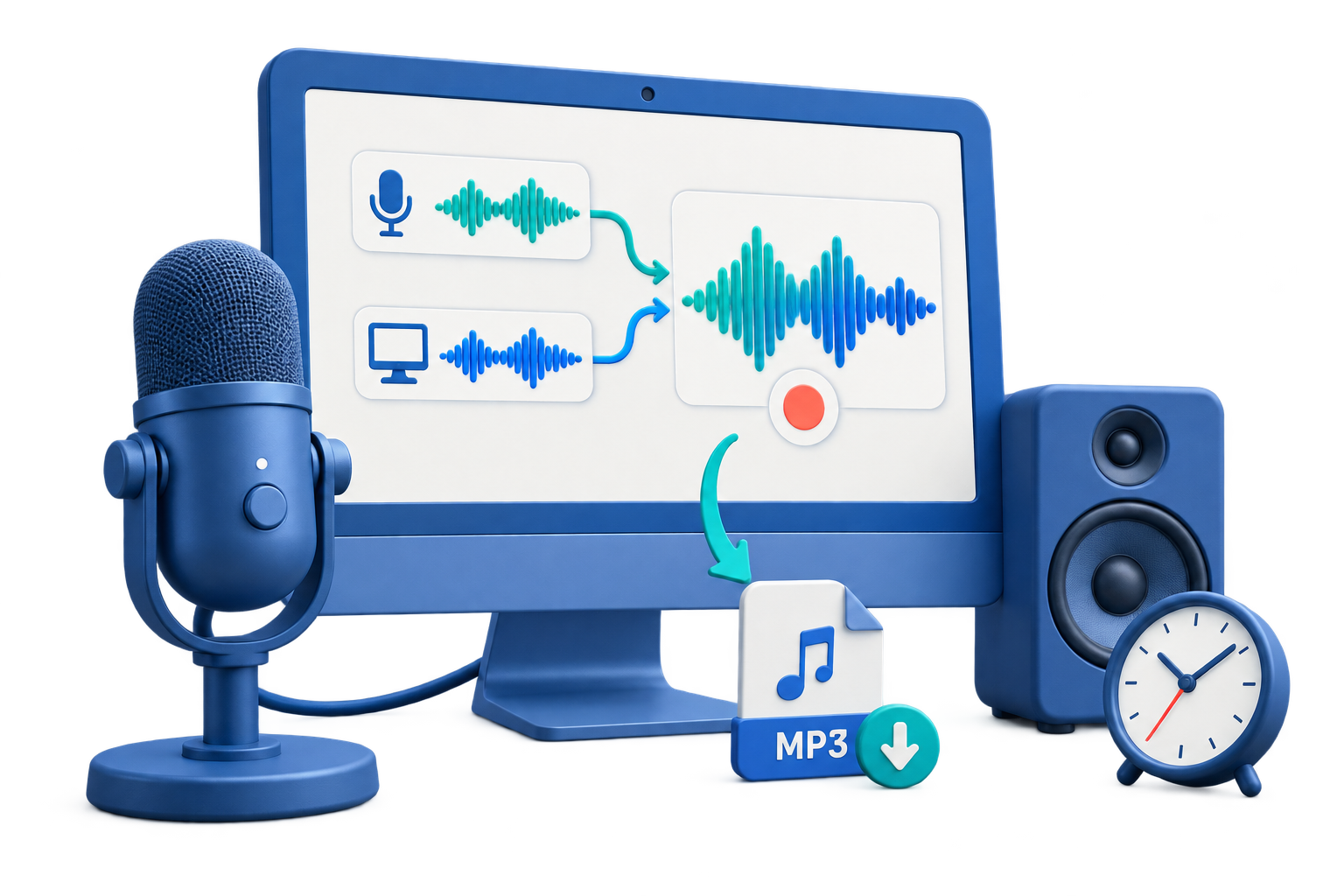
Audio Recorder for Windows 11
Use this workflow to record system sound, microphone input, or both with the correct Windows permissions and device routing. A short saved test protects the session better than relying on device names or meters alone.
Quick answer
On Windows 11, first allow microphone access for desktop apps when a mic is needed, then select the intended system and microphone sources in GiliSoft Audio Recorder Pro. Record a short test, listen for silence, clipping, echo, and channel imbalance, and confirm the save location before the real session.
Choose the Right Recording Setup
| Situation | Recommended setup | What to verify |
|---|---|---|
| System audio only | Select computer sound and test the application playback | Correct app, level, duration, and saved file |
| Microphone only | Choose the exact input and allow Windows access | Voice level, noise, distance, and clipping |
| System plus microphone | Use headphones and test both together | Balance, echo, sync, and channel behavior |
Step-by-Step Recording Workflow
- Confirm permission and required sources
Decide whether the recording needs system audio, microphone input, or both, and obtain any required notice or authorization.
- Check Windows and device settings
Allow microphone access for desktop apps when needed and choose the exact input and output devices rather than relying on defaults.
- Prepare the listening environment
Place the microphone consistently, use headphones for mixed recording, disable notifications, and close unrelated noisy applications.
- Record and replay a short test
Use normal speaking and playback levels, then listen for silence, clipping, echo, noise, balance, latency, and the correct save path.
- Record, verify, and organize
Monitor the opening, play the complete saved file, use clear names, retain the needed master, and create transcripts or notes where useful.
Use the GiliSoft Audio Recorder Pro Workspace
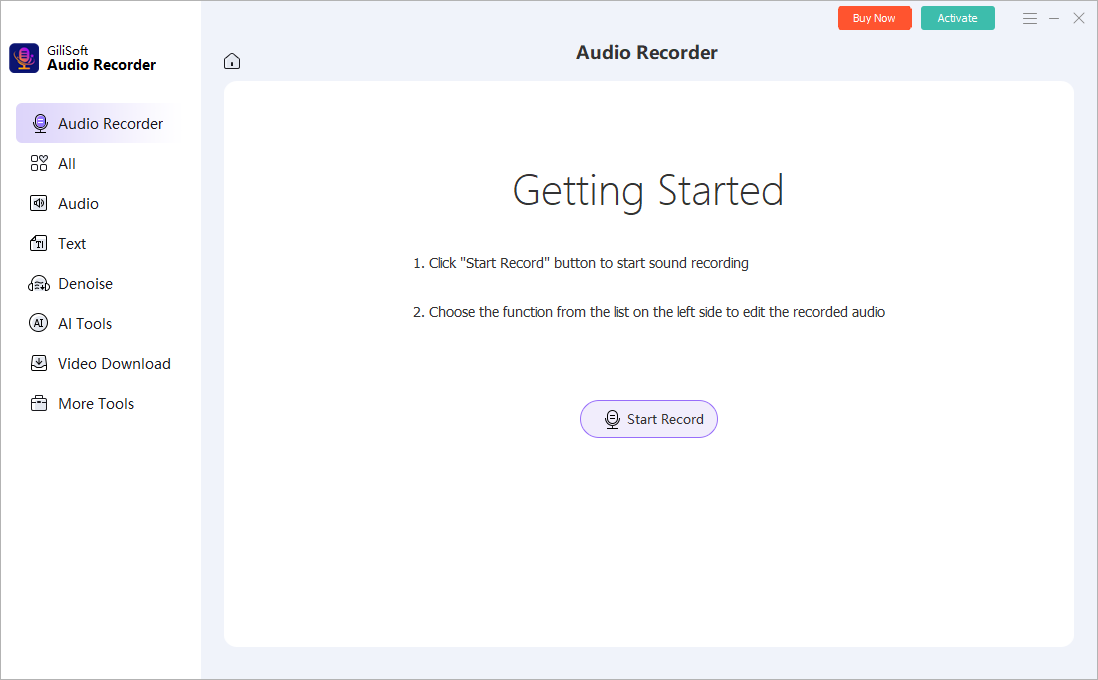
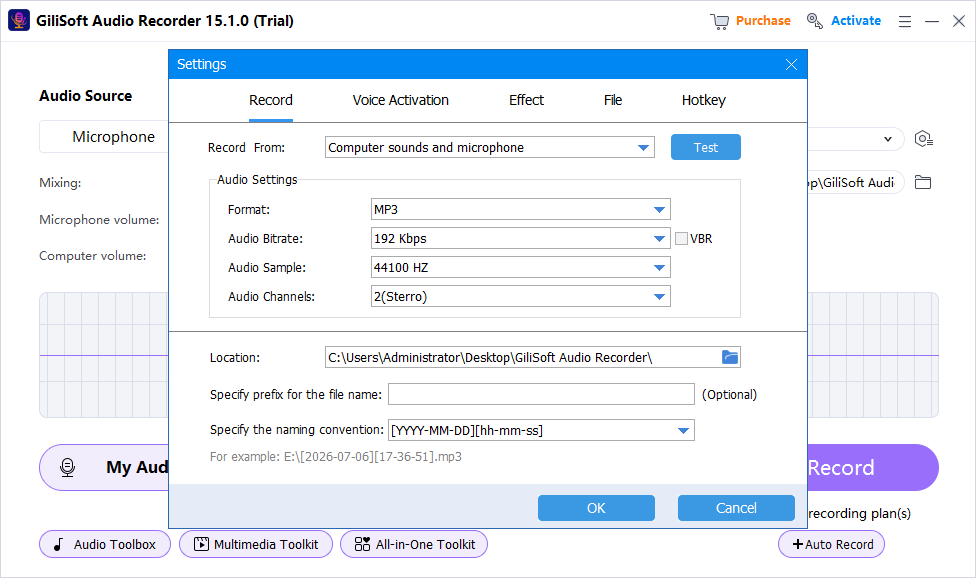
These screenshots show real product workspaces. Windows device names and controls can vary, so select the exact source and verify a saved test with your own hardware.
Check the Recording Before You Use It
| Windows permission and source selection | Listen to a saved test and the complete recording through reliable headphones or speakers. |
|---|---|
| Signal quality | Check silence, clipping, echo, noise, source balance, speech clarity, dropouts, and unexpected notifications. |
| File handling | Confirm format, name, folder, duration, access, retention, and whether a transcript or delivery copy is needed. |
Frequently Asked Questions
Which source should I choose?
Use system sound for PC playback, microphone for live voice, and mixed recording when both are needed. Always verify with a saved test.
Should I use MP3 or WAV?
WAV is useful for a higher-quality editing master; MP3 is smaller for distribution. Choose based on the next workflow and keep the best source.
Can voice activation remove silence safely?
It can reduce blank sections, but a threshold set too high may cut quiet syllables or pauses. Test it with the actual speaker.
Should I keep the original recording?
Keep an untouched recording master when the content matters, then create edited or compressed delivery copies separately.
Why is a saved test better than watching the meter?
A meter can show activity but not prove that the correct source, balance, routing, noise, echo, or file playback is acceptable.