

What to Check Before Buying a Website Blocker
Browser-only extensions may be enough for personal focus, but shared, school, office, reception, kiosk, or family PCs often need controls that ordinary users cannot casually remove from one browser.
Where GiliSoft WebLock Fits
Focused workstations
Keep work-related sites available while blocking distracting categories or named domains.
Shared and public PCs
Reduce access to unsafe or irrelevant websites on reception, classroom, library, or kiosk computers.
Allowed-site environments
Use a narrow list when the PC should access only approved services or internal resources.
Password-protected policy
Prevent ordinary users from changing the rules without administrator authorization.
Test WebLock Before You Buy
List allowed and blocked destinations
Include ordinary websites, web apps, sign-in domains, update services, and any resources the workstation needs.
Install the trial on one representative PC
Use a non-critical workstation with the same Windows version and user workflow as the intended deployment.
Configure website and program rules
Apply the intended block or allowed-site policy and preserve the applications and services required for work.
Protect administration
Set the password and recovery information, then verify that an ordinary user cannot change the configuration.
Review logs and recovery
Confirm blocked events are understandable and test how an administrator restores access when a required site changes.
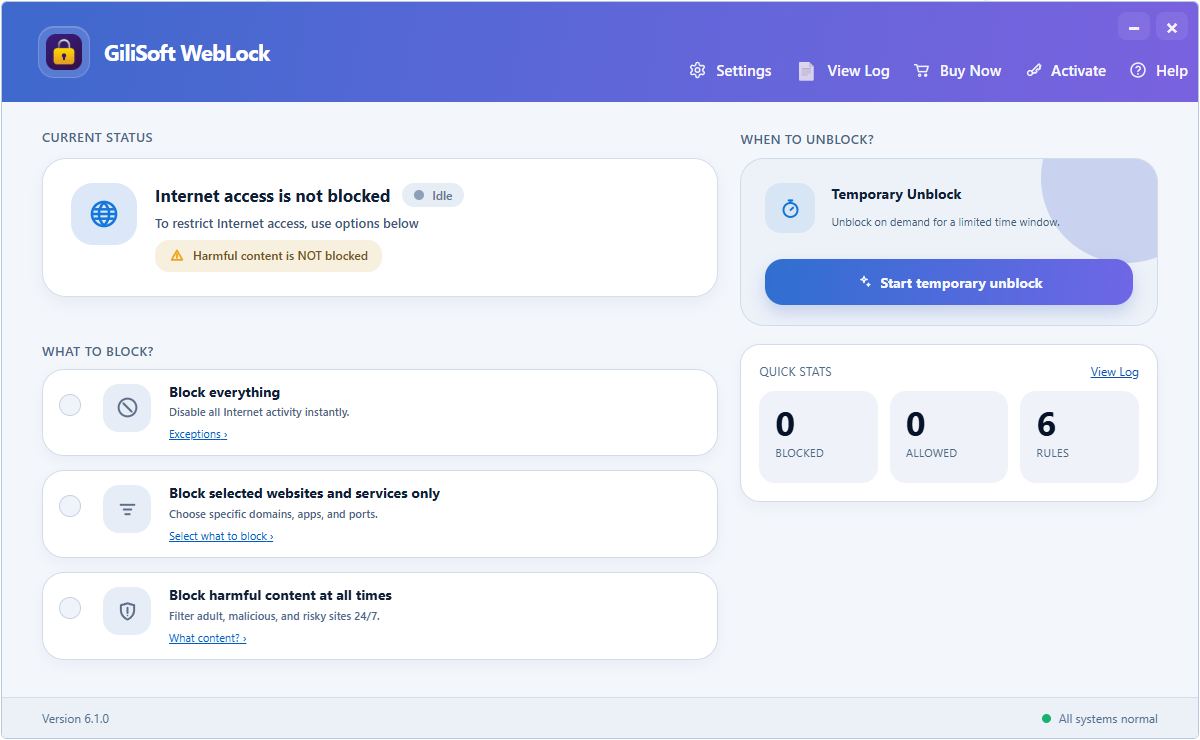 Test the real allowed and blocked workflows on a representative Windows PC before purchasing.
Choose the License After the Trial
Use the trial to confirm that the product matches the intended Windows PCs and policy. Then purchase through the official GiliSoft cart for the license needed by your deployment. For larger or specialized environments, contact GiliSoft with endpoint count, Windows versions, rule requirements, administrator roles, logging needs, and rollout method.
Website Blocker Purchase FAQ
Can WebLock allow only selected websites?
Yes. Test the allowed-site workflow with every web app, sign-in domain, and service the PC must use.
Can users change the rules?
Protect administration with a password and verify policy behavior from an ordinary Windows account.
Should I test before purchasing?
Yes. Use a representative PC and verify blocking, allowed services, logs, and recovery first.
Is this the same as blocking USB devices?
No. WebLock controls website and internet access. Use GiliSoft USB Lock for removable-device and phone-transfer control.