

Combine PDF and Images into One File on Windows
Receipts, scans, photos, and existing PDFs rarely arrive in a consistent page size. Convert the images into document pages, then merge only after reviewing their rotation and scale.
Quick answer
Use GiliSoft Formathor to create PDF pages from image files, check the resulting pages, then merge them with the existing PDFs in the intended order. Open the final packet and inspect every transition.
Before You Start
- Rename images in reading order and remove accidental duplicates.
- Rotate sideways scans and check that text is legible before conversion.
- Keep originals and decide whether each image needs a full page or should be placed inside another document.
Choose the Right Route
| Situation | Approach | What to verify |
|---|---|---|
| Existing PDF attachment | Keep it as a PDF component | Pages open and stay in sequence |
| JPG/PNG scan or receipt | Convert to a PDF page first | Rotation and small print are readable |
| Mixed packet | Merge approved PDFs in reading order | No duplicated or missing pages |
Combine PDF and Images into One File on Windows: Step by Step
- Create image PDFs
Choose the image-to-PDF or File to PDF task in Formathor and set page options appropriate for the originals.
- Inspect image pages
Open each output and check orientation, clipping, margins, and text sharpness.
- Merge the files
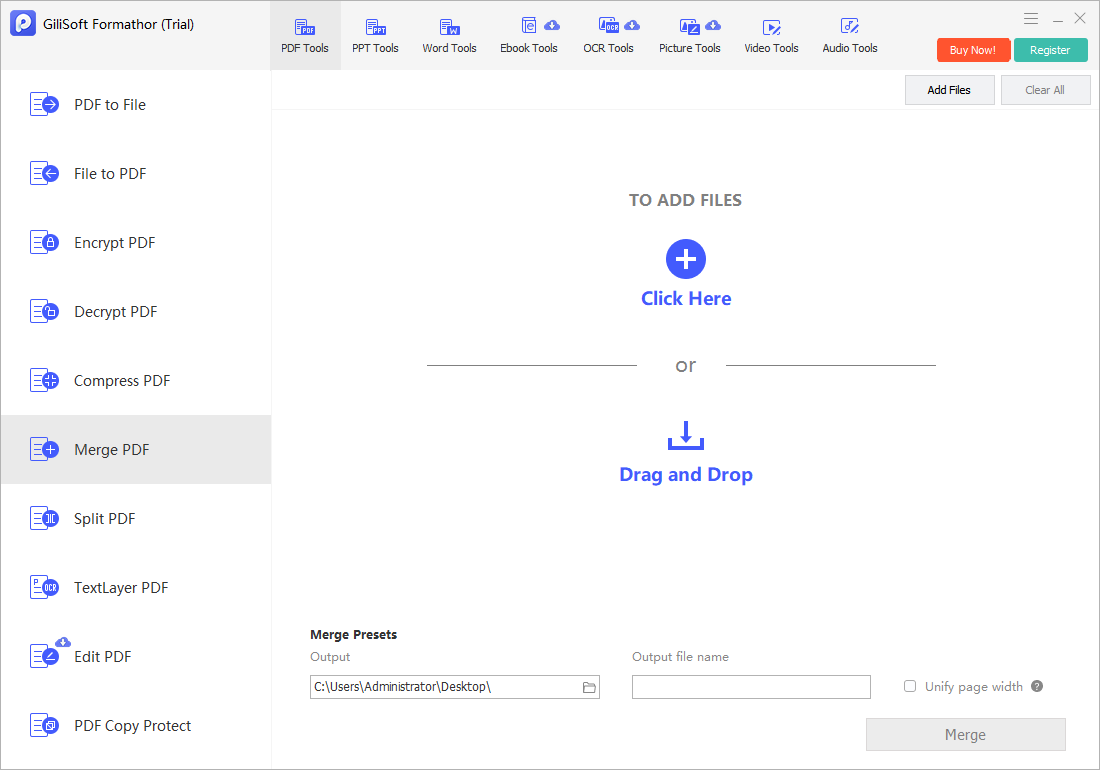
Add converted image PDFs and existing PDFs to the merge task and arrange them in reading order.
- Review the combined result
Check total pages, page boundaries, repeated pages, and the start and end of each attachment.
Check the Result Before Sharing
- Do photographs or scans remain readable at normal zoom?
- Are invoice backs, signatures, and small-print pages included?
- Is the packet too large for the recipient channel?
Limits and Common Mistakes
Combining image pages into a PDF does not automatically make photographed text searchable. Run OCR separately when search or text reuse is required.
Frequently Asked Questions
Can I merge JPG files directly with PDFs?
First create PDF pages from the images, then merge the PDFs in the desired order.
Why did a photo appear sideways?
Orientation metadata and page settings can differ; rotate or correct it before final assembly.
Will the combined file have editable text?
Existing text may remain selectable, but image-only pages need OCR for searchable text.