

Choose the Right Approach
| Situation | Practical approach | What to protect |
|---|---|---|
| Personal portraits | Private local project folder | Accidental sharing and unnecessary copies |
| Client photographs | Access-controlled job folder | Contract, consent, retention, and delivery rules |
| Internal business images | Approved workstation and storage | Names, screens, locations, and confidential details |
| Shared family archive | Working copies separate from originals | Preservation, permissions, and final access |
Prepare the Photo Workflow
Make the source, authorization, output, and review decisions before changing pixels.
Classify the photos
Identify personal, confidential, regulated, or contract-controlled material.
Limit access
Use an approved Windows account and controlled folders.
Define retention
Know which sources, working copies, and exports must remain after delivery.
How to Complete the Task on Windows
Work from a preserved source, make controlled changes, and judge the exported result rather than the editor preview alone.
Create a protected working folder
Copy only the files needed for the task and keep the original archive separate.
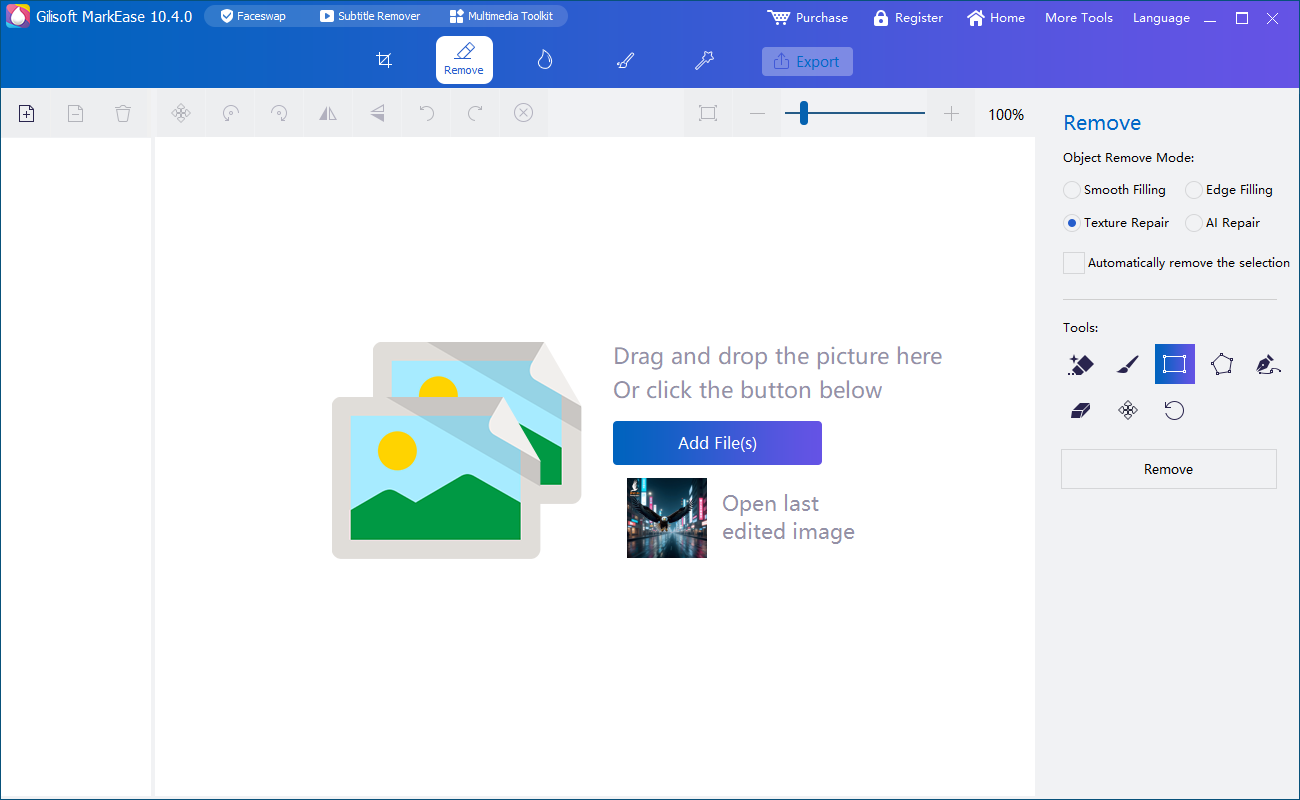
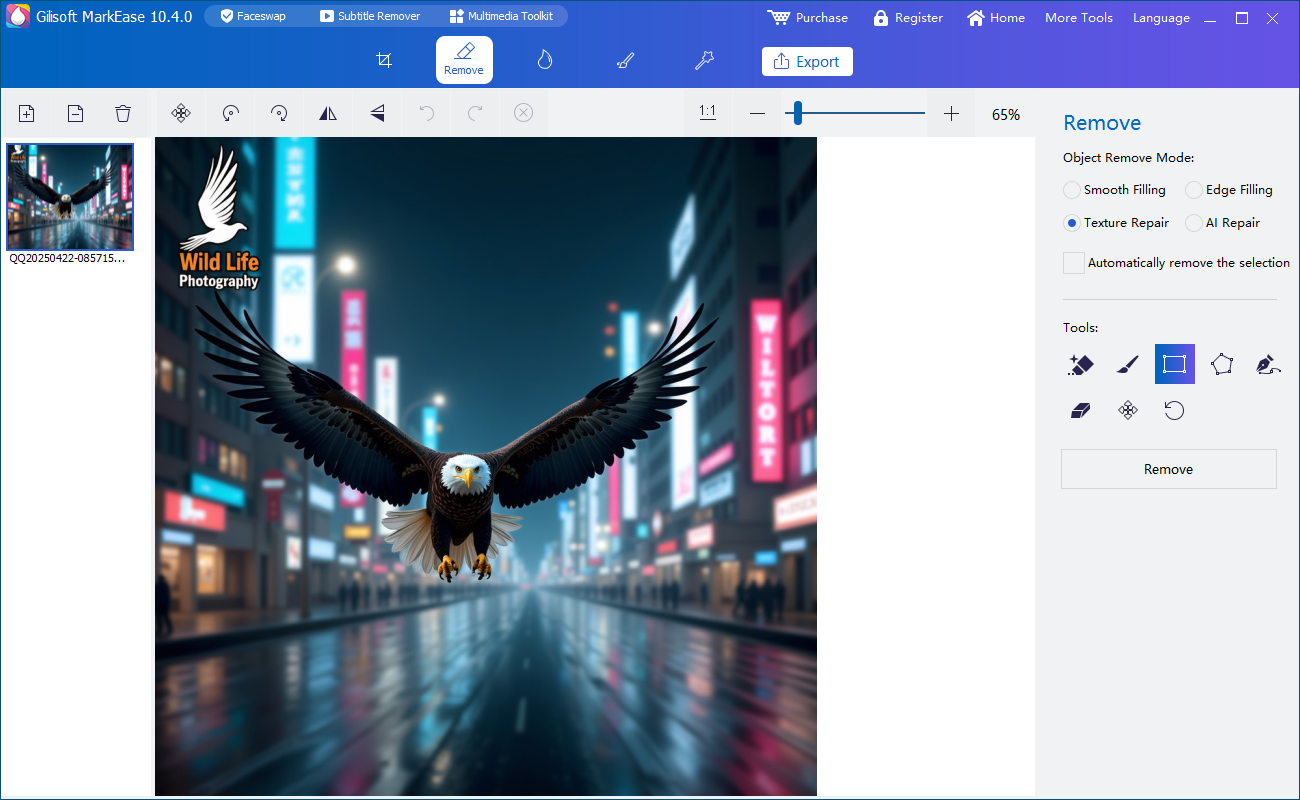
Open the photos locally in MarkEase
Avoid unnecessary browser uploads, sync folders, and uncontrolled temporary copies.
Select the required cleanup only
Remove authorized marks or distractions without exposing more files than the project needs.
Preview at full size
Check repaired areas, faces, text, background detail, and any private information still visible.
Export to a controlled destination
Use clear names and an approved local or encrypted delivery location.
Remove unnecessary working copies under policy
After approval, retain or dispose of copies according to the agreed client or organization rules.
Quality Details That Matter
Local processing is one control
Cloud sync, backups, email, and delivery can still expose files.
Minimize the working set
Process only the photos and information necessary for the job.
Separate source and output
Prevent accidental overwrite and make approval easier.
Document client rules
Consent, retention, access, and delivery should not be guessed.
Where MarkEase Fits
Clean watermarks, date stamps, text, logos, and distracting objects from authorized photos in a local Windows workflow.
Review the GiliSoft MarkEase product page or follow the MarkEase user guide for product-level instructions.
Troubleshooting and Review
- A folder syncs automatically: move the project to an approved non-synced location.
- Exports reveal names or locations: review filenames, visible content, and metadata.
- Several people share one account: use named access where policy requires accountability.
- Temporary files remain: follow the organization retention and disposal process.
- A client requests deletion: confirm the agreed scope before removing archives or backups.
Rights, Privacy, and Source Protection
Edit only photos you own or are authorized to modify. Preserve original files, respect client scope and copyright, and review visible details, filenames, metadata, storage, and delivery when privacy matters.
Frequently Asked Questions
Does local software automatically make a workflow private?
No. It reduces unnecessary upload exposure, but account, storage, backup, export, and delivery controls still matter.
Should original photos be edited directly?
No. Keep originals separate and work from controlled copies.
Can metadata contain private information?
Yes. Filenames and metadata can reveal names, dates, locations, devices, or workflow details.
How long should working copies be kept?
Follow the client agreement, legal requirements, and organization retention policy.
Can I try the recommended software before buying?
Yes. Test GiliSoft MarkEase with representative photos, difficult edges, and required output settings.
Should I keep the original photo?
Yes. Preserve an untouched source and export edited results as separate files.