
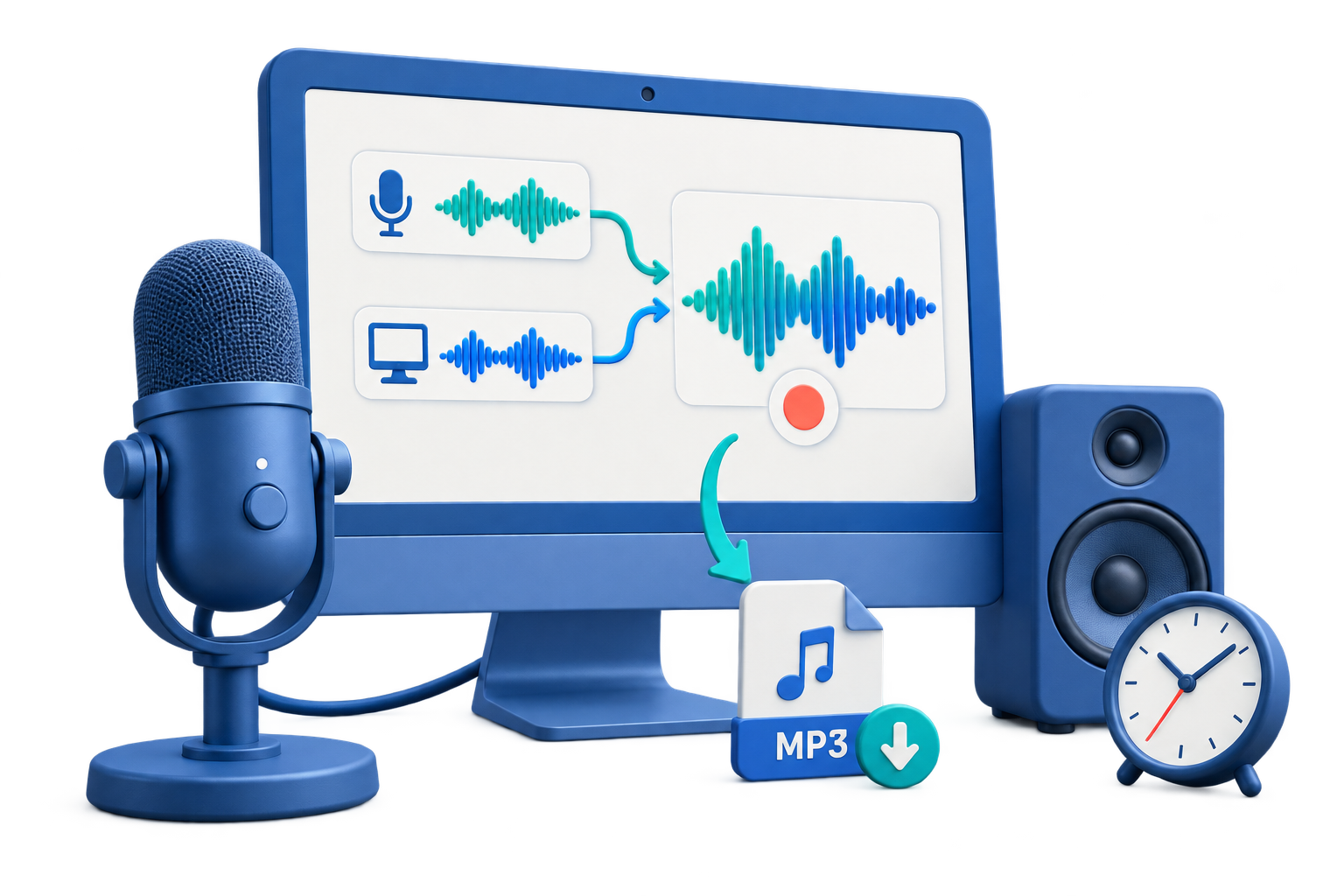
Record Retrospective Meeting Audio
Use this workflow to capture an agreed retrospective for accurate notes while protecting candid discussion. A short saved test protects the session better than relying on device names or meters alone.
Quick answer
Decide whether recording is necessary, notify participants, define access and deletion timing, and test the room microphone. Afterward, verify decisions and actions against the audio, distribute concise notes to the intended audience, and restrict or delete the raw recording according to policy.
Choose the Right Recording Setup
| Situation | Recommended setup | What to verify |
|---|---|---|
| Consent and purpose | Confirm before pressing Record | Participants, allowed use, audience, and retention |
| Capture quality | Use close microphones or tested room setup | All speakers, overlap, clipping, and noise |
| Review and storage | Separate notes from raw audio | Access, quotations, actions, and deletion date |
Step-by-Step Recording Workflow
- Confirm whether recording is appropriate
Check applicable law, organizational policy, participant notice or consent, purpose, audience, and retention before recording.
- Prepare the room and sources
Select the exact microphone, reduce avoidable noise, use headphones where needed, and protect notifications or private screens.
- Record and replay a short test
Capture every expected speaker at normal volume and listen for clipping, echo, overlap, distance, or missing channels.
- Capture only the agreed session
Monitor the start, note important times, and avoid recording unrelated conversation before or after the approved scope.
- Review, secure, and dispose responsibly
Verify quotes and actions, restrict access, create notes or transcripts as needed, and follow the approved retention or deletion schedule.
Use the GiliSoft Audio Recorder Pro Workspace
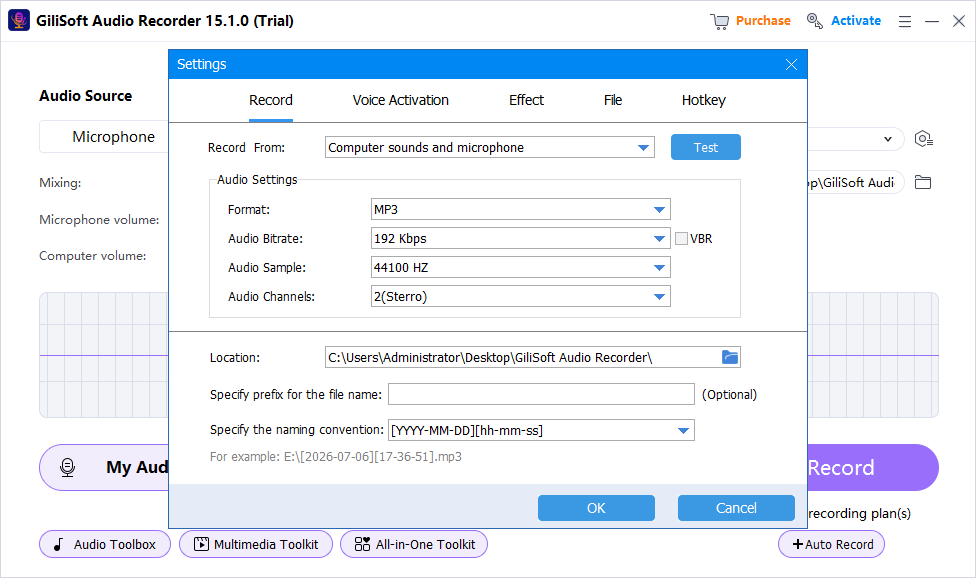
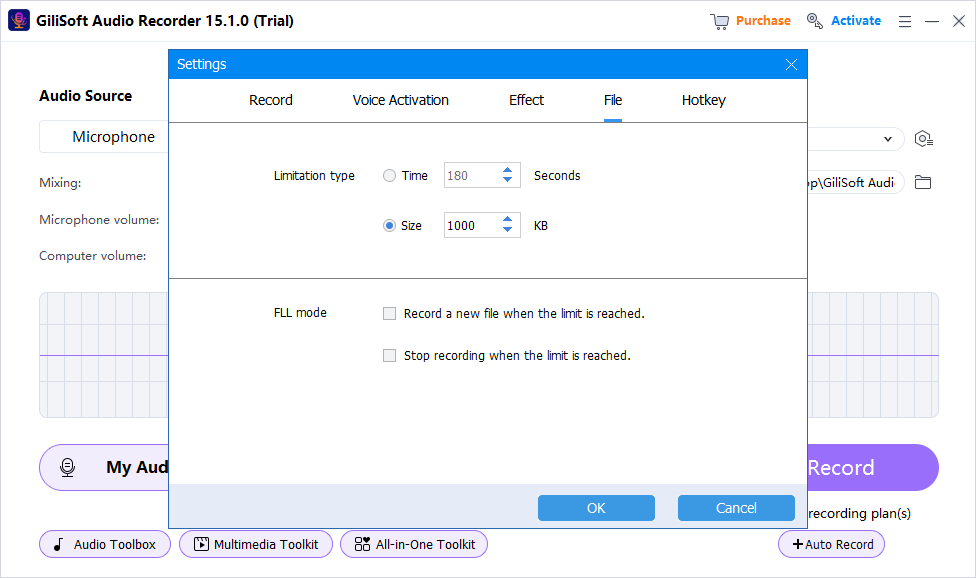
These screenshots show real product workspaces. Windows device names and controls can vary, so select the exact source and verify a saved test with your own hardware.
Check the Recording Before You Use It
| Psychological safety and retention | Listen to a saved test and the complete recording through reliable headphones or speakers. |
|---|---|
| Signal quality | Check silence, clipping, echo, noise, source balance, speech clarity, dropouts, and unexpected notifications. |
| File handling | Confirm format, name, folder, duration, access, retention, and whether a transcript or delivery copy is needed. |
Frequently Asked Questions
Can I record a call or meeting because the software supports it?
No. Technical capability is not permission. Recording laws, workplace policies, contracts, and participant expectations vary.
Should raw audio be shared with everyone who receives the notes?
Not automatically. Distribute only what the approved purpose requires and restrict raw recordings that contain personal or confidential information.
How should quotations be checked?
Listen to the surrounding context, verify the exact wording and speaker, and retain uncertainty rather than reconstructing an inaudible phrase.
Should I keep the original recording?
Keep an untouched recording master when the content matters, then create edited or compressed delivery copies separately.
Why is a saved test better than watching the meter?
A meter can show activity but not prove that the correct source, balance, routing, noise, echo, or file playback is acceptable.