
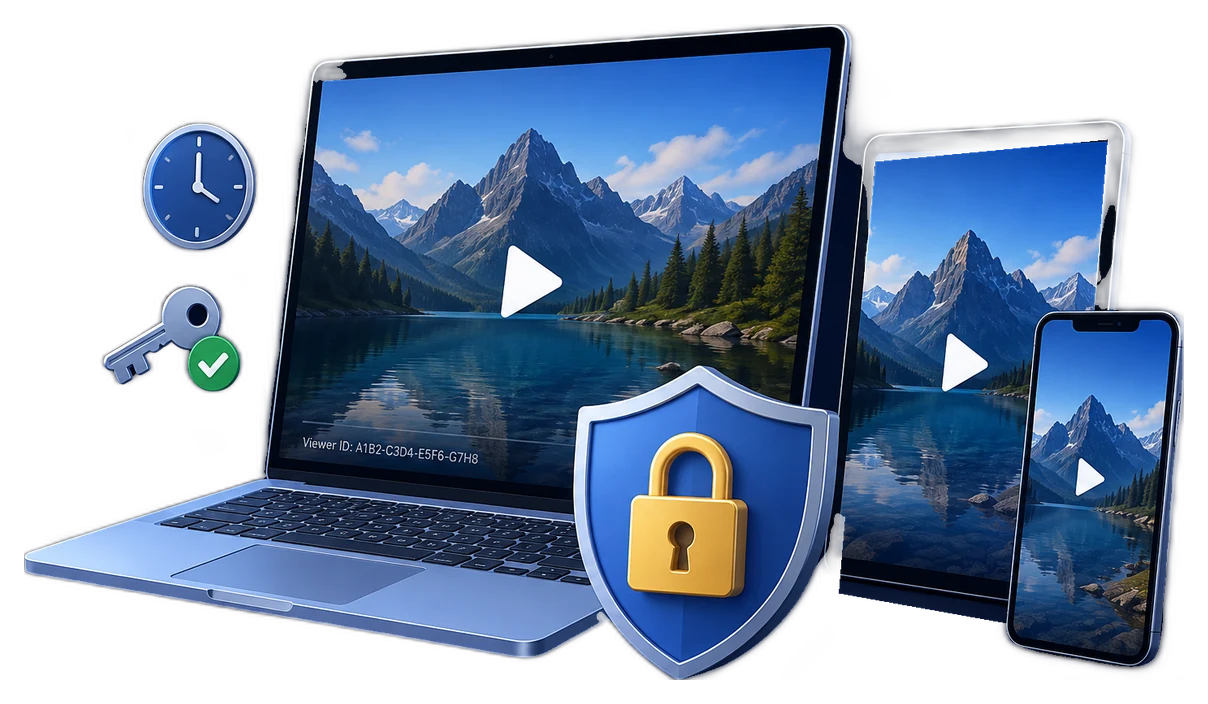
What is video license control software?
Video license control software connects encrypted media to a defined playback right. A useful license answers more than whether a password is correct: it can identify the authorized viewer, limit playback to a device or delivery medium, define when access begins or ends, restrict the number of plays, and provide a way to withdraw a credential that should no longer work.
The word license does not always mean a complex streaming server. For a hosted subscription platform, it may be a short-lived DRM license issued after an account check. For a downloadable course, customer demo, or USB training kit, it can be a protected package plus an individual playback password, machine or USB binding, time limits, watermarking, and an online blacklist.
The six parts of a practical video license
Identity
Connect playback to a customer, learner, employee, partner, order, class, or organization rather than distributing one anonymous password.
Content right
Specify which protected title, course pack, demo, or media collection the credential is allowed to open.
Device scope
Decide whether the license follows one PC, one approved USB drive, a disc, an account domain, or any supported device used by the viewer.
Time and usage
Define a begin date, absolute expiry, first-play window, play count, preview allowance, or an unlimited purchased right.
Playback conditions
Apply watermark, output, capture-deterrence, online verification, and other rules that match the content value and delivery channel.
Lifecycle action
Plan renewal, replacement-device approval, cancellation, refund, blacklist revocation, and audit records before licenses are issued.
Microsoft's PlayReady documentation describes the same underlying pattern at platform scale: a license contains a content key together with rights and restrictions. Documented policies include begin and end dates, expiration after first play, security levels, output restrictions, and client or domain binding. Apple FairPlay similarly distinguishes rental-style expiration from renewable playback leases. The implementation differs, but the commercial questions are the same.
Choose the license model that matches the offer
| License model | Rule to apply | Typical offer | Operational consideration |
|---|---|---|---|
| Named-viewer license | Individual credential plus viewer watermark | Courses, coaching, certification, paid downloads | Keep customer and credential records linked |
| Device-bound license | Authorize a PC, device identity, USB drive, or disc | Confidential demos, licensed training, field kits | Define a replacement-device process |
| Fixed-term license | Start date and end date | Semester access, contracts, temporary projects | Use a trusted verification path where required |
| First-play rental | Start the usable period when playback first begins | Rentals and delayed-start learning access | Explain exactly when the clock starts |
| Play-count or preview license | Limit complete plays or preview duration | Review copies, auditions, evaluation media | Test seeking, interrupted playback, and retries |
| Perpetual license | No routine expiry, with controlled reissue | Purchased-to-own training or archives | Support device replacement without creating uncontrolled keys |
| Revocable license | Online check plus selective blacklist | Refundable sales, memberships, partner access | Keep verification available and document revocation events |
Hosted licenses and delivered-file licenses solve different jobs
Hosted platforms normally check the current account before issuing playback authorization. Cloudflare Stream documents signed tokens for logged-in or time-limited viewers and Allowed Origins for restricting where a stream can be requested. Widevine, PlayReady, and FairPlay add encrypted media licenses for supported browsers, apps, and devices. These approaches suit large catalogs that remain inside a website or application.
Direct delivery creates a different requirement: the customer intentionally receives a downloadable file, course package, partner preview, or USB kit. The publisher therefore needs playback rules that travel with the protected package. This is where GiliSoft Video DRM Protection is positioned: creation and license administration run on Windows, while the resulting protected videos can be played across supported playback platforms.
Use hosted DRM when
The catalog stays online, account entitlement is checked for every session, adaptive streaming is central, and you already operate a player, application, backend, and license service.
Use GiliSoft when
You intentionally distribute protected downloads, need practical offline or USB delivery, and want to issue viewer passwords and binding rules without building a streaming DRM platform.
Use a hybrid model when
The main library is hosted but selected lessons, field packages, travel copies, or partner releases also need controlled offline delivery.
Avoid one shared password when
Different viewers have different purchase terms, devices, expiry dates, or refund status. Individual credentials make selective support and revocation possible.
Create and manage downloadable video licenses with GiliSoft
GiliSoft Video DRM Protection turns source videos and supporting content into protected delivery packages. The publisher keeps the project information and encryption key, then creates playback passwords for authorized viewers. A password can carry device, time, play-count, preview, and watermark rules instead of acting as a simple reusable secret.


- Package the licensed contentAdd the video, course files, documents, or supporting media and create the protected output for delivery.
- Keep the Project ID and Encryption KeyThese publisher-side values identify the protected project and are needed when creating future playback passwords.
- Choose the authorization modelUse a fixed playback password for simple access, or PC, USB disk, or CD binding when the license should follow an approved device or medium.
- Issue an individual playback passwordCreate access per customer, learner, employee, class, partner, or delivery batch rather than exposing one permanent master password.
- Add duration, play, preview, and watermark rulesAlign the license with the paid term, review period, contract, course schedule, or permitted usage.
- Test and record the licenseVerify the authorized device and player, then test a second device, expired rule, wrong password, and blacklisted credential before release.
License protected videos without building a DRM server
Issue playback passwords, bind licenses to a PC or USB drive, set limits, identify viewers, and revoke compromised credentials.
Match each GiliSoft license control to a business rule
| GiliSoft control | License rule it expresses | Example |
|---|---|---|
| Playback Password | This viewer or delivery batch is authorized | Issue a different password for every paid learner |
| PC Binding | The license is valid on one approved computer | Protect a confidential customer demo from password forwarding |
| USB Disk Binding | The license follows approved removable media | Deliver field training that remains associated with its USB kit |
| CD Binding | The license follows the delivered optical medium | Distribute controlled archive or classroom discs |
| Expiry and play count | Viewing ends after a term or allowed usage | Set a review deadline, course period, rental window, or preview limit |
| Dynamic watermark | The licensed viewer is visibly identifiable | Show learner, order, account, email, or machine information during playback |
| Online password blacklist | This individual credential is no longer valid | Revoke access after a refund, leak, cancellation, or policy violation |
| Anti-capture settings | Casual capture should be deterred | Combine capture deterrence with identity watermarking and incident response |
Where video license control creates real value
Paid course downloads
Give each learner a protected package with a viewer credential, course term, device rule, and identifying watermark.
Employee and compliance training
License internal video to approved staff, branches, managed PCs, or portable training kits without publishing an open MP4.
Partner and customer demonstrations
Limit confidential previews to the intended recipient's device and revoke access when the evaluation ends.
Offline classrooms and field teams
Use protected USB or downloadable packages where continuous internet streaming is unreliable or unavailable.
Membership and coaching libraries
Offer selected offline lessons while keeping the viewer identity, license term, and revocation path attached.
Licensed media and contract delivery
Apply different passwords, devices, dates, and watermarks to distributors, territories, cohorts, or customer agreements.
Compare common ways to license video playback
| Method | Individual rights | Delivered-file control | Revocation | Best fit |
|---|---|---|---|---|
| One shared video password | Weak | Password only | Change it for everyone | Low-risk temporary previews |
| Signed hosted playback token | Account or session based | No ordinary downloaded copy | Stop issuing tokens | Private hosted libraries |
| Multi-DRM streaming license | Detailed within supported platforms | Only through supported offline-license implementations | License and entitlement policy | Large streaming and OTT platforms |
| GiliSoft protected package | Individual password and rule set | Yes, for direct download and offline delivery | Selective password blacklist | Training, premium downloads, partner media, and USB kits |
Video license deployment checklist
Video license control FAQ
Is a playback password the same as a video license?
A basic shared password is only one condition. A useful video license can combine the password with a protected project, viewer identity, device binding, expiry, play count, preview rules, watermarking, online verification, and revocation.
Can GiliSoft issue a different license to each customer?
Yes. Keep the protected project and publisher key, then create individual Playback Passwords for viewers, machines, customers, classes, organizations, or delivery batches.
Can a license be tied to one computer or USB drive?
Yes. GiliSoft supports PC Binding and USB Disk Binding, as well as CD Binding for controlled optical-media delivery.
Can an expired or leaked license be disabled?
Time and usage limits can end access automatically. When the online blacklist was configured for the project before delivery, an individual compromised password can also be revoked.
Does GiliSoft work only for Windows viewers?
The content publishing and license administration application runs on Windows. Protected videos can play across supported playback platforms; test every platform included in your customer offer before release.
When is a hosted multi-DRM platform a better fit?
Choose hosted multi-DRM when the catalog remains inside a web or mobile service, adaptive streaming is central, and your team can operate the player, entitlement backend, license service, analytics, and application integrations. Choose GiliSoft for controlled downloads, offline playback, and USB delivery.
Technical and industry references
- Microsoft PlayReady licenses and policies documents content keys, playback rights, begin and end dates, first-play expiration, security levels, and output restrictions.
- Microsoft PlayReady license acquisition explains how a player obtains a signed license containing rights, restrictions, play counts, and expiration information.
- Microsoft PlayReady binding policy explains client, machine, and domain-bound licenses.
- Apple FairPlay Streaming overview describes rental expiration and renewable secure playback leases.
- Cloudflare Stream security documents signed playback tokens, limited-time authorization, and Allowed Origins.
- VdoCipher DRM player guide provides industry examples of dynamic watermarking, user authentication, license expiry, offline playback, and piracy tracing.
Give every delivered video a controllable license
Use GiliSoft Video DRM Protection to issue viewer passwords, bind playback to approved devices, set time and usage limits, identify viewers, and revoke compromised credentials.