
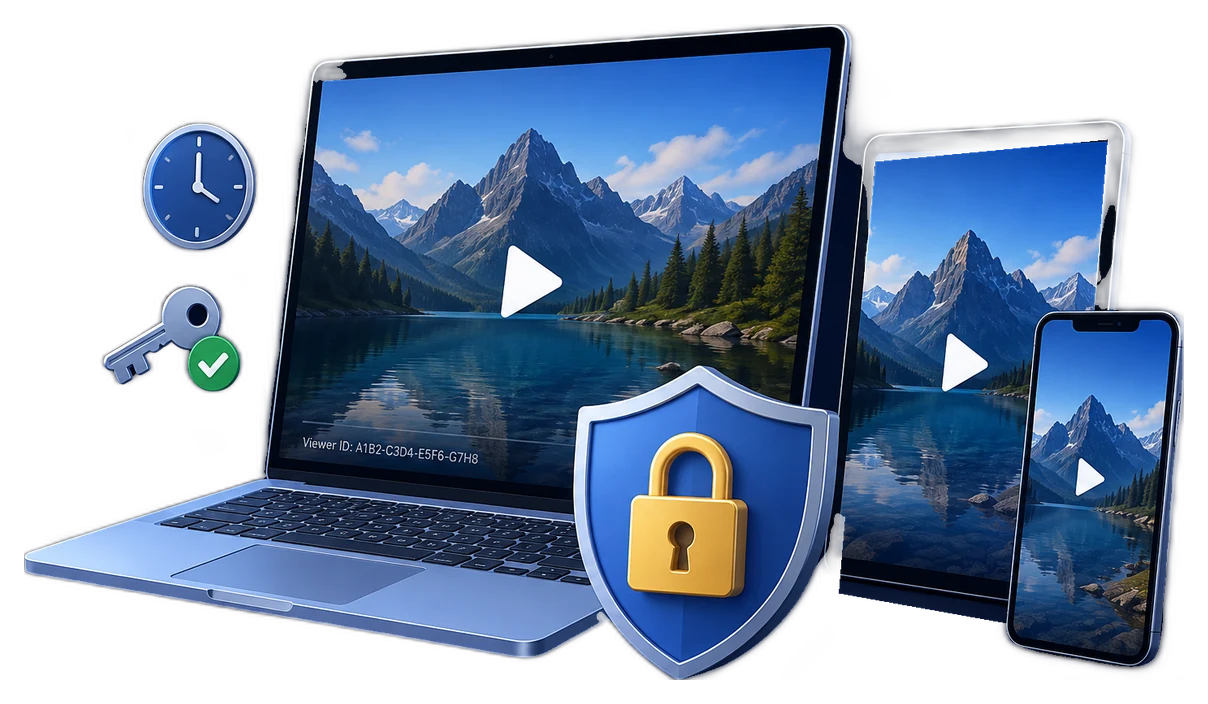
Video Protection Software for Downloadable Content
The right protection method depends on how a viewer receives the file. A passworded archive protects transfer, while a DRM-style package controls playback after delivery. Neither can guarantee that visible video is never recorded.
Quick answer
For downloadable lessons or private videos, GiliSoft Video DRM Protection packages video as protected GEM or EXE output and can use Playback Passwords, optional device binding, watermarks, and configured online blacklisting.
Choose by Delivery Requirement
| Situation | Approach | Check before release |
|---|---|---|
| One trusted viewer and a short-lived file | A simple protected handoff may be enough | Confirm whether post-download playback control is actually needed |
| Many authorized viewers with different rights | Issue viewer Playback Passwords from one protected project | Track Project ID, Encryption Key, and password records |
| One approved computer per viewer | Evaluate PC Binding | Machine Code collection and hardware-change support |
| Access may later be withdrawn | Plan expiry and an online blacklist | Future checks need network access and the blacklist URL configured before release |
How to Protect and Deliver the Videos
- Define the threat and delivery path
Decide whether you need protected downloadable files, a managed streaming platform, or only secure transfer. Do not call a file-based package hosted-streaming DRM.
- Package a representative lesson
Add approved source video in GiliSoft Video DRM Protection and choose the intended GEM or EXE output.
- Set the lightest workable controls
Record Project ID and Encryption Key; choose a password or binding mode, then use watermarks and anti-copy settings that do not block legitimate playback.
- Run a viewer pilot
Create a Playback Password, test the actual recipient device or player, then verify captions, image quality, support steps, and replacement-device handling.
The Video DRM Protection user guide shows the matching settings, password maker, and supported package workflow.
Product Interface for This Workflow
Use the actual GiliSoft Video DRM Protection screens to confirm project settings, protected output, and viewer credentials.


Check the Viewer Experience
- Keep the publisher Encryption Key and Project ID separate from the viewer Playback Password.
- Test the completed GEM or EXE package in the supported playback environment, not just the original source video.
- Check expiry, device changes, caption or transcript access, and a reachable support route.
- When using an online blacklist, confirm it was configured before release and verify the next online check.
Frequently Asked Questions
Is this the same as streaming-platform DRM?
No. This workflow creates protected downloadable packages; hosted streaming services have different delivery and license infrastructure.
Can one password be bound to a device?
PC Binding can create a password for an approved computer using its Machine Code. Test that mode before rolling it out.