
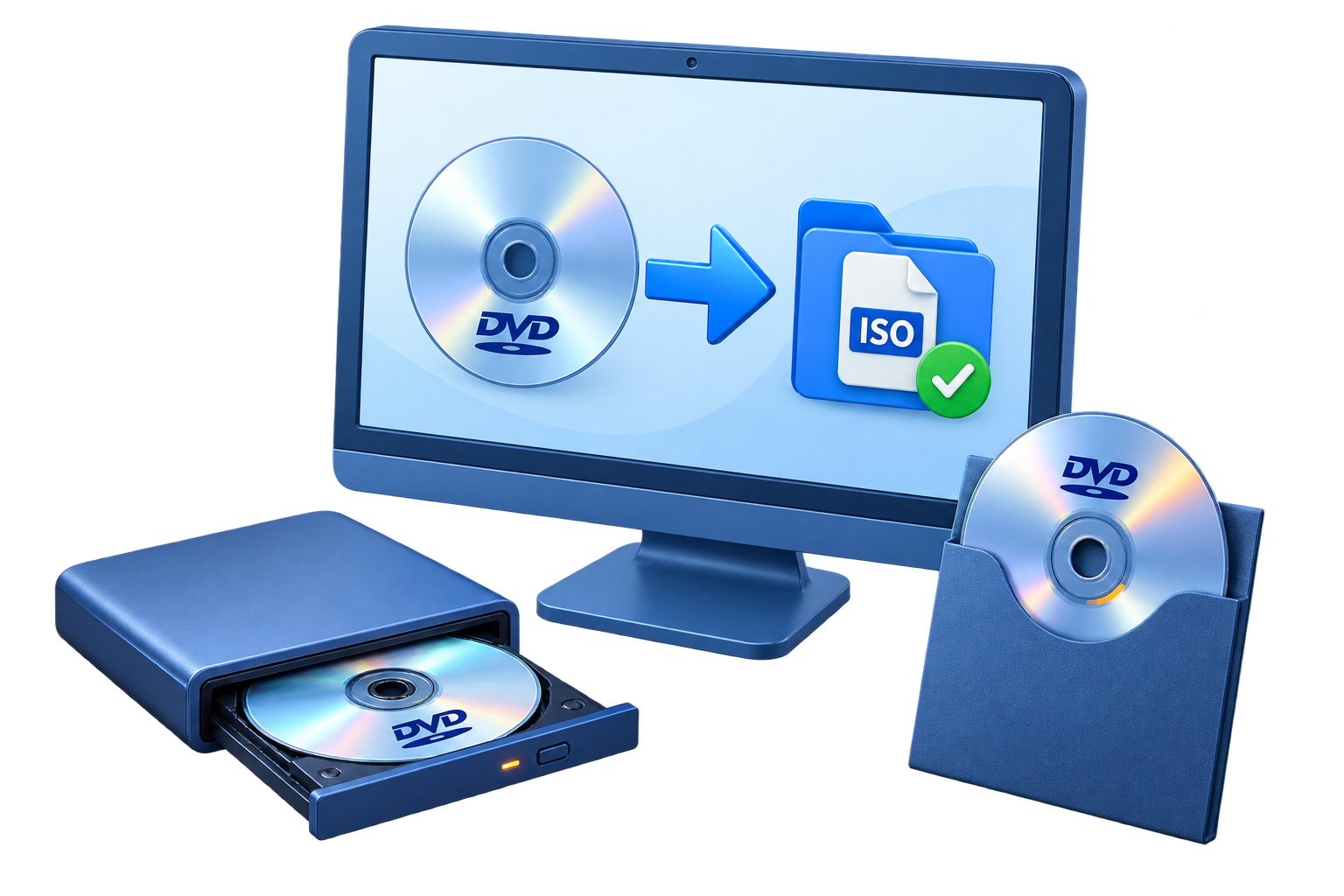
Confirm That Burning the ISO Is the Right Task
| Goal | Best choice | Why |
|---|---|---|
| Recreate the physical disc represented by an ISO | Burn image to DVD | Writes the image structure to blank media |
| Store the ISO file on a data disc | Data-disc burn | Keeps .iso as one file and does not recreate its disc structure |
| Inspect the image without media | Mount the ISO | Checks files before using a blank disc |
| Build a new DVD from video files | DVD authoring | Creates new titles, chapters, and menus before imaging or burning |
Prepare the ISO, Blank Media, and Writer
Verify the ISO first
Mount the image and inspect the expected files or DVD navigation before burning.
Match the capacity
Use blank media large enough for the complete image, including dual-layer media when required.
Check writer compatibility
Confirm the drive supports the selected DVD-R, DVD+R, rewritable, or dual-layer media.
Protect the burn session
Keep the PC powered, close other disc software, and do not eject the media during writing or finalization.
Burn ISO to DVD: Step by Step
Inspect and mount the ISO
Confirm the image is complete, opens correctly, and represents the disc you intend to create.
Insert compatible blank media
Place a suitable blank DVD in the destination writer and wait for it to be detected.
Open the DVD Copy workspace
Start GiliSoft Home DVD Copy and select the image-to-disc copy path.
Choose the ISO as the source
Use Open Image File or the corresponding source option and select the correct .iso file.
Select the DVD writer and label
Choose the destination drive, confirm the media capacity, and enter a clear volume label if available.
Start, finalize, and test the disc
Complete the write without interruption, wait for finalization, and test menus, chapters, or files on the target player.
 The disc-writing panel accepts supported image or folder sources. For this task, choose the ISO through Open Image File and select the blank DVD writer as the destination.
Verification Matters More Than a Successful Progress Bar
Confirm the disc closes correctly
Do not remove media until writing and finalization are complete.
Test the intended player
A PC-only check does not prove compatibility with a set-top DVD player.
Check more than the first screen
Open representative titles, chapters, folders, or files across the disc.
Keep the verified ISO
Retain the source image if repeat copies or replacement media may be needed.
Write the Image with GiliSoft Home DVD Copy
GiliSoft Home DVD Copy uses the same source-and-destination workflow for authorized DVD, folder, image, and blank-disc tasks. For ISO-to-DVD, choose the ISO image as the source and the compatible DVD writer as the destination, then verify the finalized disc.
Troubleshooting
- The writer is not listed: reconnect the drive, refresh the list, and close other software holding it.
- The blank disc is rejected: check media type, capacity, previous use, and writer compatibility.
- The ISO is too large: use suitable higher-capacity media or return to the source project rather than truncating the image.
- The burn stops: check source-image readability, storage health, drive connection, power, and media quality.
- The disc works on the PC but not a DVD player: confirm the ISO contains authored DVD-Video and test compatible finalized media.
- The disc contains one .iso file: it was burned as data; use an image-to-disc workflow instead.
Use Only Authorized Disc Content
Copy, store, or reproduce only DVDs and ISO images you created or are otherwise authorized to use. Copyright, license, and anti-circumvention requirements can apply to protected commercial media even when you possess the physical disc or image file.
Frequently Asked Questions
What is the difference between burning an ISO and copying the ISO file?
Image burning recreates the disc structure represented by the ISO; a data-disc copy stores the .iso as one ordinary file.
Do I need a blank DVD larger than the ISO?
The media must have enough usable capacity for the complete image. Some projects require compatible dual-layer media.
Can I test the ISO before burning?
Yes. Mount it and inspect representative files or DVD navigation before using blank media.
Why does the disc work on a PC but not a DVD player?
The ISO may be a data image rather than authored DVD-Video, or the player may not support the media type or recording.
Should I keep the ISO after burning?
Yes, when authorized and useful. A verified ISO supports repeat copies without rereading the original source.
Can I burn any downloaded ISO?
Only use image files you trust and are authorized to reproduce; unknown images can be damaged, unsafe, or unlawfully distributed.