
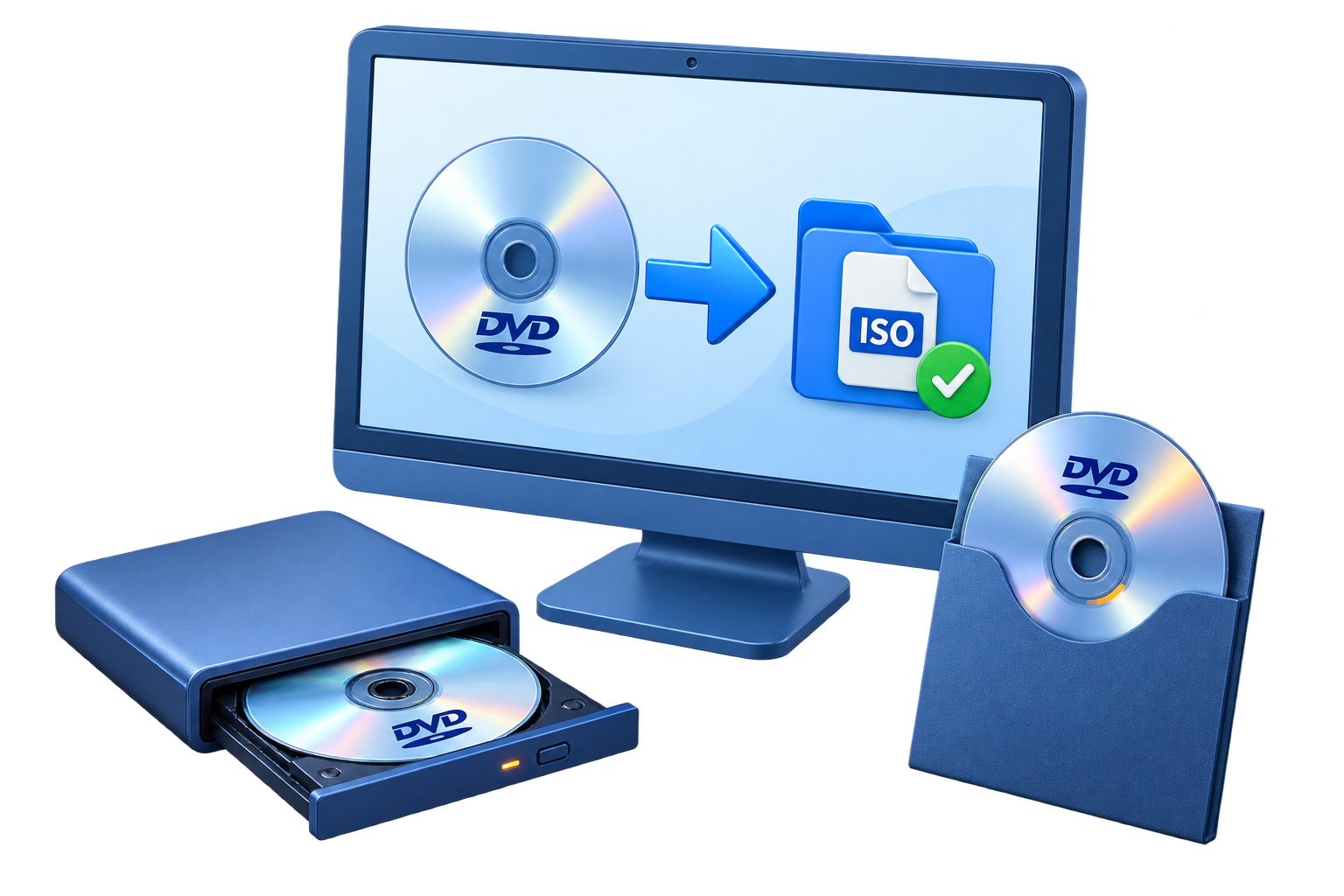
Choose ISO Only When It Matches the Goal
| Goal | Best output | Why |
|---|---|---|
| Keep the existing DVD structure in one file | ISO image | Menus, folders, and disc data remain packaged together |
| Browse VIDEO_TS files directly | DVD folder | Individual DVD files remain visible in normal storage |
| Watch on devices that expect video files | Video conversion | Produces MP4 or another media format instead of a disc image |
| Build a new DVD from camera files | DVD authoring | Creates new menus, chapters, and DVD structure from source videos |
Prepare the Disc, Drive, and Destination
Confirm authorization
Copy only discs you created or are otherwise authorized to reproduce.
Inspect the source
Check for scratches, dirt, read errors, and the correct title before imaging.
Allow enough storage
Use a destination with room for the ISO plus working headroom.
Close competing software
Exit disc players, burners, and mounting tools that may hold the DVD drive.
Copy DVD to ISO: Step by Step
Insert and inspect the source DVD
Clean the disc if necessary, insert it into a readable DVD drive, and close other software that may be using the drive.
Open the DVD Copy workspace
Start GiliSoft Home DVD Copy and select the DVD copy task rather than a video-conversion or authoring task.
Select the source DVD drive
Choose the drive containing the correct disc and wait for the program to read its structure.
Choose Image File and ISO output
Set Image File as the destination, choose ISO as the image type, and enter a clear archive name.
Select a destination with enough space
Save to a reliable drive and confirm that both free capacity and the destination file system support the completed image.
Start the copy and verify the ISO
Wait for completion, confirm the ISO appears at the selected path, mount it, and inspect the expected DVD structure and sample playback.
 Select the source DVD drive, choose Image File and ISO output, and save the archive to a reliable destination.
Verify the ISO Before You Archive It
Check the file and size
Confirm the image exists at the expected path and has a plausible size for the source disc.
Mount the image
Use Windows or the product virtual-disc workflow to open the ISO without a physical disc.
Inspect the structure
Look for the expected DVD folders, titles, and navigation data.
Test representative playback
Open the beginning, a middle title or chapter, and the end before treating the ISO as verified.
Copy the Disc with GiliSoft Home DVD Copy
GiliSoft Home DVD Copy provides a direct disc-to-ISO workflow alongside DVD-folder output, disc duplication, ISO-to-disc writing, and virtual-drive mounting. It is intended for preserving or reproducing authorized DVD content, not for converting the movie into a different video format.
Troubleshooting DVD-to-ISO Copy Problems
- The source drive is missing: insert the disc, refresh the drive list, and close software using the optical drive.
- The copy stops on read errors: inspect and clean the disc, try a reliable reader, and do not assume a damaged source can be recovered completely.
- The destination runs out of space: choose another drive and confirm its file system supports a large ISO file.
- The ISO will not mount: verify that the task completed, check the file size, and recreate it from a readable source if necessary.
- The wrong DVD was copied: verify the disc label, title structure, and sample playback before archiving.
- The mounted ISO opens but playback fails: inspect the DVD structure and test with suitable DVD playback software or a verified burned copy.
Copy Only DVDs You Are Authorized to Reproduce
Copyright, license, and anti-circumvention rules can apply even when you possess the physical disc, especially when technical protection is involved. Use this workflow for home-authored, business, school, family, or other DVD content you own or have permission to copy, and obtain appropriate advice for protected commercial media.
Frequently Asked Questions
What does copying a DVD to ISO preserve?
An ISO keeps the disc data and logical structure together in one image file, making it useful for storage, mounting, or later disc creation.
Is copying a DVD to ISO the same as converting it to MP4?
No. ISO imaging preserves the disc structure, while video conversion extracts or transcodes video into another media-file format.
Is this the same as creating a DVD ISO from video files?
No. Copying reads an existing disc into an image; authoring starts with video files and builds a new DVD structure, menus, and chapters.
Can Windows open the finished ISO?
Current Windows versions can mount many ISO files so their folders and files can be inspected without inserting a physical disc.
How much free space do I need?
Allow at least enough space for the used disc content plus working headroom, and make sure the destination file system supports a file of that size.
Can I copy any commercial DVD?
Only copy material you are authorized to reproduce. Copyright, license, and anti-circumvention rules vary, particularly for protected commercial discs.