
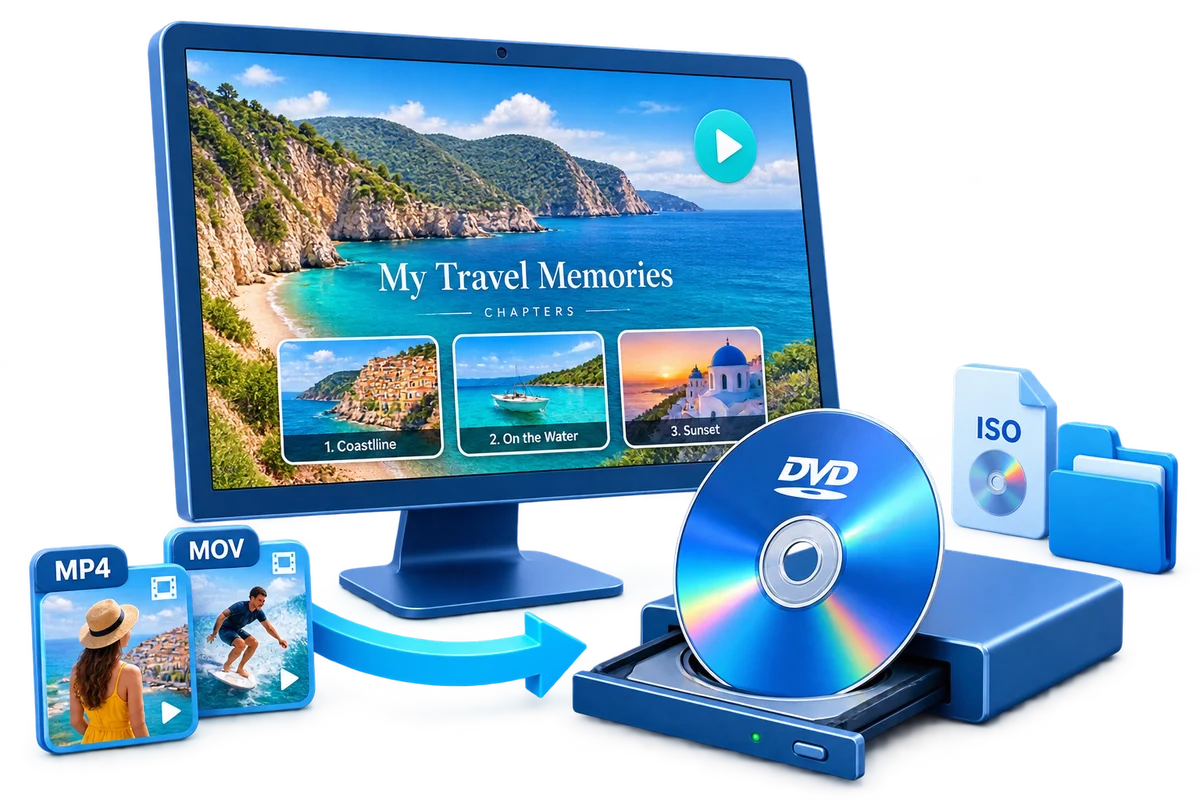
Choose the Output by How It Will Be Used
| Goal | Best choice | Why |
|---|---|---|
| Keep original MP4 files | Data DVD | Useful for storage and compatible smart devices |
| Use a standard DVD player | DVD-Video | MP4 content is converted into authored DVD structure |
| Several MP4 clips | Title menu | One labeled button per clip |
| Long MP4 recording | Chapter menu | Jump points inside one title |
Prepare Before Creating the DVD
Play every MP4
Check video, audio, frame orientation, and duration before authoring.
Use local files
Copy cloud or removable-media sources to stable local storage.
Plan labels
Use short names instead of camera-generated filenames.
Preserve originals
Keep the source MP4 files because DVD-Video is intended for standard-definition disc delivery.
How to Burn MP4 to DVD with a Menu: Step by Step
Add the MP4 videos
Import the final MP4 files and review their order and duration.
Trim and correct the clips
Remove unwanted starts or endings and fix rotation, subtitles, or text.
Choose title or chapter structure
Decide whether each MP4 is a title or one long title needs chapters.
Create the menu
Select a template and customize the title, background, frames, and labels.
Set the DVD output
Choose PAL or NTSC and select disc, ISO, or DVD-folder output.
Preview, create, and test
Verify every menu route, complete the output, and test on the destination player.


What Changes When MP4 Becomes DVD-Video
Container and disc structure
The MP4 is encoded into the authored structure expected by DVD-Video.
Resolution expectations
DVD-Video is a standard-definition delivery format; preserve the HD originals separately.
Menu navigation
Titles and chapters become remote-selectable paths rather than filenames.
Regional standard
PAL or NTSC should match the destination playback environment.
Author the Complete Project with GiliSoft Movie DVD Creator
GiliSoft Movie DVD Creator keeps source preparation, titles, chapters, menu design, PAL or NTSC selection, preview, and disc, ISO, or DVD-folder output in one workflow. It is intended for creating DVD-Video, not merely copying loose video files to optical media.
Troubleshooting
- An MP4 will not import: verify it plays normally and create a clean local copy.
- Audio is missing: test the source and preview the authored title before burning.
- The picture is stretched: check source aspect ratio and project display settings.
- The project exceeds disc capacity: remove content or reduce runtime before sacrificing too much quality.
- The disc shows MP4 filenames: it was created as a data disc rather than authored DVD-Video.
Create Discs Only from Authorized Video
Use recordings you own or have permission to copy and distribute. DVD creation does not override copyright, privacy, licensing, or technical protection.
Frequently Asked Questions
Can I burn MP4 directly to a DVD?
Yes, but copying the file creates a data DVD. Use authoring when the disc must play like a normal video DVD.
Will the DVD keep the original HD resolution?
DVD-Video is standard definition, so keep the original MP4 files as the high-resolution masters.
Can several MP4 files share one menu?
Yes. Arrange them as separate titles with concise button labels.
Can one MP4 have chapters?
Yes. Add chapter entry points at useful scene or topic changes.
Can I create an ISO first?
Yes. An ISO is useful for review, repeat burns, and storage of the authored disc.
Which disc type is widely practical for finished projects?
DVD-R is a common starting point, but always check the writer and player documentation.