
Choose a Simple Family Collection Structure
| Project | Recommended structure | Reason |
|---|---|---|
| One event | Single title with chapters | Move quickly between moments in the same day |
| One year of memories | Titles by season or event | The collection follows a familiar timeline |
| Several family members | Titles by person or household | Viewers can choose the relevant group |
| Large archive | Several focused discs | Avoid tiny menus and excessive compression |
Organize Family Videos Before Building the DVD
Select, do not dump
Choose meaningful finished clips instead of placing every camera file on one disc.
Use dates and event names
A consistent naming pattern makes the collection easier to understand later.
Ask before sharing
Consider the privacy and preferences of relatives shown in the recordings.
Keep original files
Store originals and high-quality final exports on separate reliable storage.
Create a Family Video DVD: Step by Step
Prepare the selected family videos
Trim unwanted footage, correct orientation where needed, and export the final clips.
Add and arrange the collection
Import the videos in chronological order or group them by person, trip, or event.
Create titles and chapters
Use titles for major groups and chapters for useful moments inside a longer event.
Design an easy family menu
Choose large labels, clear contrast, and wording everyone in the family will recognize.
Preview every clip and button
Check start and end points, sound, names, dates, menu routes, and return behavior.
Create the DVD and a backup master
Output the viewing disc and keep an ISO or DVD folder for approved replacement copies.


Make a Family DVD Comfortable to Watch
Keep each disc focused
A smaller theme is easier to navigate than an overloaded family archive.
Use familiar language
Prefer Birthday 2025 over internal camera filenames.
Avoid tiny text
Design labels for older televisions and viewers sitting across the room.
Preserve context
Include dates, places, and event names where they help future viewers.
Create Family Viewing Discs with GiliSoft Movie DVD Creator
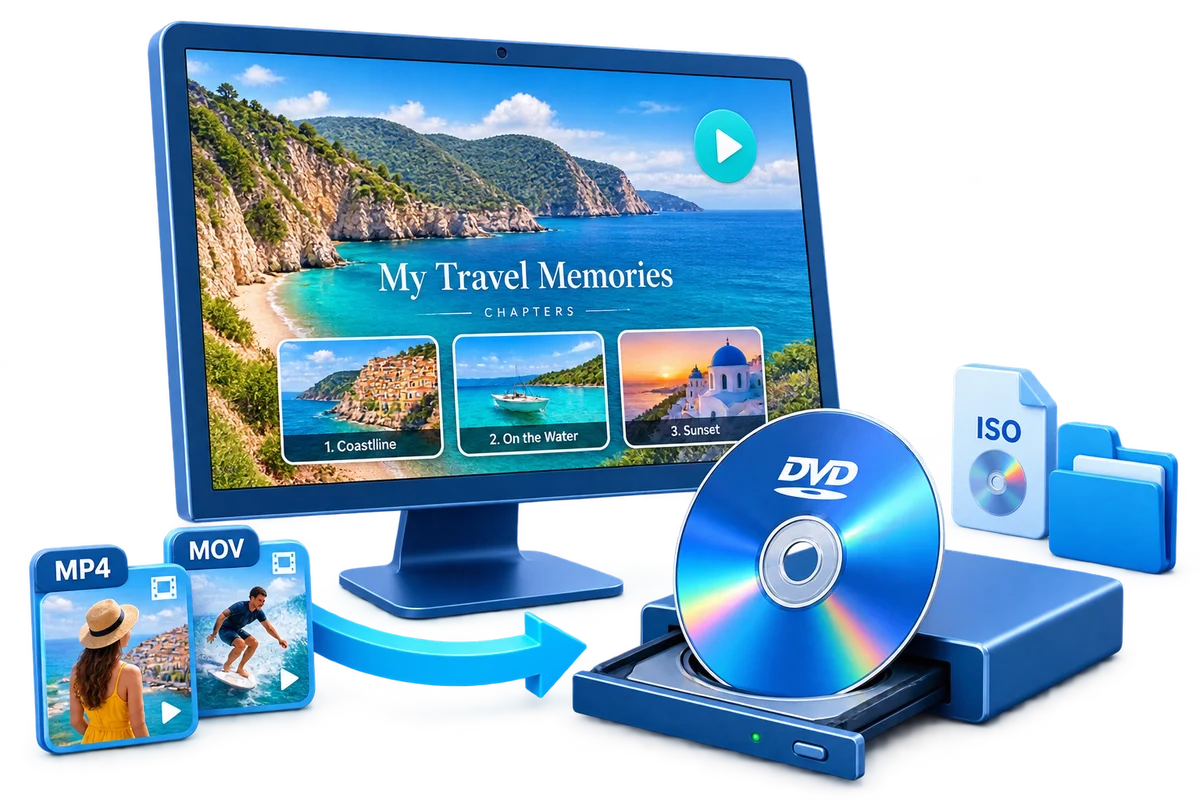
GiliSoft Movie DVD Creator helps arrange selected videos, define titles and chapters, customize a menu, preview the project, and create a disc, ISO, or DVD folder. Use the DVD for convenient viewing, while keeping the original and high-resolution video files in a separate archive.
Troubleshooting
- The project is too large: split it into focused discs or shorten less important clips.
- Dates are confusing: use one consistent date format throughout the menu.
- A relative cannot read the menu: enlarge labels and simplify the background.
- The disc is the only copy: create separate backups of the original and final video files.
- A television cannot play the disc: verify DVD-Video authoring and test another compatible player or disc type.
Respect Rights, Privacy, and the Original Files
Create and distribute discs only from video, music, images, and personal recordings you are authorized to use. Keep source and high-resolution masters separately; an authored DVD is a delivery or viewing copy, not the only archive.
Frequently Asked Questions
How should I organize many years of family video?
Use several focused discs by year, branch of the family, trip, or event rather than one crowded project.
Can I add a chapter for every clip?
You can, but chapters should remain useful and easy to navigate.
Is DVD a good long-term archive by itself?
No. Use it as a viewing copy and maintain original files and backups separately.
Can I save an ISO for relatives later?
Yes. An ISO can preserve the authored structure for approved future copies.
Why do my HD videos look softer on DVD?
DVD-Video uses standard-definition output. Keep the HD or 4K files for high-quality viewing.
Should I share every family recording?
Consider privacy and obtain permission when recordings include sensitive or personal moments.