

How to Hide Files from Other Users on the Same Computer
On a shared Windows PC, separate accounts and correct permissions are the foundation. Hiding, locking, and encryption solve different privacy risks and should not be treated as interchangeable.
Quick answer
Give each person a separate Windows account first. Store private files in your user profile and use NTFS permissions when ordinary users should not open them. The Hidden attribute only changes visibility. Use EFS or another encryption method for data confidentiality, or GiliSoft File Lock Pro when selected files and folders need locking, hiding, change prevention, or encryption on the PC.
Choose the privacy goal before the method
| Goal | Suitable method | Important limit |
|---|---|---|
| Reduce casual browsing | Separate account and user-profile storage | Not protection from an administrator |
| Hide an item from normal views | Hidden attribute | Easily revealed and not encrypted |
| Restrict another standard account | NTFS permissions | Administrators may take ownership |
| Protect data at rest | EFS or approved encryption | Recovery keys and edition support matter |
| Lock, hide, prevent changes, or encrypt selected content | File Lock Pro | Choose the correct mode and test recovery |
Start with separate Windows accounts
- Create a standard account for each regular user.
- Use a strong password or supported sign-in method for your account.
- Keep private files inside your user profile rather than a public folder.
- Do not share the administrator password with users you are restricting.
- Back up important data separately before changing permissions or encryption.
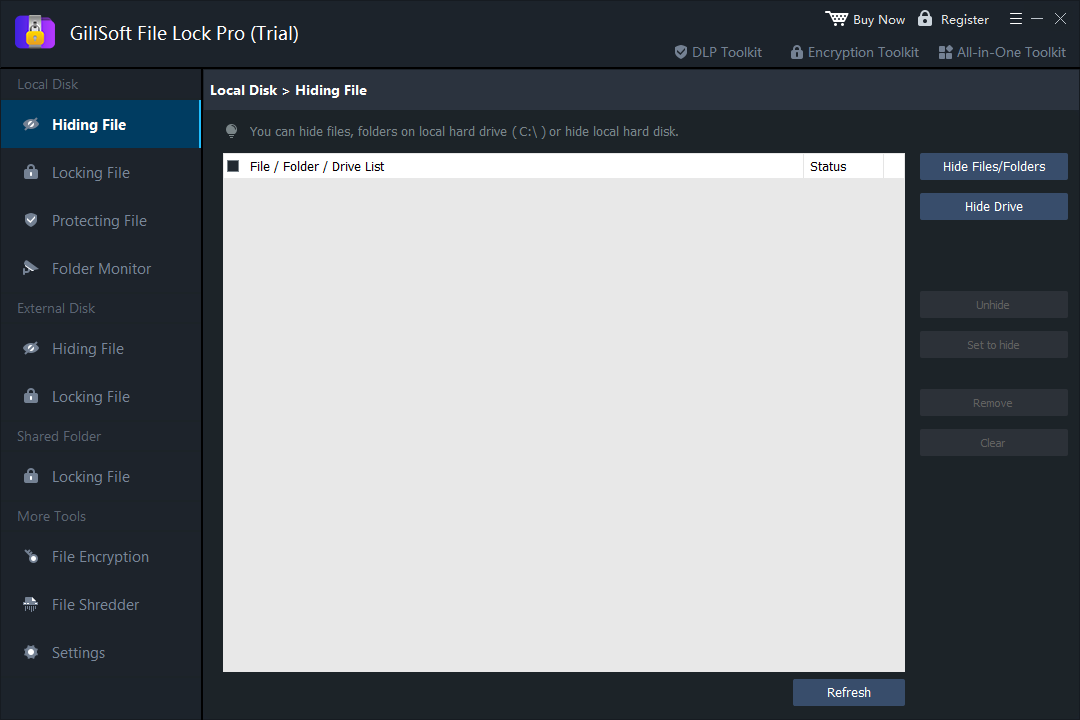
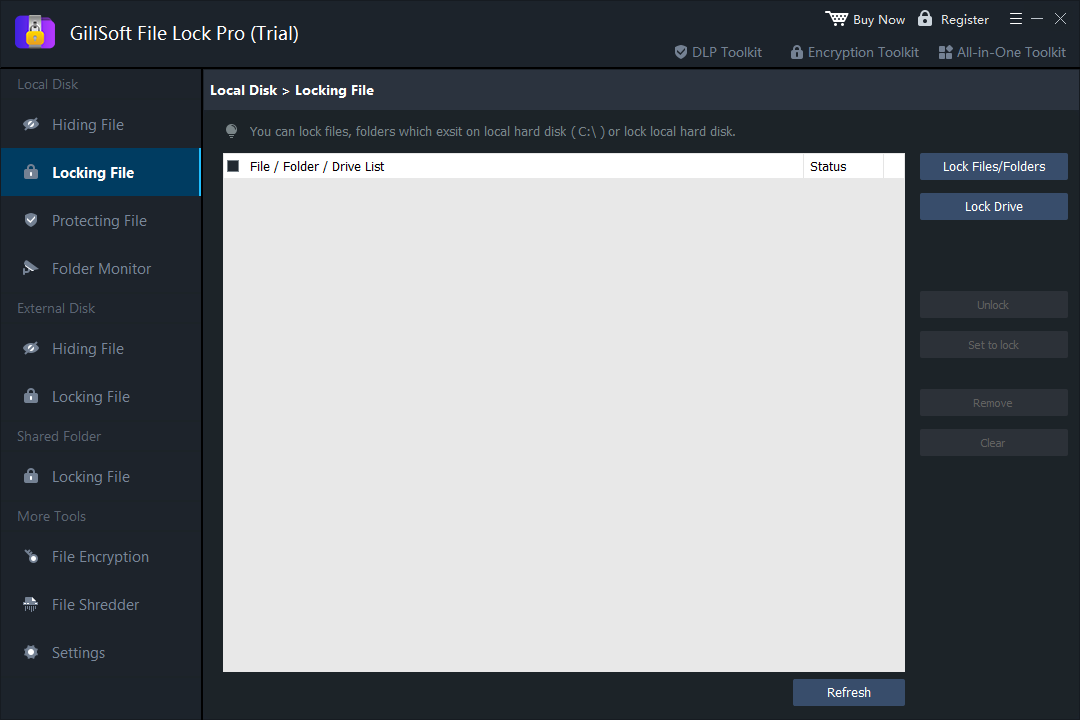
Hide or lock selected files with File Lock Pro
- Set the File Lock Pro password and recovery email.
Verify recovery before protecting important content.
- Choose the protection result.
Use Locking for access, Hiding for visibility, Protecting for change prevention, or File Encryption for an encrypted copy.
- Add one noncritical test folder.
Confirm the selected rule behaves as expected from another account.
- Test opening, editing, deleting, and searching.
Check only the actions the policy is intended to restrict.
- Verify authorized recovery.
Remove the test rule successfully before applying it to important files.
What does not protect files from other users
Hidden attribute alone
Another user can reveal hidden items in File Explorer.
BitLocker alone
Once Windows unlocks the drive, signed-in users are governed by account and file permissions.
Renaming the extension
This does not encrypt or meaningfully protect file contents.
One shared administrator account
Users with the same privileged account cannot be reliably separated by local controls.
Frequently asked questions
Can other Windows users see files in my user folder?
Separate standard accounts normally isolate profile data, but permissions, shared folders, administrator access, and copied files affect the result.
Is the Hidden attribute secure?
No. It only changes normal visibility and can be reversed in File Explorer.
Does BitLocker hide files from another signed-in user?
No. BitLocker protects data at rest. After the drive is unlocked, Windows account and file permissions control access.
Can a local administrator access protected files?
A trusted administrator may change permissions, take ownership, or alter local controls. Use appropriate encryption and governance when the administrator is not trusted.
Which File Lock Pro mode should I choose?
Use Locking for access, Hiding for visibility, Protecting for change prevention, and File Encryption when an encrypted copy is required.