
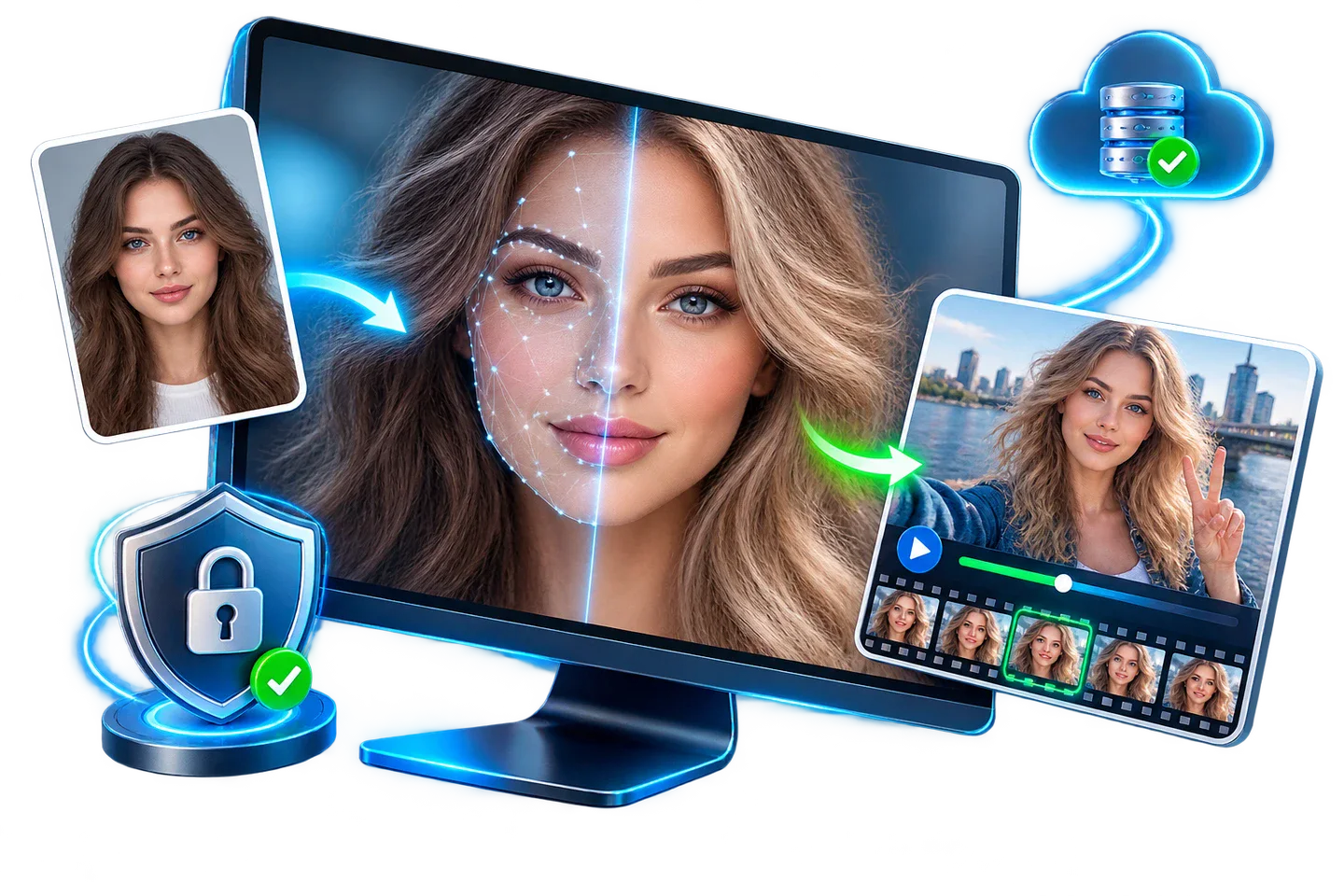
Start with a Representative Video Test
A good still frame does not prove the whole video will remain stable. Test a short section containing the motion and expression changes found in the final project.
| Test moment | Why it matters | What to inspect |
|---|---|---|
| Straight-on frame | Establishes the best-case reference | Alignment, scale, skin tone, and face boundary |
| Head turn | Changes visible facial geometry | Identity consistency and edge stability |
| Speech or smile | Moves eyes, cheeks, and mouth | Expression tracking and lip area |
| Partial obstruction | Hair, hands, glasses, or objects cross the face | Recovery before and after the obstruction |
| Fast movement | Introduces blur and rapid pose changes | Flicker, drift, and temporary identity loss |
Swap Faces in a Video: Step by Step
Choose the video workflow
Open GiliSoft Face Swap and select the video face-swap workspace.
Import a short target clip
Begin with a representative segment instead of the complete source video.
Add a compatible source portrait
Use a sharp, unobstructed face with an angle and expression close to the target.
Select the intended face
Confirm the correct person when the clip contains multiple faces, then preview the selection.
Process and review the sample
Export the test clip and examine turns, speech, occlusion, lighting changes, and fast motion.
Run the full video
Process the complete file only after the sample remains stable and the output settings are correct.
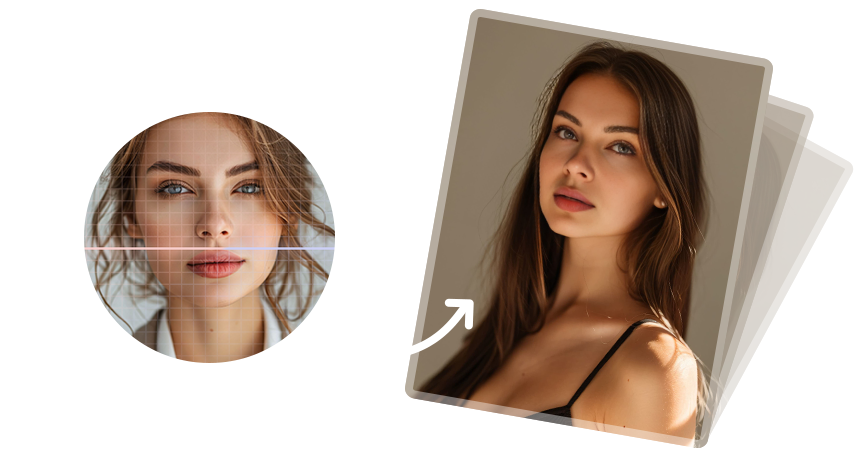 Concept illustration of the source-to-target workflow, not a software screenshot or guaranteed result.
Review the Video Beyond One Good Frame
Watch at normal speed
Look for flicker, drifting features, and sudden identity changes that are easy to miss in a paused frame.
Inspect difficult frames
Move frame by frame around turns, blinking, speech, hair movement, and objects crossing the face.
Check scene transitions
Lighting and camera angle may change abruptly after a cut, so review the beginning of every new shot.
Confirm the final file
Check duration, resolution, audio synchronization, and playback compatibility after export.
Fix Common Video Face Swap Problems
| Problem | Likely cause | What to try |
|---|---|---|
| Face flickers during movement | Blur, rapid motion, or poor landmark visibility | Use a clearer source and test the difficult segment |
| Identity changes on head turns | Source angle differs greatly from the target | Choose a source with a closer pose |
| Face disappears behind an object | Occlusion interrupts tracking | Review recovery frames or use a cleaner target clip |
| Processing takes too long | Long duration or high resolution | Validate a short sample and available storage first |
| Audio no longer matches | Export or playback issue | Verify the saved file and output settings before rerunning |
Publish Video Face Swaps Carefully
- Obtain permission for identifiable faces and the target video.
- Do not fabricate statements, endorsements, evidence, or identity claims.
- Clearly disclose significant synthetic alteration where viewers may otherwise be misled.
- Retain the original video and a record of the edit.
Frequently Asked Questions
Can I face swap a long video?
Yes, but first test a representative section. Longer and higher-resolution clips require more time and make quality problems more expensive to discover late.
Why does the face flicker?
Fast motion, blur, occlusion, extreme angles, or weak source imagery can interrupt consistent alignment.
Can I replace one person in a group video?
Use the face selection control to identify the intended person, then test scenes where people cross or overlap.
What kind of source portrait is best?
Use a sharp, evenly lit, unobstructed face with a pose and expression reasonably close to the target.
Should I review frame by frame?
Yes, especially around head turns, speech, scene cuts, and objects passing in front of the face.
Can I publish a face-swapped video?
Only with appropriate rights and consent and without deceptive or harmful use. Disclose significant synthetic edits when needed.
More Face Swap Guides
Continue with the guide that matches your media, privacy requirement, or next troubleshooting task.