
How to Lock a Folder on a USB Drive
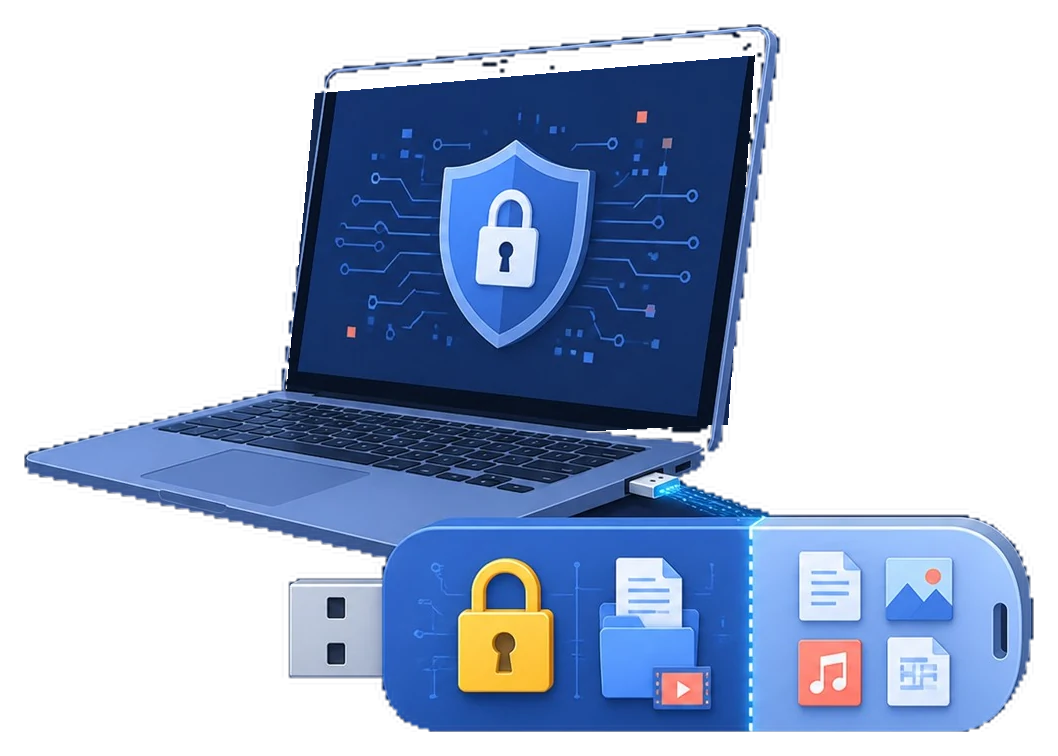
A normal folder on a flash drive has no dependable password of its own. For portable privacy, create protected storage on the USB drive, place the sensitive folder inside it, and verify access before carrying or sharing the device.
Quick answer
Use GiliSoft USB Encryption when the same USB drive needs both shareable files and private folders. Create a password-protected private area, open it, move the sensitive folder inside, then close and test it. Do not rely on the Windows Hidden attribute: it changes visibility, not access protection.
Choose the protection scope first
“Lock a USB folder” can describe three different jobs. Choosing the right scope prevents unnecessary whole-drive changes and avoids buying a device-control tool for a file-privacy task.
| What you need | Recommended approach | Best fit |
|---|---|---|
| Keep selected folders private while other USB files stay public | GiliSoft USB Encryption | Create public and password-protected private areas on one removable drive |
| Send a protected copy of one folder as a portable package | GiliSoft File Lock Pro | Create encrypted output instead of changing the original USB layout |
| Block or approve USB devices on a Windows computer | GiliSoft USB Lock | Control device access on the PC; it does not password-protect a folder |
Prepare the USB drive before adding protection
- Back up irreplaceable files.
Copy important content to another healthy device before changing the USB layout. Encryption is not a backup.
- Confirm the correct drive.
Check its drive letter, capacity, and label in File Explorer so you do not select another removable disk.
- Check available space.
The private area must be large enough for the folder now and for expected growth later.
- Close files stored on the USB drive.
Finish edits and close applications using the device before creating protected storage.
Create a password-protected private area
Install and open GiliSoft USB Encryption on Windows, connect the USB drive, and select the removable device you verified. Choose how much space should be reserved for private files, then set a strong password that is not stored on the drive itself.

The remaining public area can continue to hold files that do not require a password. This is useful when the drive must carry both confidential documents and ordinary handoff material.
Move the folder into the private area
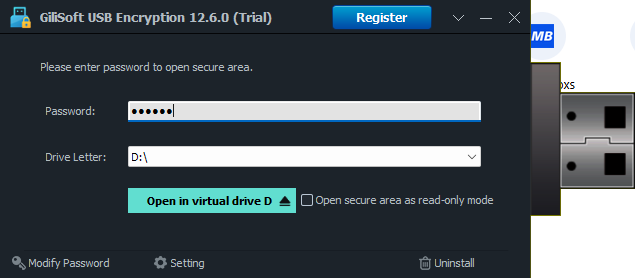
- Open the protected area.
Enter the password in GiliSoft USB Encryption and wait for the private storage to become available.
- Copy the folder first.
For important material, copy rather than move on the first attempt. Open several files in the protected copy before removing the original.
- Verify the contents.
Check file counts, subfolders, and representative documents, photos, archives, or project files.
- Remove the public copy.
After verification, delete any unprotected duplicate from the public area if it should no longer remain accessible.
Close and verify the protection
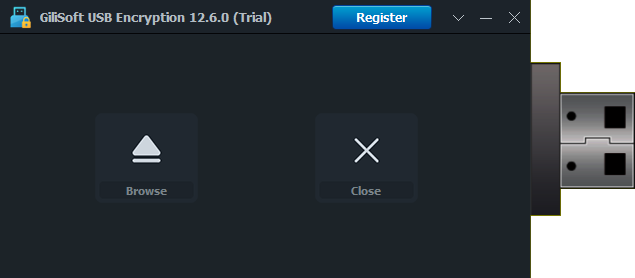
- Close the private area.
Use the product's close or lock action after saving your files.
- Safely eject the USB drive.
Wait for pending writes to finish before disconnecting the device.
- Reconnect and test it.
Confirm that public files remain available and that the private folder cannot be opened without the password.
- Test the intended Windows PC.
Organizational security policies may restrict removable drives or portable software. Verify the real destination computer before relying on the workflow.
Avoid these common USB folder protection mistakes
- Only hiding the folder. Hidden and system attributes can be reversed and do not encrypt the contents.
- Keeping the password beside the drive. Store it in an approved password manager or another separate, controlled location.
- Moving the only copy immediately. Verify the protected copy before deleting the source, especially for large folders.
- Removing the drive while files are open. Close the private area and safely eject the device to reduce corruption risk.
- Treating encryption as hardware repair. If the drive disconnects, reports errors, or becomes unreadable, stop and address the storage problem first.
USB folder lock FAQ
Can I lock only one folder on a USB drive?
Yes. Create a private area with GiliSoft USB Encryption and move only that folder into it. Other files can remain in the public area.
Can a USB drive contain both public and private files?
Yes. GiliSoft USB Encryption is designed to retain a normal public area and add password-protected private storage on the same drive.
Will the protected folder open on another Windows PC?
Test the drive on every Windows computer you intend to use. Access requires the correct password and a compatible environment; company policies may restrict removable software or drives.
What happens if I forget the password?
Do not assume that protected data can be recovered. Store the password or approved recovery information separately from the USB drive.
Is hiding a folder enough to protect it?
No. Hidden and system attributes mainly change visibility in File Explorer. They are not a substitute for password-protected encryption.