
Choose the Output Format by What Happens Next
An Office file converter is most useful when the destination format matches the next task. PDF is appropriate for stable delivery, Word for flowing text edits, Excel for table analysis, PowerPoint for slide work, and images for fixed visual pages.
Conversion does not make unlike file models identical. A PDF page does not contain an original Word paragraph tree, an image does not contain searchable text without OCR, and a frozen chart does not contain its original spreadsheet data.
Convert Office Files with GiliSoft Formathor
GiliSoft Formathor groups PDF, PPT, Word, eBook, OCR, picture, video, and audio tools in a Windows desktop application. Open the workspace matching the source and destination.
- Define the final task.
Decide whether the recipient needs editing, calculation, presentation, visual review, listening, or fixed PDF delivery. - Choose the matching workspace.
Use PDF to File, File to PDF, File to PPT, File to Word, OCR, or another supported route. - Add a test copy.
Use a typical file containing the tables, fonts, images, links, or scans found in the wider job. - Select output and destination.
Keep converted files away from originals and avoid ambiguous names. - Open and verify the result.
Check content in the destination application before processing more files.
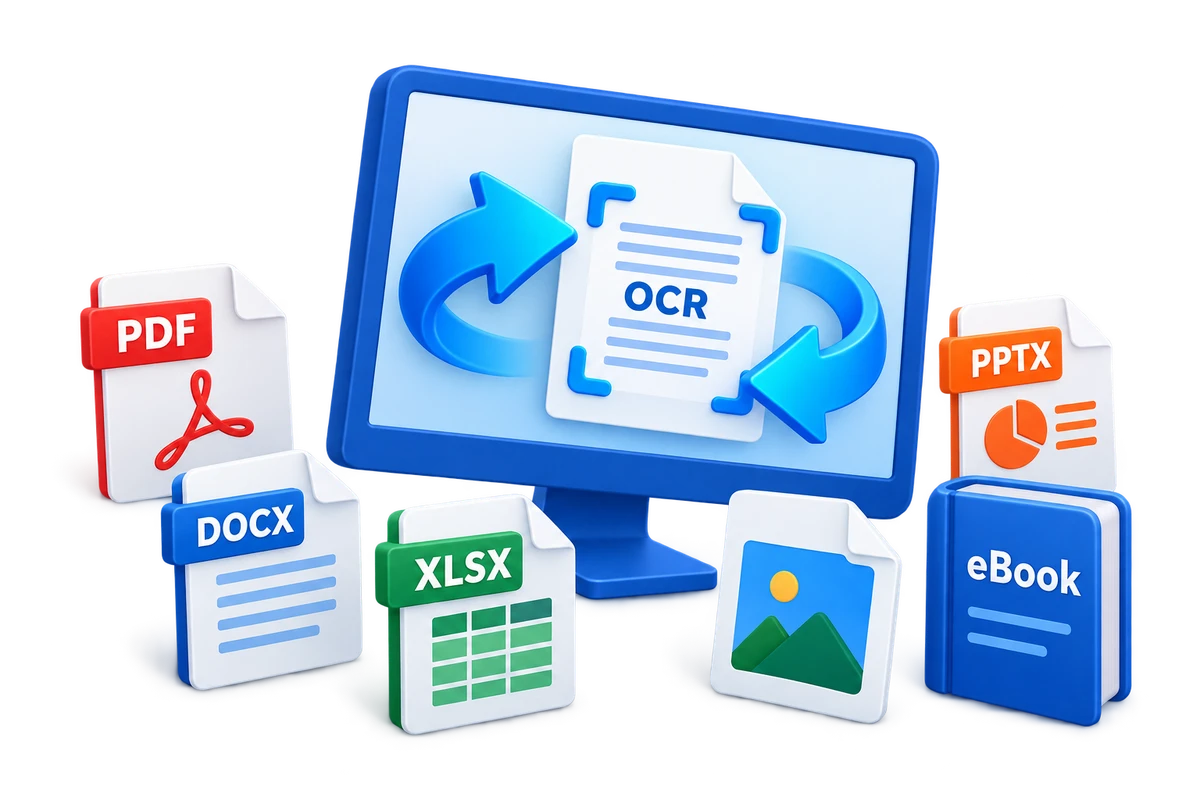
Match Common Office Tasks to Output
| Business need | Useful output | Verification focus |
|---|---|---|
| Final review or printing | Pages, fonts, markup, links, and accessibility | |
| Paragraph editing | Word | Reading order, headings, tables, and page flow |
| Table analysis | Excel | Columns, dates, decimals, totals, and merged cells |
| Presentation drafting | PowerPoint | Slide size, images, editable text, and chart accuracy |
| Visual publishing | Image | Resolution, color, cropping, and sequence |
| Scanned text reuse | OCR text or Office output | Recognition language, names, numbers, and punctuation |
Common Office File Converter Workflows
Administrative files
Standardize recurring reports, forms, and review copies.
Client delivery
Prepare stable PDFs while retaining editable source files internally.
Legacy document reuse
Convert supported older content into a format suited to current work.
Local document handling
Keep routine conversion on the Windows PC when uploads are undesirable.
GiliSoft Formathor keeps PDF, Office, image, OCR, and related conversion tools in one Windows application. Test the current workflow with a representative copy before processing important originals or a large batch.
Fix Common Conversion Problems
| Problem | Likely cause | Practical check |
|---|---|---|
| Layout changes | Source and output formats use different document models | Choose a closer output type and plan manual cleanup |
| Text is not editable | The source is a scan or page image | Use OCR and proofread the recognized text |
| Charts lose data editing | Only the rendered chart exists in the source | Rebuild from verified source data |
| Fonts are substituted | The original font is unavailable | Install an authorized font or use a controlled substitute |
| Output app reports damage | The source or conversion route is unsupported | Test another clean source and confirm current format support |
Office File Converter FAQ
What files can Formathor convert?
Formathor provides PDF, Word, PowerPoint, eBook, OCR, picture, video, and audio-related workspaces. Confirm the exact source and output choices in the current interface before a production batch.
Does an Office converter preserve every element?
No. Formatting, formulas, macros, animations, comments, links, fonts, and document structure can change when formats use different models.
Can scanned documents become editable?
OCR can recognize printed text from suitable scans. Accuracy depends on language, resolution, skew, contrast, and layout, so proofreading is required.
Should converted files replace the originals?
No. Keep source files unchanged until output has been opened, compared, backed up, and accepted.
Why use a desktop converter?
It can keep routine file processing on the local Windows PC. Local conversion still requires proper folder permissions, backups, and device security.
Related File Conversion Guides
- Batch Office file converter
- PDF to Word converter
- Word to PDF converter
- File to PPT converter
- Word to audio converter
- Formathor User Guide
Convert Business Files in One Windows Workflow
Choose the destination format by the next task, test a representative file, and verify output before wider use.