
Batch Conversion Is a Workflow, Not Just a Queue
Batch conversion saves time when many files need the same output and quality standard. It works best with a controlled source set, predictable filenames, enough destination space, and a documented review process.
Mixing unrelated file types, password-protected documents, scans, damaged files, macros, and complex layouts in one unattended run can produce inconsistent output. Separate batches by source and destination before conversion.
Batch Convert Office Files with Formathor
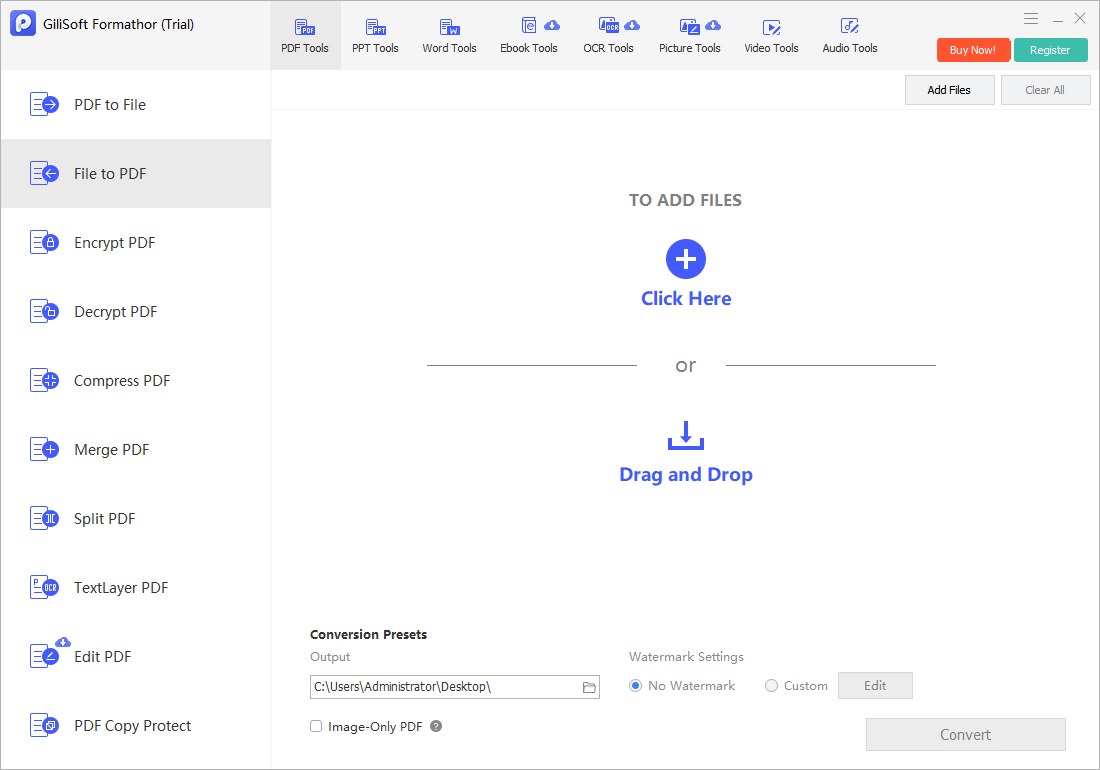
Add multiple supported files to the appropriate GiliSoft Formathor workspace, apply one destination format to a compatible group, and review the queue before conversion.
- Inventory the source set.
Record file count, source formats, size, password status, and intended destination. - Create homogeneous batches.
Separate PDFs, Word files, spreadsheets, presentations, images, and OCR jobs when they need different settings. - Run a representative sample.
Convert files containing the most complex tables, fonts, scans, and page layouts first. - Set a new output folder.
Use a naming rule that prevents duplicate base names from overwriting each other. - Convert, reconcile, and sample.
Compare input and output counts, review failures, and inspect first, middle, last, and high-risk files.
Plan the Batch Before It Runs
| Batch factor | Risk | Control |
|---|---|---|
| Mixed source formats | One preset may not fit every file | Split by source type and target format |
| Duplicate filenames | Outputs can collide in one folder | Preserve subfolders or add unique prefixes |
| Scanned documents | Image-only pages remain uneditable | Create a separate OCR batch with the correct language |
| Password-protected files | Jobs may fail or pause | Obtain authorized access and separate them |
| Large or complex documents | Processing can stall or output can differ | Run high-risk samples and reserve enough space |
Common Batch Office File Converter Workflows
Monthly reporting
Convert recurring report sets into reviewed PDF delivery folders.
Contract archives
Create stable copies while preserving authorized originals and metadata separately.
Catalog preparation
Standardize office and image inputs for a downstream publishing workflow.
Migration projects
Convert supported legacy files in controlled groups with an exception log.
GiliSoft Formathor keeps PDF, Office, image, OCR, and related conversion tools in one Windows application. Test the current workflow with a representative copy before processing important originals or a large batch.
Fix Common Conversion Problems
| Problem | Likely cause | Practical check |
|---|---|---|
| Fewer outputs than inputs | Unsupported, encrypted, damaged, or failed files | Reconcile counts and isolate exceptions |
| Files overwrite each other | Different folders contained the same base name | Use unique output names or separate destinations |
| Some pages are blank | Source print areas or unsupported content differ | Inspect the source and rerun that file separately |
| Batch takes too long | Files are large, scanned, or OCR-heavy | Split the queue and test storage performance |
| Quality varies | Sources use different layouts and fonts | Group by complexity and review high-risk samples |
Batch Office File Converter FAQ
Can I batch convert mixed Office files?
Only combine files when the chosen workspace and output support them consistently. Separate source types and OCR jobs when settings or expected results differ.
How do I know whether every file converted?
Record the input count, compare it with output and failure counts, and keep an exception list. Opening a few outputs is not enough for a high-value batch.
Can batch conversion overwrite files?
It can if outputs share names or the destination already contains files. Use a new folder and a naming policy that prevents collisions.
Should scanned PDFs be in the same batch as text PDFs?
Usually not when editable text is required. Scanned documents need OCR language and quality checks that native text PDFs do not.
How should I test a large batch?
Run a small sample containing ordinary and complex files, verify it, then process manageable groups and reconcile each group.
Related File Conversion Guides
- Office file converter
- Excel to PDF converter
- Word to PDF converter
- Image to PDF converter
- Offline PDF converter
- Formathor User Guide
Run Document Batches with Fewer Surprises
Group compatible sources, test difficult files, protect originals, and reconcile every output after conversion.