
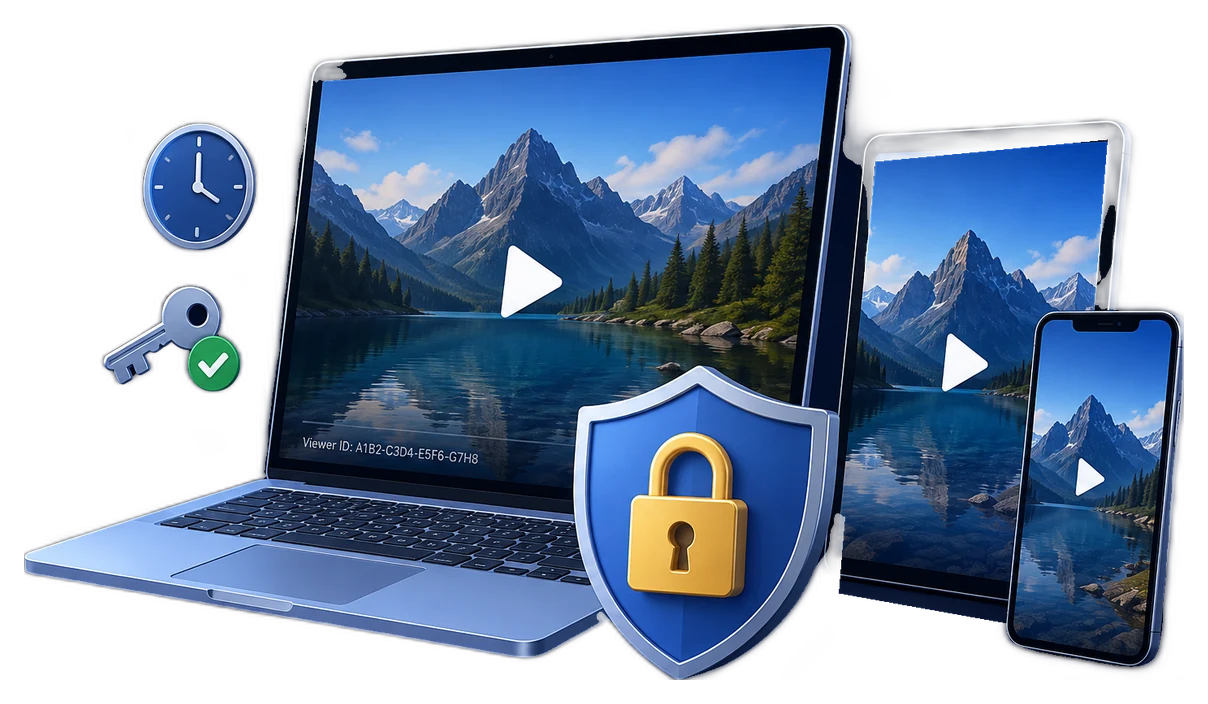
What changes after a video is downloaded?
A login page can decide who reaches a download button, but it cannot control an ordinary MP4 after the file has been saved. The recipient can usually rename it, copy it to another device, upload it, or open it in any compatible player.
A protected download changes the delivered file and its playback path. With GiliSoft Video DRM Protection, the publishing project is created on Windows and the recipient receives a protected package that checks the playback password and configured access rules before the video opens. Protected videos can be played through supported GiliSoft playback environments on compatible desktop or mobile platforms, depending on the selected output and player.
Compare four ways to deliver video
| Delivery method | What it controls | What happens after download | Best fit |
|---|---|---|---|
| Ordinary MP4 download | Only access to the download page | The file plays and copies normally | Public or low-risk media |
| Password-protected ZIP | Opening the archive | The extracted MP4 becomes an ordinary file | Simple transport privacy |
| Private hosted streaming | Account, token, URL expiry, and browser playback | Useful when viewing stays online; it does not create a controlled offline file by itself | Browser-first libraries |
| GiliSoft protected download | Password, PC or USB binding, watermark, expiry, play count, blacklist, and available capture controls | The playback policy travels with the protected package | Paid, private, offline, or directly delivered videos |
How to protect downloadable videos with GiliSoft
- Add the videos and supporting contentImport the course lessons, demonstrations, premium recordings, or supporting documents that should be delivered together.
- Choose protected outputCreate the protected package instead of publishing the original source file. Keep the master video in controlled storage.
- Configure who can play itCreate playback credentials and, when needed, bind access to an approved PC machine code or USB drive.
- Add visible identity and time rulesApply dynamic watermarks, expiration, play-count limits, or an allowed playback window that matches the purchase, class, project, or contract.
- Enable relevant playback restrictionsConfigure the available anti-copy and anti-capture options, then test the package on every supported viewer environment you plan to offer.
- Deliver and manage accessPublish the protected package, issue the correct password, and add compromised credentials to the blacklist when viewing must stop.
See the protection controls before delivery
The product screens below show the parts that matter most for downloadable video: importing media, setting playback rules, creating protected output, and withdrawing leaked access.
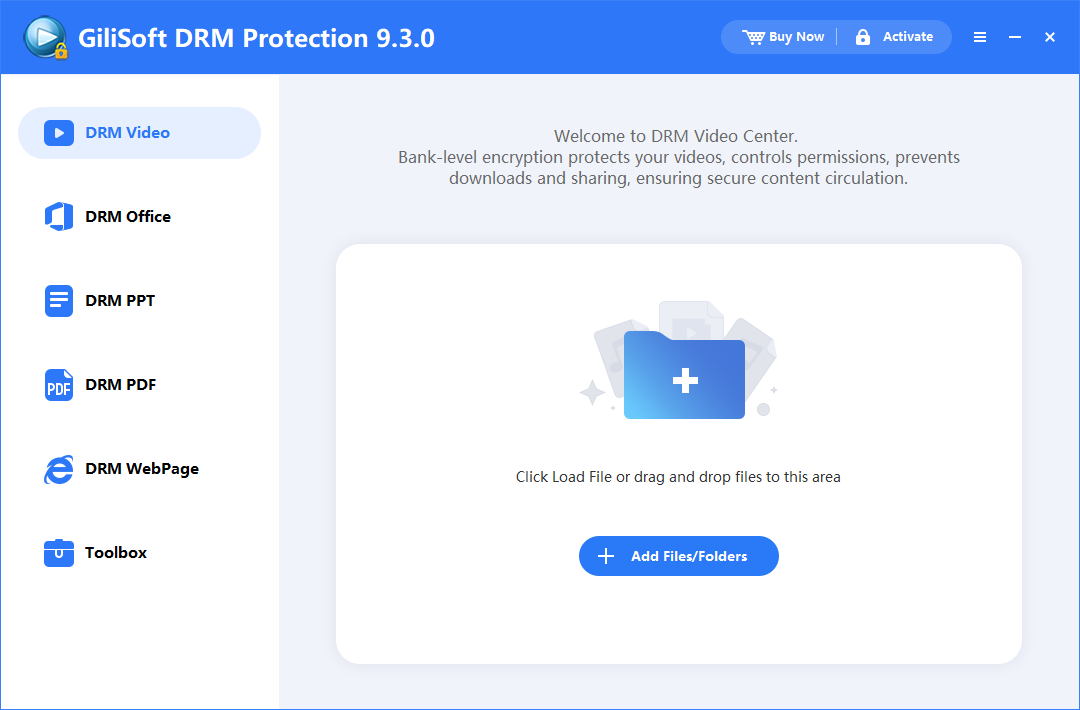 Add videos and supporting filesBuild the protected delivery package from the source content.
 Set playback and encryption rulesChoose the credentials and restrictions that apply to the viewer.
 Add watermark and capture controlsIncrease traceability and deter common reuse paths.
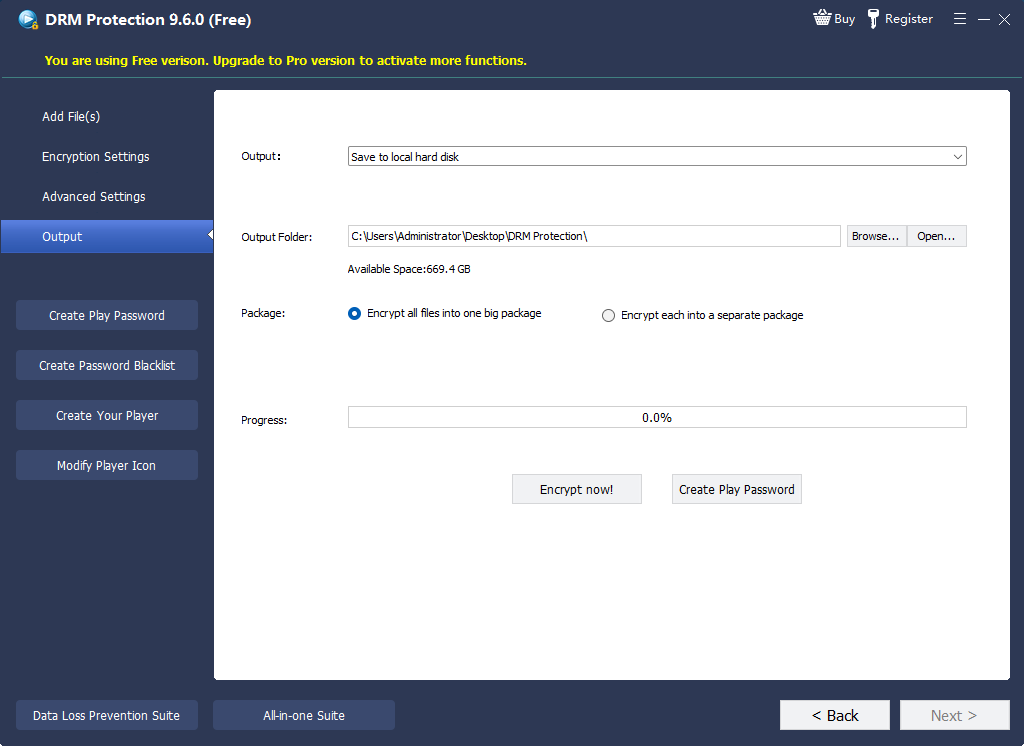 Create protected outputDeliver the protected package instead of the source MP4.
 Issue viewer accessCreate credentials that match the intended recipient or device.
 Revoke compromised accessBlacklist credentials that should no longer open protected videos.
Keep control after the download starts
Create protected video packages on Windows, then deliver them for supported desktop or mobile playback with passwords, device rules, visible watermarks, and revocation controls attached.
Where protected downloads are useful
Downloadable courses
Give enrolled learners offline access while keeping the lessons behind playback credentials and optional device binding.
Paid coaching and membership libraries
Deliver premium sessions without turning every purchase into an unrestricted source video.
Partner and customer demonstrations
Use named watermarks, shorter access windows, and revocation for confidential previews and sales material.
Corporate and compliance training
Distribute controlled lessons to staff, contractors, or remote sites while retaining a practical response when access changes.
Offline USB training kits
Bind protected playback to an approved USB drive for locations where reliable internet access cannot be assumed.
Pre-release and review copies
Apply recipient-specific rules before sending unreleased footage, internal recordings, or review packages outside the organization.
Before publishing the download
Protect video downloads FAQ
Can I protect a downloaded MP4 with only a website password?
A website password protects the page or download request. Once an ordinary MP4 has been saved, that website password does not control the local file. Use a protected playback package when access rules must continue after download.
Can viewers watch protected downloads offline?
Yes, depending on the output and rule you configure. A protected package can support controlled offline delivery, including PC- or USB-bound viewing. Test the exact package and target player before release.
Can protected videos play outside Windows?
The protection project is created and managed on Windows. Protected videos can be played through supported GiliSoft playback environments on compatible desktop or mobile platforms, depending on the selected output and player.
Can I stop access after a refund or account cancellation?
Use a password blacklist as part of your response process. The viewer must reach the relevant verification service for the updated blacklist decision to take effect.
Does anti-screen-recording block every possible recording method?
No software can stop every external recording method. Available anti-capture controls deter common software capture paths, while dynamic watermarks add visible viewer accountability.
Should I use Video DRM Protection or Video Copy Protection?
Use Video DRM Protection when the job needs viewer credentials, PC or USB binding, dynamic watermarks, expiry, and blacklist-based revocation. Use Video Copy Protection when the main job is packaging files for controlled offline delivery with broader copy, print, and clipboard restrictions.
Protect the video before you publish the download
Use GiliSoft Video DRM Protection to create a controlled playback package rather than handing every recipient an unrestricted source file.