Does Windows have a built-in password for each folder?
No universal per-folder password prompt is built into normal File Explorer folders. EFS uses a Windows account and certificate on supported editions, not a new password for each folder.

GiliSoft File Lock Pro
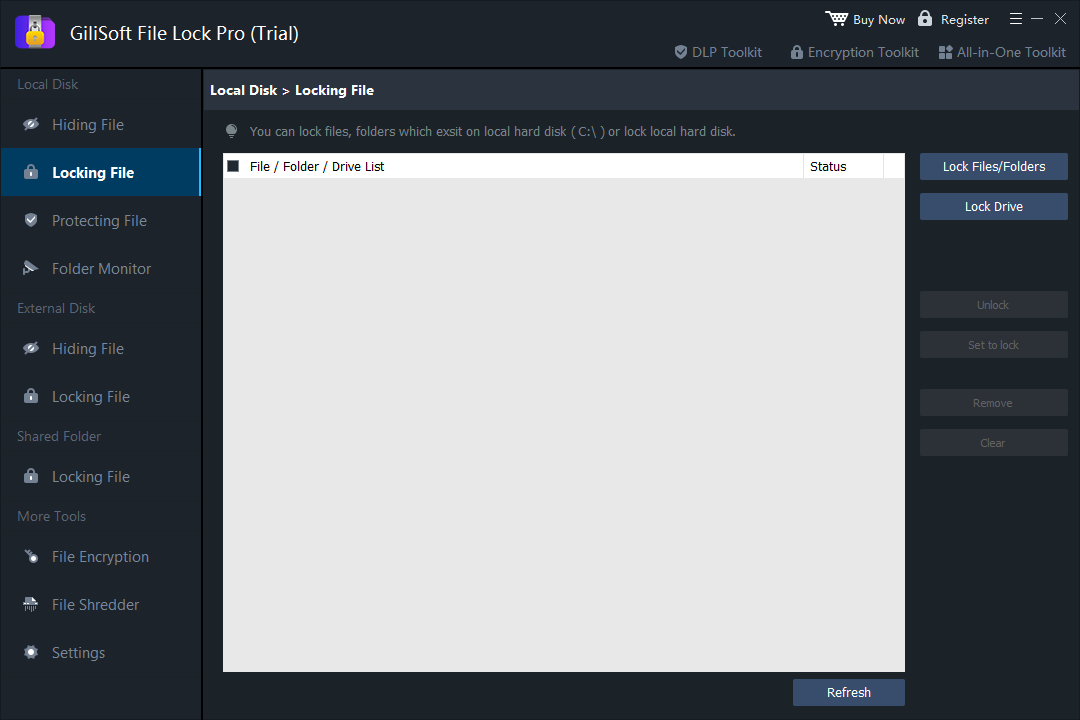
Lock selected Windows files and folders for local access control. Use File Encryption when you need a separate encrypted copy.

Windows does not offer one universal, separate password prompt for every normal folder. First decide what you need: block access to a local folder, encrypt files for a Windows account, or send a password-protected copy to someone else. Those are different jobs.
| Goal | Method | Important limit |
|---|---|---|
| Control access to files in place on this PC | File Lock Pro > Locking File | Local access control is not the same as an encrypted copy for sharing. |
| Encrypt files for your Windows user account | Windows EFS, where available | No separate folder password; back up the encryption certificate. |
| Send or store a protected copy | File Lock Pro File Encryption or a password-protected archive | Test the exported file; the original may remain unprotected. |
| Hide a folder from casual view | Hidden attribute or a .bat script | Not password protection or encryption. |
File Lock Pro separates Locking File, Protecting File, and File Encryption. For a folder you want to keep on the PC but restrict from ordinary access, use Locking File. Protecting File is for limiting changes such as editing or deletion; it is not the same workflow.
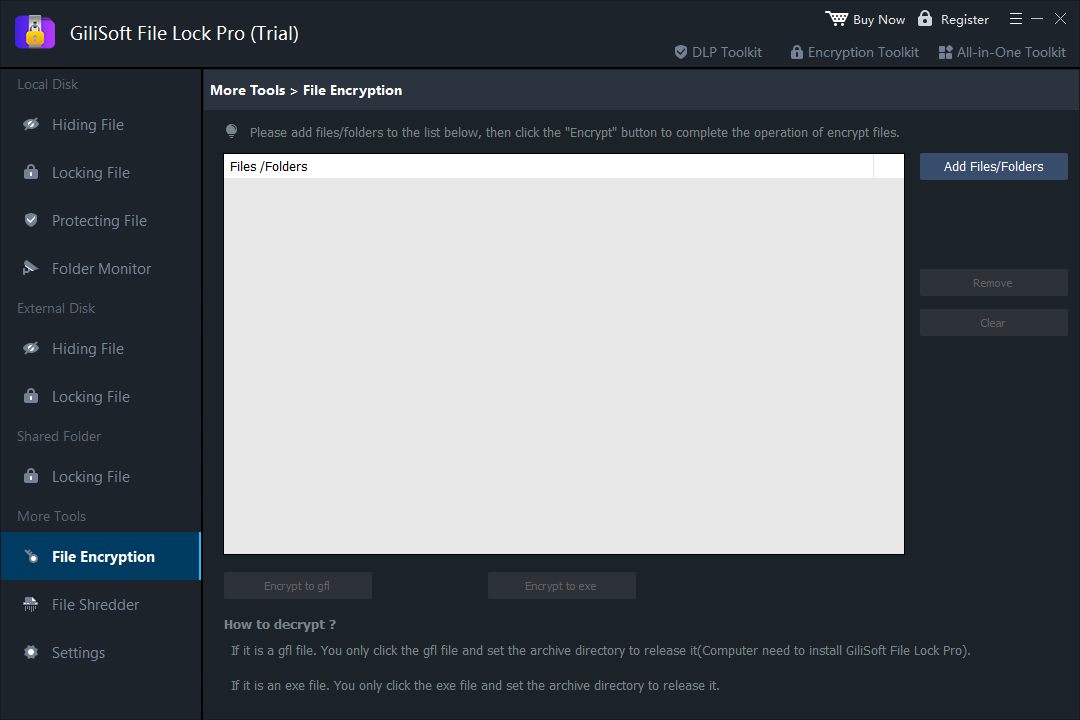
Need an encrypted file you can move or share? Open More Tools > File Encryption, add the files or folder, choose GFL or EXE output, set an encryption password and test the result. This creates a separate protected copy; do not confuse it with locking the live folder.
For the full interface walkthrough, see the File Lock Pro user guide.
Windows Encrypting File System (EFS) can encrypt a file or folder for a Windows account using an encryption certificate. It does not add a new password dialog to that folder. Microsoft says file encryption is unavailable in Windows Home editions; check the Windows edition and file system before starting.
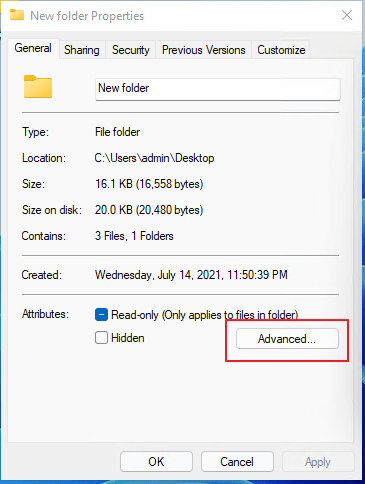
See Microsoft's EFS instructions and edition note. If the checkbox is unavailable, do not treat changing the folder name or attributes as equivalent encryption.
An archive is useful when you need to send or store a protected copy instead of keeping a live Windows folder locked. In an archive tool that supports encrypted archives, add the files, set an archive password, create the output and test extraction. The source files remain in place unless you separately move or remove them.

Do not send the password in the same message as the archive. Check the archive format and recipient's extraction software before sharing it.
A common batch-file trick renames a folder and changes its hidden or system attributes. The files are not encrypted, and anyone who can read or edit the script can inspect its password and reverse the commands. It can even make files harder to find without making them safer. Do not use this approach for private or important documents.
The File Lock Pro product page lists Windows 7 as compatible, but Microsoft ended Windows 7 security support on January 14, 2020. Folder locking cannot replace operating-system security updates. If you still use an older PC, test the protection and recovery workflow carefully and plan a move to a supported Windows version.
No universal per-folder password prompt is built into normal File Explorer folders. EFS uses a Windows account and certificate on supported editions, not a new password for each folder.
No. EFS encrypts file contents for a Windows identity. File Lock Pro's Locking File controls local access to selected items; its File Encryption tool creates a separate encrypted output.
No. Batch-file folder lockers typically rename or hide the folder and expose the password in readable script text.
Create and test an encrypted GFL or EXE output with File Lock Pro, or use an archive tool that supports encrypted archives. Locking a local folder does not by itself protect a copied file.
Try the Locking File workflow with a non-critical folder first. Use File Encryption when you need a separate encrypted output.