


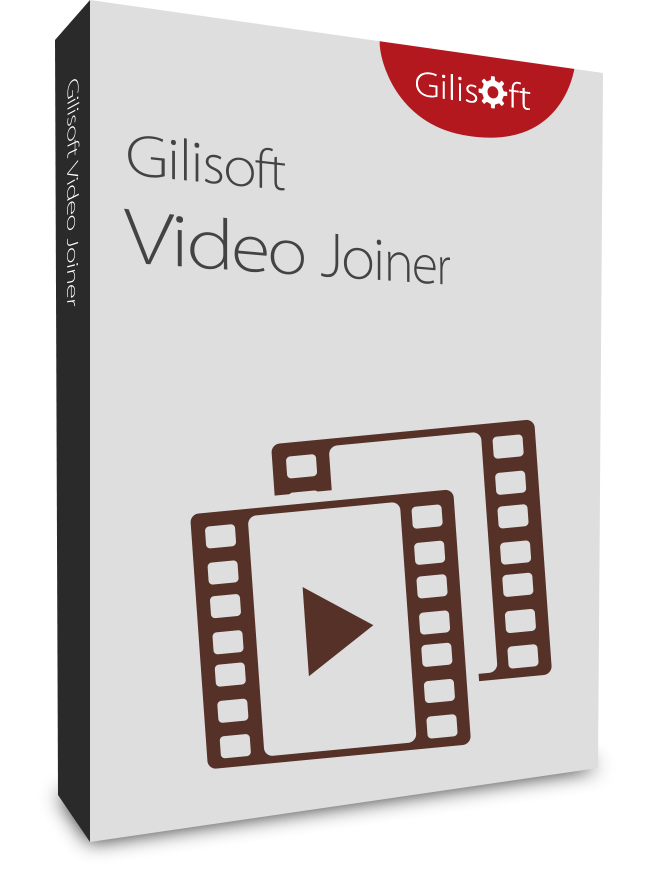


Gilisoft Video Joiner

Easily combine video files in various formats into one!


Windows 2000/XP/7/10/11 (32 bits &64 bits)

Free DownloadVersion: 7.0.0BUY NOW$34.95

Gilisoft Video Joiner

GiliSoft Video Joiner is a dedicated tool for merging multiple clips into one complete video file. You can add fade in/out transitions, join same-format files quickly without unnecessary re-encoding, or merge mixed formats and choose a custom output format. Preset profiles help control output quality and compatibility more efficiently.

The application lets you add many clips, reorder them easily, and process joining tasks in batch mode to save time. It is straightforward for beginners and still practical for advanced users who need predictable output in daily production workflows.


Video Joiner Core and Optional Editing Toolkit

This page focuses on Video Joiner core functions: combining clips, preserving output quality, and improving batch productivity. The second column shows optional advanced editing capabilities.

Features

  • Video Joiner Core
  • Optional Editing Toolkit
Add music to video, or replace the original.
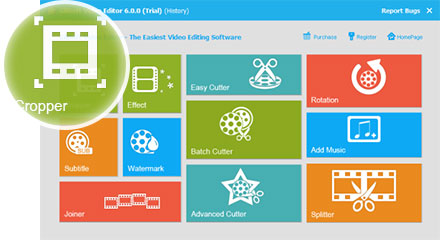
Remove black bars to adapt to various media players.
Convert videos into various formats for players.
Add filters, adjust brightness, contrast and saturation.
Add subtitle when you watch foreign video.
Add text or image watermark to make your video unique.
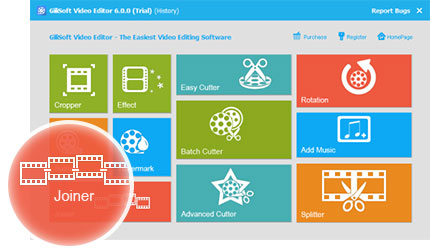
Merge several video clips into one whole movie.
Drag scissors icon to set the beginning and ending.
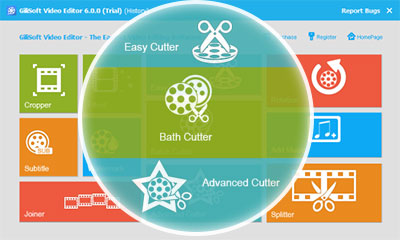
Cut video clips in batches to save your time.
Cut video either in two modes with more precise settings.
Rotate video by 90 degrees to fit your media players.
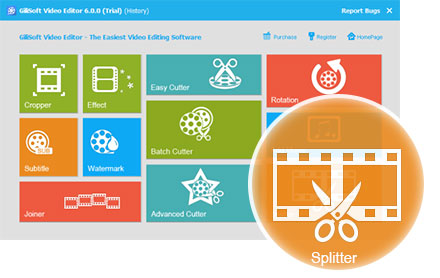
Split video into small pieces which are limited by size.
Preview the edited videos to save your time.
Get screenshot if you like the scene of the video.
Lifetime Usage & Lifetime Free Updates

Customer Testimonials

We combine multi-scene clips into one final lesson video, and this tool made delivery preparation much faster.

- Olivia M., Media Operations Lead

Same-format joining works smoothly, and we avoid quality loss from unnecessary re-export steps.

- Kevin T., Systems Administrator

Batch mode is useful when we need to merge many short clips for monthly training packages.

- Rachel P., Training Manager

Reordering segments before merge is simple, which helps us finalize narrative flow without complex editing software.

- Daniel K., IT Administrator

Mixed-format merging with output profile selection improved compatibility for client playback environments.

- Brian C., Support Engineer

The fade in/out option adds polish for internal promos without extra timeline editing effort.

- Megan S., Operations Manager

For a focused join-only workflow, this tool is efficient and easy to train across departments.

- Aaron W., Video Team Lead

Gilisoft Video Joiner's Screenshots

How tos

Media Review

  Editors highlighted practical workflows for combining multiple clips into one clean output file.
    Coverage noted intuitive controls for clip ordering and transition smoothing.

Review notes described the product as an efficient tool for video assembly tasks where speed and consistency matter.

  Reviewers praised stable performance on long output timelines and mixed-format input sets.
    Lab observations cited dependable behavior during repeated batch merge operations.


Analysts highlighted easy onboarding for teams that need reliable clip joining without full timeline complexity.

  Independent write-ups described the joiner workflow as practical for recurring production tasks.
    Commentary emphasized predictable output and low operational overhead.


Coverage emphasized that users can merge large clip sets efficiently while maintaining clean handoff quality.

SPECIAL OFFER | MEGA SALE
#1 Multimedia Toolkit Suite
11 Video Tools in Ultimate Multimedia Bundle