
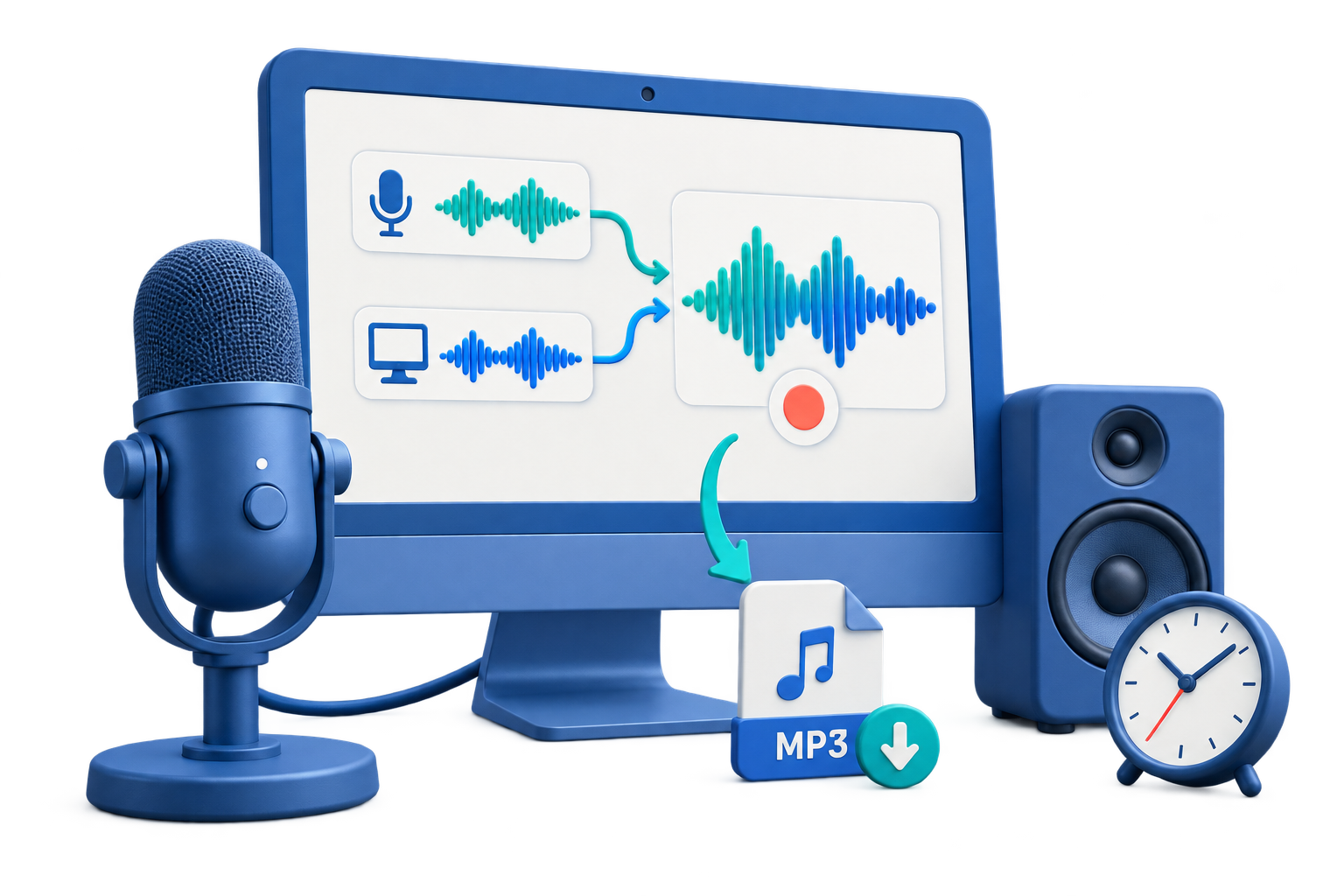
Record the Playback Source You Actually Need
Computer audio means sound being played by Windows applications. It is different from microphone audio, which captures speech and room noise.
| Recording goal | Source choice | Preparation |
|---|---|---|
| Browser or application playback | Computer Sound | Open the source, confirm playback, and close unrelated sound-producing apps |
| Webinar or online lesson replay | Computer Sound | Check permission to record and silence notifications |
| Playback plus live explanation | Computer Sound + Microphone | Use headphones and test the balance |
| Voice only | Microphone | Choose and test the intended input device |
Record Computer Audio on Windows: Step by Step
Prepare the playback
Open the browser or application and confirm that the intended audio plays through the active Windows output device.
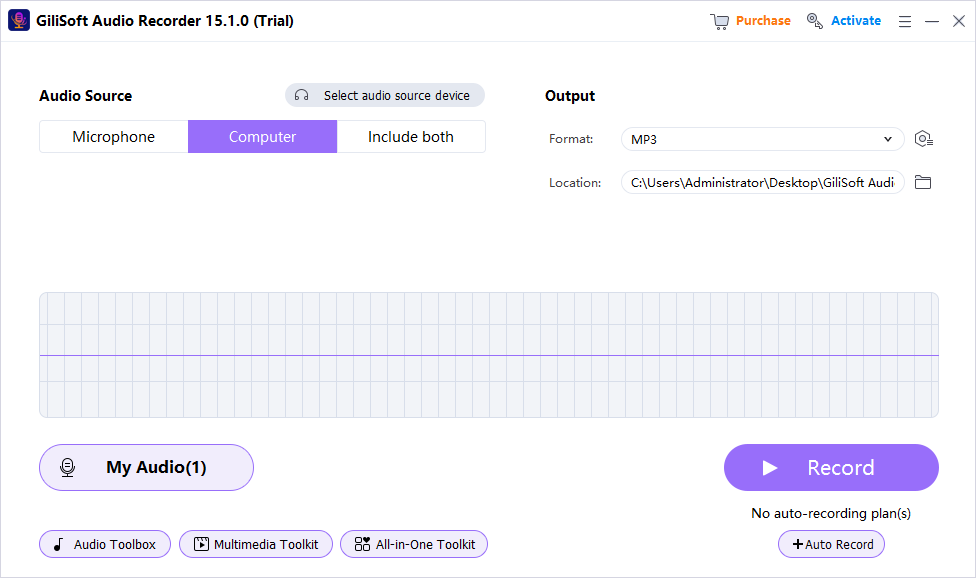
Choose Computer Sound
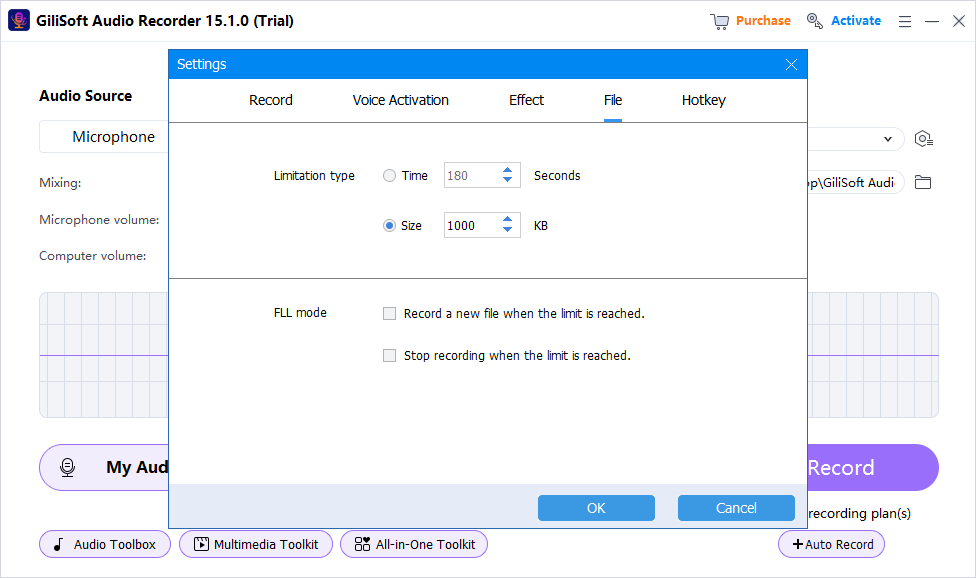
Open Audio Recorder Pro and select computer audio only. Leave the microphone off for a clean playback recording.
Silence unrelated applications
Close notification-heavy apps and pause other media that could enter the Windows system mix.
Record a short test
Capture representative loud and quiet moments, then listen for silence, clipping, alerts, and unexpected sources.
Record and review the full session
Start the final capture, stop when complete, and verify the saved file before closing the original source.
Improve Computer Audio Recording Quality
Set playback before recording
Use a moderate, clean source level and include the loudest expected passage in the test.
Control notifications
Focus mode and closed background applications reduce alerts and interface sounds in the system mix.
Avoid unnecessary microphone input
A disabled microphone prevents keyboard, fan, echo, and room noise from entering playback-only recordings.
Review the original capture
Check the unedited file before conversion or processing so capture and export problems remain separate.
If the Computer Audio Recording Is Silent
- Confirm that Computer Sound is selected instead of Microphone.
- Check that Windows and the source application are not muted.
- Verify the active output device after connecting headphones, Bluetooth audio, a monitor, or a USB interface.
- Restart the source and recorder after changing an audio device.
- Test ordinary local playback; protected services may intentionally restrict recording.
Record Only Audio You Are Authorized to Capture
Computer-audio recording does not override copyright, privacy, meeting consent, subscription, or technical protection rules. Obtain permission and do not bypass protected playback.
Frequently Asked Questions
Can Windows record computer sound without a microphone?
Yes. Select Computer Sound and leave Microphone disabled so the file contains direct Windows playback rather than room audio.
Why is the recording silent even though I can hear playback?
The recorder may be using the wrong source or output device. Check Computer Sound, application volume, Windows volume, and current routing.
Will notification sounds be recorded?
They can be included when they play through the captured Windows mix. Use Focus mode and close unnecessary applications.
Can I record browser audio?
Yes, when the browser playback is authorized for recording. Test a short sample and do not bypass protected content.
Which format should I use?
MP3 is practical for general listening and sharing, while WAV is useful when an uncompressed working file is preferred.
When should I enable the microphone too?
Enable it only when live narration or conversation must be included, then use headphones and test the relative levels.
More Windows Audio Recording Guides
Continue with the source, device, or workflow guide that matches the next recording task.