

Quick Answer: Which Alternative Should You Choose?
Wise Folder Hider is no longer only a simple hiding utility. Its current feature set includes hidden files and folders, file access restrictions, encrypted Lockers, secondary passwords, and USB-drive hiding. That makes it a capable baseline rather than a product that should be dismissed.
Wise Folder Hider vs GiliSoft File Lock Pro
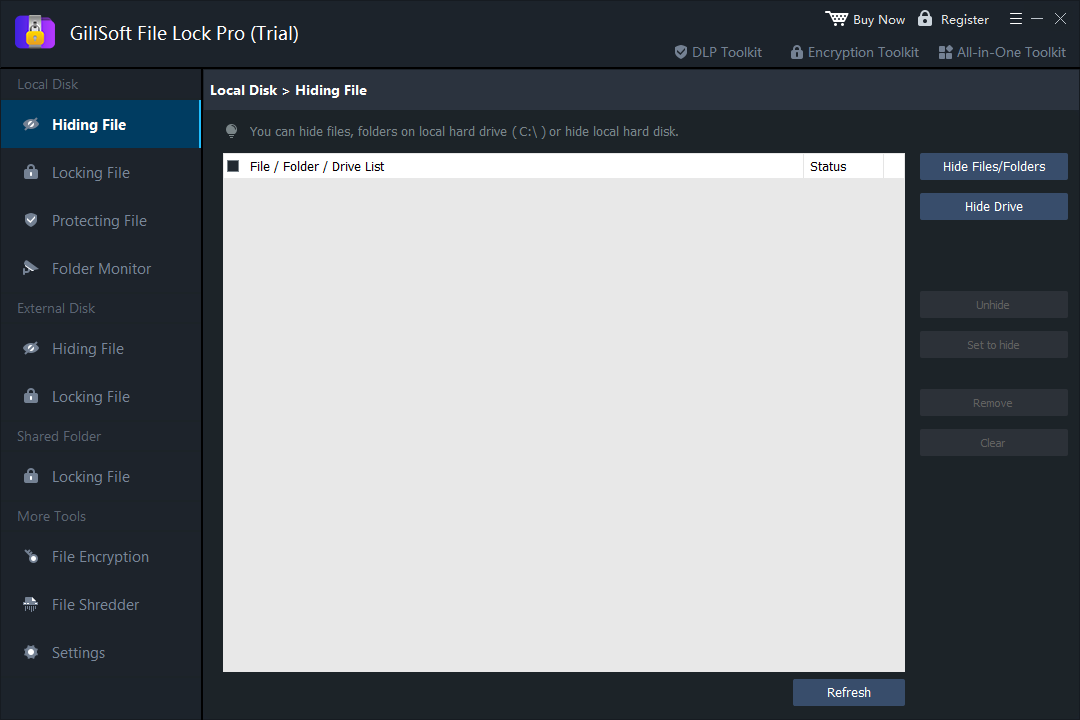
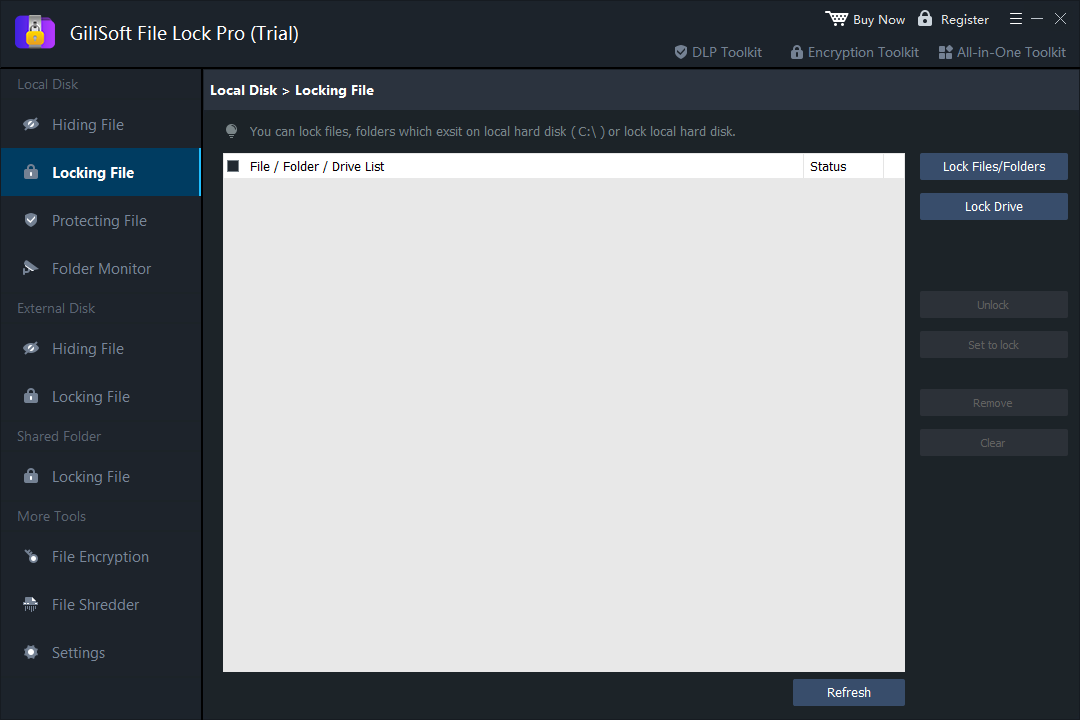
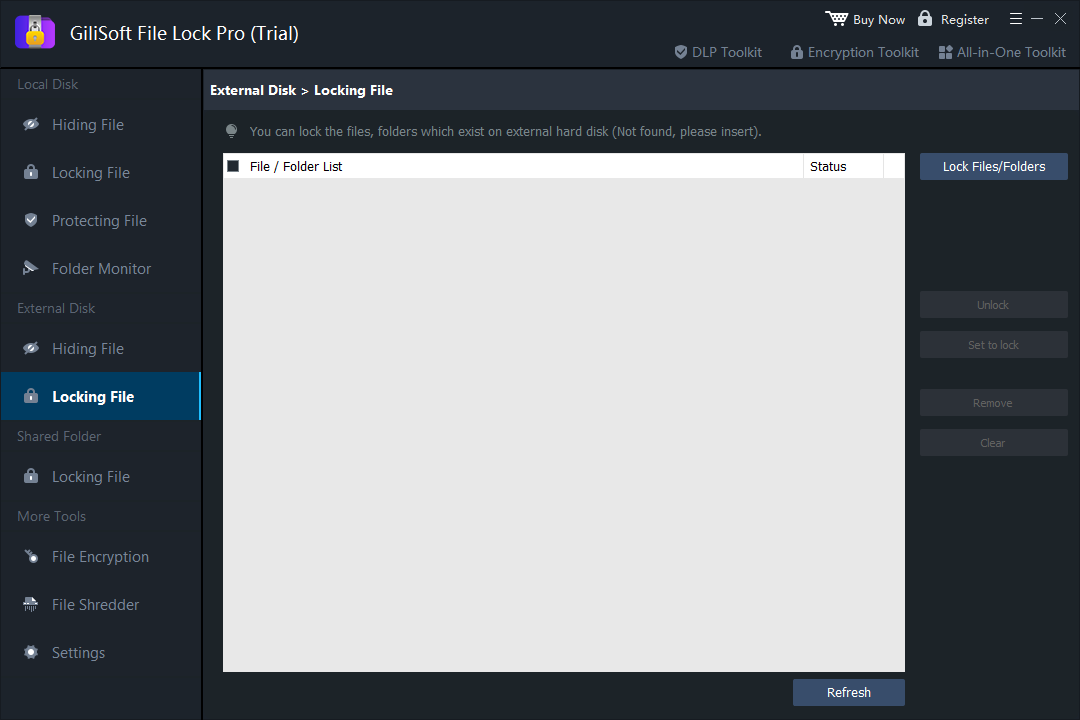
The products overlap, but their organization is different. Wise centers its workflow on Hide File, Lock File, Encrypt File, and USB hiding. File Lock Pro divides protection by storage location and task: local-disk hiding, locking and protection; external-disk hiding and locking; shared-folder locking; monitoring; encryption; shredding; and program settings.
| Capability | Wise Folder Hider | GiliSoft File Lock Pro |
|---|---|---|
| Hide files and folders | Yes | Yes, including complete local drives |
| Restrict a visible item | Read, write, rename, and delete restrictions | Locking and protecting modes for files, folders, and drives |
| Encrypted output | Encrypted Locker containers | Encrypted GFL or self-extracting EXE output |
| USB and external storage | USB hiding and portable Locker options | Dedicated external-disk hiding and locking workspaces |
| Shared network folders | Not the main documented workflow | Dedicated shared-folder locking |
| Folder changes and logs | Not the main documented workflow | Folder Monitor and Program Log |
| Secure deletion | Not the main documented workflow | File Shredder and disk wiping options |
What File Lock Pro Adds to Daily Folder Protection
File Lock Pro is most useful when private data does not live in one place. A user may need to hide personal folders on the system drive, lock a project folder on an external disk, restrict a shared office folder, and review changes to a monitored directory. Those jobs remain separate and visible in the product instead of being compressed into one generic protection command.

Top 5 Wise Folder Hider Alternatives
GiliSoft File Lock Pro
Best for: people and teams protecting active folders across local disks, external drives, and shared folders.
File Lock Pro combines hiding, locking, access protection, external-drive control, shared-folder locking, monitoring, encryption, shredding, self-protection, and logs. It is the strongest fit in this list when folder protection is an ongoing Windows task rather than a one-time archive operation.
Folder Lock
Best for: users who prefer encrypted wallets, lockers, or vault-style storage.
Folder Lock is a recognized option when the main objective is moving private data into an encrypted storage environment. File Lock Pro is more direct when users want to control existing folders in several storage locations without reorganizing everything around one vault.
IObit Protected Folder
Best for: straightforward password access control for selected Windows folders.
Its narrow workflow can be approachable for a small number of private folders. File Lock Pro is more suitable when the same installation must cover full drives, external disks, shared folders, monitoring, encryption, and secure deletion.
My Lockbox
Best for: a simple private-folder hiding experience.
My Lockbox is easy to understand when the job is keeping a personal folder out of normal view. It is less aligned with users who need several protection modes or administrative tasks across removable and shared storage.
7-Zip Encrypted Archives
Best for: free, portable, password-protected archives.
7-Zip is practical when you can package files into an AES-encrypted archive and extract them when needed. It is not a live folder-locking layer: changed files must be added back to the archive, and the original unencrypted copies still need to be handled carefully.
Choose by the Job, Not by the Product Name
Hide personal folders on a shared PC
Use a dedicated hide mode so the folder is absent from ordinary File Explorer and Windows Search views.
Keep a folder visible but controlled
Choose locking or access-protection rules when authorized users still need to find and open the folder.
Protect external or USB storage
Prefer a product with a documented removable-drive workflow; test protection again after safely ejecting and reconnecting the drive.
Send a protected copy
Use an encrypted archive or encrypted package when the recipient needs a separate protected file rather than access to the original folder.
Protect a shared office folder
Use File Lock Pro's shared-folder workspace and verify behavior with the same network path used by the team.
Review folder changes
Use Folder Monitor and program logs when knowing what changed is as important as blocking access.
Wise Folder Hider Alternative FAQ
What is the best Wise Folder Hider alternative?
GiliSoft File Lock Pro is a strong overall choice when the task includes local drives, external drives, shared folders, monitoring, logs, encryption, or secure deletion in addition to hiding and locking.
Does Wise Folder Hider support more than folder hiding?
Yes. Current versions support hiding, file access restrictions, encrypted Lockers, secondary passwords, and USB-drive hiding. Comparisons that describe it as hide-only are outdated.
Can File Lock Pro protect external-drive folders?
Yes. The application has dedicated external-disk hiding and locking workspaces for removable and external storage.
Is an encrypted archive the same as a locked folder?
No. An archive creates a separate protected package. A folder-locking tool controls an active folder that remains part of the normal Windows storage structure.
Official Product References
Wise capabilities were checked against the official Wise Folder Hider feature overview, Lock Files guide, and encrypted Locker guide. Product interfaces and licensing can change, so verify current details before deployment.