
Adobe Acrobat Alternative for Windows File Conversion
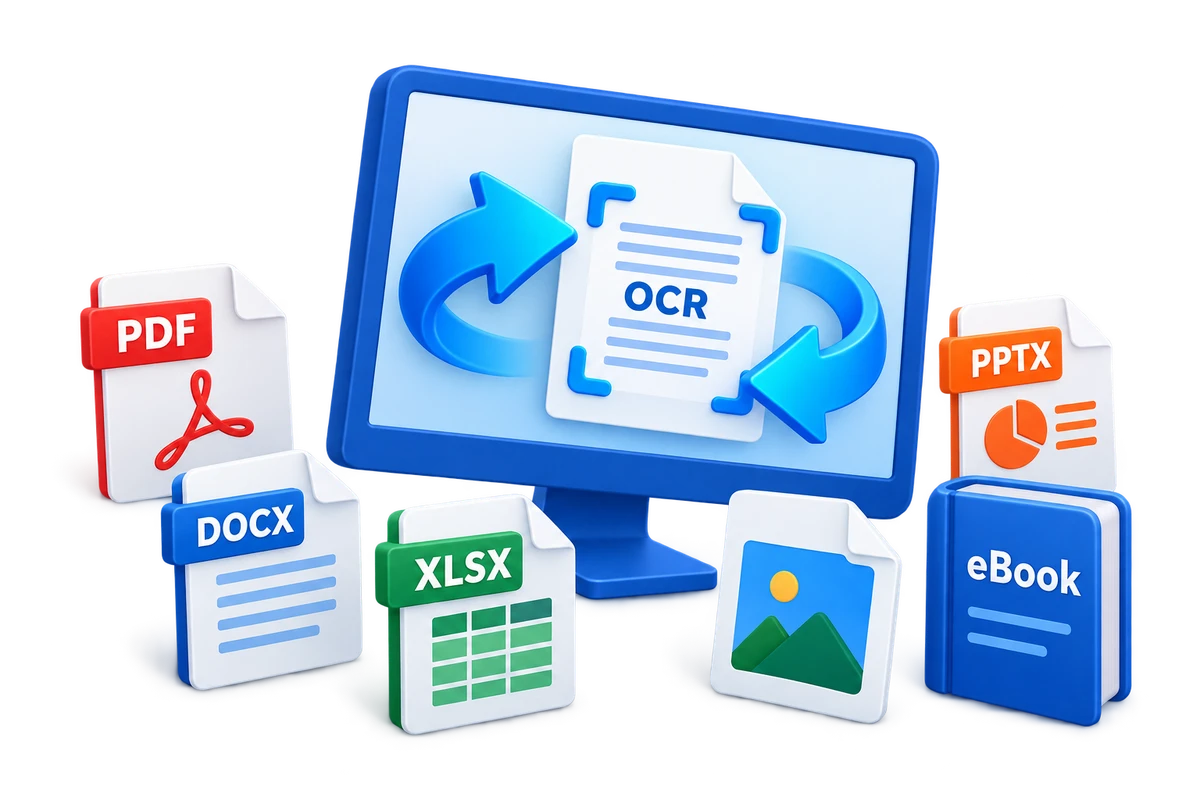
Adobe Acrobat is a broad PDF platform for creating, editing, organizing, converting, signing, sharing, and managing PDFs. Formathor is a different kind of alternative: it is best evaluated when local multi-format conversion is the priority rather than deep PDF-only collaboration or form workflows.
Quick answer
Consider Formathor when most work is converting PDF, Word, Excel, PowerPoint, images, eBooks, and scanned documents locally on Windows. Keep or choose Acrobat when advanced PDF editing, forms, e-signatures, redaction, accessibility, shared review, or Adobe-centered services are essential. Compare current editions with representative files before switching.
Compare Conversion Breadth with PDF Depth
| Requirement | Formathor focus | Acrobat-centered workflow |
|---|---|---|
| PDF, Office, image, and eBook conversion | Central product purpose | Strong PDF creation and export with edition-dependent tools |
| OCR and searchable scanned output | OCR and text-layer document workflows | Integrated scanned-PDF editing and OCR |
| Merge, split, compress, and password protection | Practical preparation after conversion | Part of broader PDF organization and security |
| Detailed text and image editing inside PDF | Available PDF tools; test exact needs | Core reason to choose a full PDF editor |
| Forms, e-signatures, redaction, accessibility, collaboration | Not the main Formathor value proposition | Strong reason to keep a specialist PDF platform |
When Formathor Is the Practical Alternative
- Your workflow starts or ends in many file families, not only PDF.
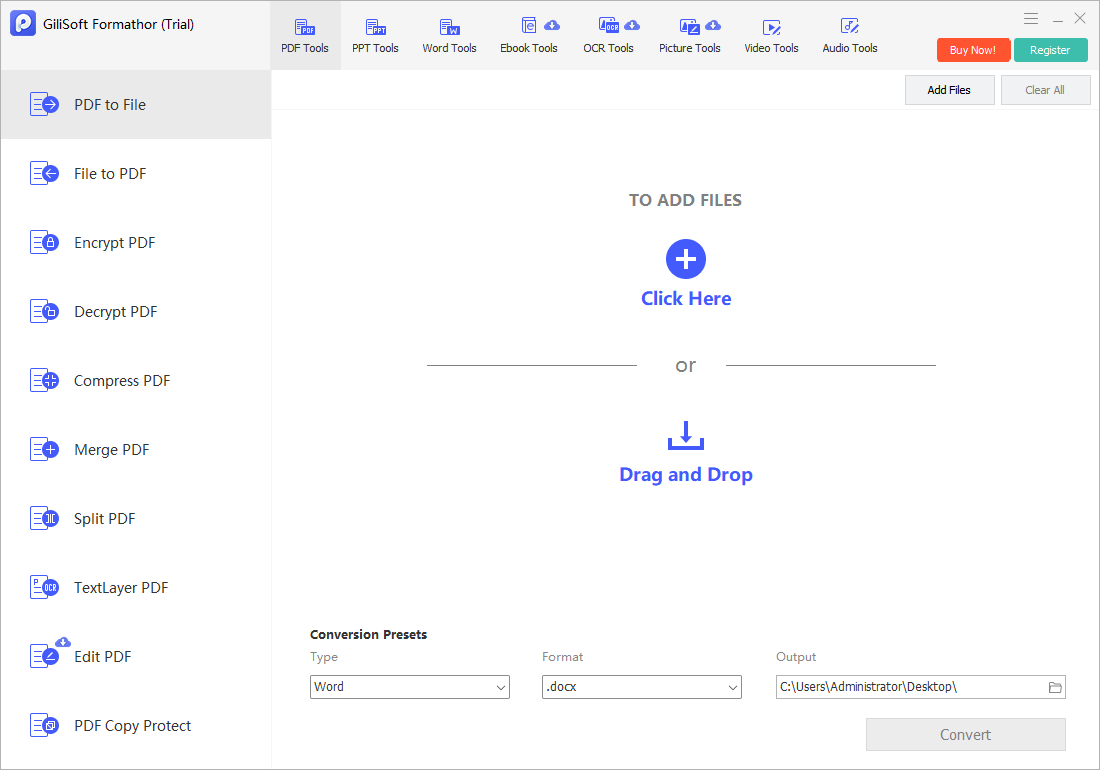
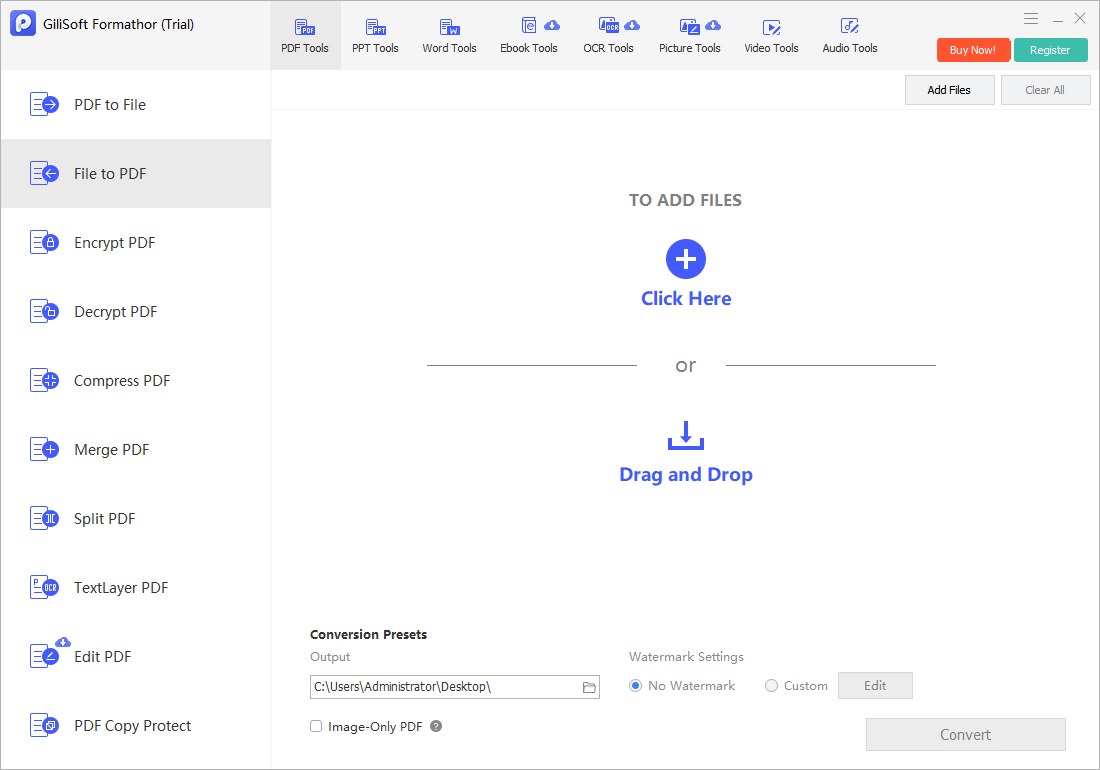
- You need PDF-to-Word, Excel, PowerPoint, image, text, or eBook output and file-to-PDF conversion.
- Local Windows processing is preferred for recurring business documents.
- OCR, searchable PDFs, and final PDF preparation belong in the same conversion queue.
When Acrobat May Still Be the Better Fit
A dedicated Acrobat workflow may be more appropriate for frequent in-PDF text and image editing, advanced forms, signature collection, redaction, accessibility remediation, shared reviews, document services, and teams already built around Adobe accounts or integrations. Verify the current plan because features and services differ by edition.
Test Before Replacing Existing Software
- Inventory required tasks.
Separate conversion, OCR, editing, forms, signatures, redaction, accessibility, security, and collaboration.
- Select difficult sample files.
Include complex tables, scans, uncommon fonts, forms, protected PDFs, and large documents.
- Test both directions.
Convert PDF to working formats and create PDFs from the sources used by the team.
- Open output independently.
Check layout, fonts, images, links, tables, OCR text, and page order.
- Confirm current commercial terms.
Review official licensing, device, update, support, and business-use conditions.
Do Not Treat All PDF Security as Equivalent
Password encryption controls access or permissions in compatible readers. Redaction removes sensitive content. Digital signatures support identity and integrity checks. Rights management and collaboration services add different controls. Choose the product that implements the exact security workflow required.
Adobe Acrobat Alternative FAQ
Is Formathor a full replacement for Adobe Acrobat?
It can replace conversion-centered tasks for some users, but it is not presented as a feature-for-feature replacement for advanced PDF editing, forms, e-signatures, redaction, accessibility, collaboration, or Adobe services.
When should I choose Formathor instead?
Choose it when recurring local Windows work spans PDF, Office, images, eBooks, OCR, and practical PDF preparation rather than deep PDF-only workflows.
Can Formathor edit PDF files?
It includes practical PDF tools and conversion workflows. Test the exact editing task with representative files if detailed in-PDF editing is a requirement.
Can Formathor create searchable PDFs?
Use OCR or Text-layer PDF for image-based pages, then verify recognized names, numbers, reading order, and search results.
Is Formathor cheaper than Acrobat?
Pricing and licensing can change and editions differ. Compare current official purchase terms, device coverage, updates, support, and the features your workflow actually requires.
Should I uninstall Acrobat before testing Formathor?
No. Keep the existing workflow while testing copies of representative files. Switch only after all required conversion, editing, security, and collaboration tasks are verified.