
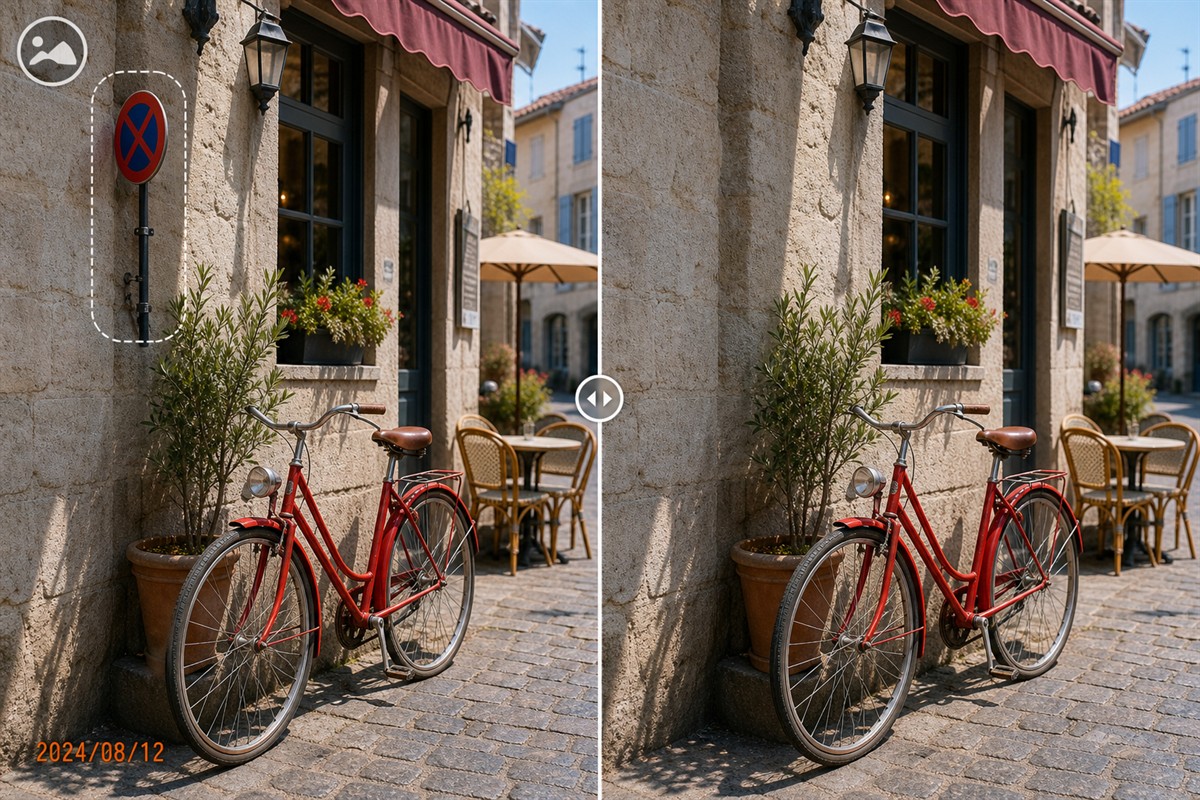
Clean Product Photos Before Relisting
A refreshed listing needs images that are current, legible, and truthful. Remove stray marks or old campaign graphics, not defects or details a buyer needs to see.
Quick answer
Keep the original listing photos, use MarkEase to clean only irrelevant overlays or small background distractions, then inspect the repaired area and verify the product still matches the item being sold.
Before You Start
- Check the marketplace's current image and disclosure rules.
- Separate obsolete branding from labels, damage, condition, or serial details that must remain.
- Collect the highest-resolution source and a fresh photo when condition has changed.
Choose the Right Approach
| Situation | Approach | Check |
|---|---|---|
| Old date stamp on plain background | Select just the stamp | Background texture blends naturally |
| Distracting prop near item | Use a focused object cleanup | Product edge and shadow remain intact |
| Product itself has changed | Retake the photo | Image accurately represents the item |
Clean Product Photos Before Relisting: Step by Step
- Audit the listing set
Check cover, side, detail, and packaging images for stale graphics or inconsistent versions.
- Clean only irrelevant marks
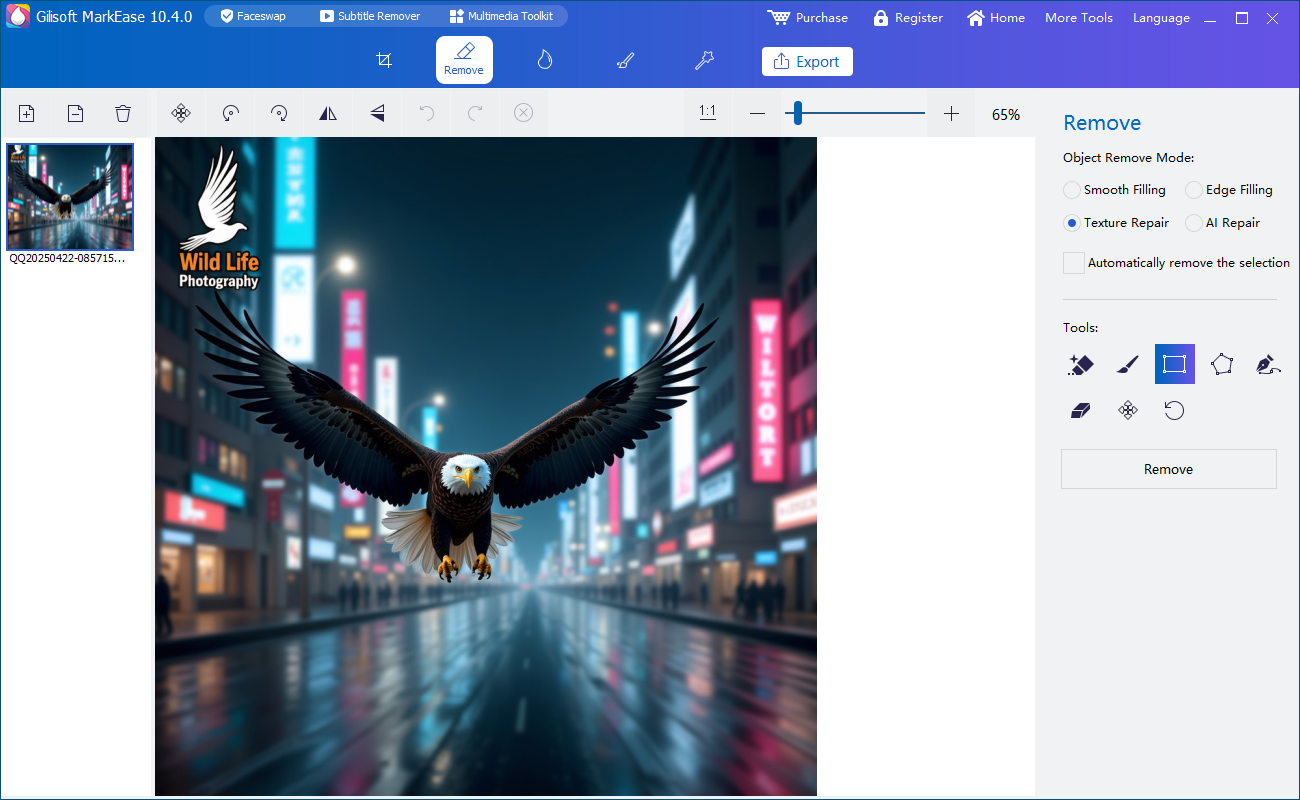
In MarkEase, use a tight brush or selection and retain enough surrounding texture.
- Inspect at full size
Look for smeared edges, altered logos, missing seams, and false product details.
- Export the replacement
Use approved dimensions and a new filename, then preview the image in the actual listing layout.
Review the Result
- Is the item's condition represented honestly?
- Do packaging, color, model, and included accessories match the sale?
- Are image size and background accepted by the marketplace?
Limits and Common Mistakes
Do not use cleanup to hide defects, alter product features, or misrepresent an item. A new photograph is often the correct solution when the product has changed.
Frequently Asked Questions
Can I remove a date stamp?
Yes, when you own or may edit the photo and the date is not required information.
What if the mark overlaps the item?
Inspect a test closely; reshoot rather than fabricating product detail.
Should all photos get the same cleanup region?
Only if placement and composition match; review exceptions individually.