
Free Face Swap Without Watermark: Check Export Terms First
Face swapping transfers source identity into target media while trying to preserve target pose, expression, gaze, lighting, and motion. The result depends heavily on input quality and scene difficulty, not only the selected export resolution.
Quick answer
Read the current trial and export terms before processing a full project; “free,” “preview,” “no watermark,” resolution, duration, and commercial-use rights are separate questions. Use only authorized media, preserve the originals, and disclose the alteration whenever viewers could mistake it for an authentic event or endorsement.
Separate Trial Access from Production Rights
| Decision | What to check | Why it matters |
|---|---|---|
| Cost | Trial, credits, subscription, perpetual license, or paid export | Choose the right workflow before adding sensitive media. |
| Output | Watermark, resolution, duration, formats, and queue | Weak inputs cannot be repaired by export settings alone. |
| Use rights | Personal, commercial, attribution, and prohibited uses | Control quality, privacy, and project risk. |
| Privacy | Upload, retention, reuse, deletion, and offline option | Verify the real output and intended use. |
Prepare Source and Target Media
- Confirm authorization
Obtain permission for the source identity, target media, processing, and intended publication.
- Keep unmodified originals
Store the source and target separately from generated output.
- Choose a clear source face
Prefer sharp, evenly lit, unobstructed facial detail without heavy filters.
- Inspect the target difficulty
Note pose, expression, motion, blur, occlusion, cuts, lighting changes, and resolution.
- Select cloud or offline mode
Base the choice on sensitivity, upload limits, hardware, storage, and repeated processing needs.
Run the Face Swap Workflow
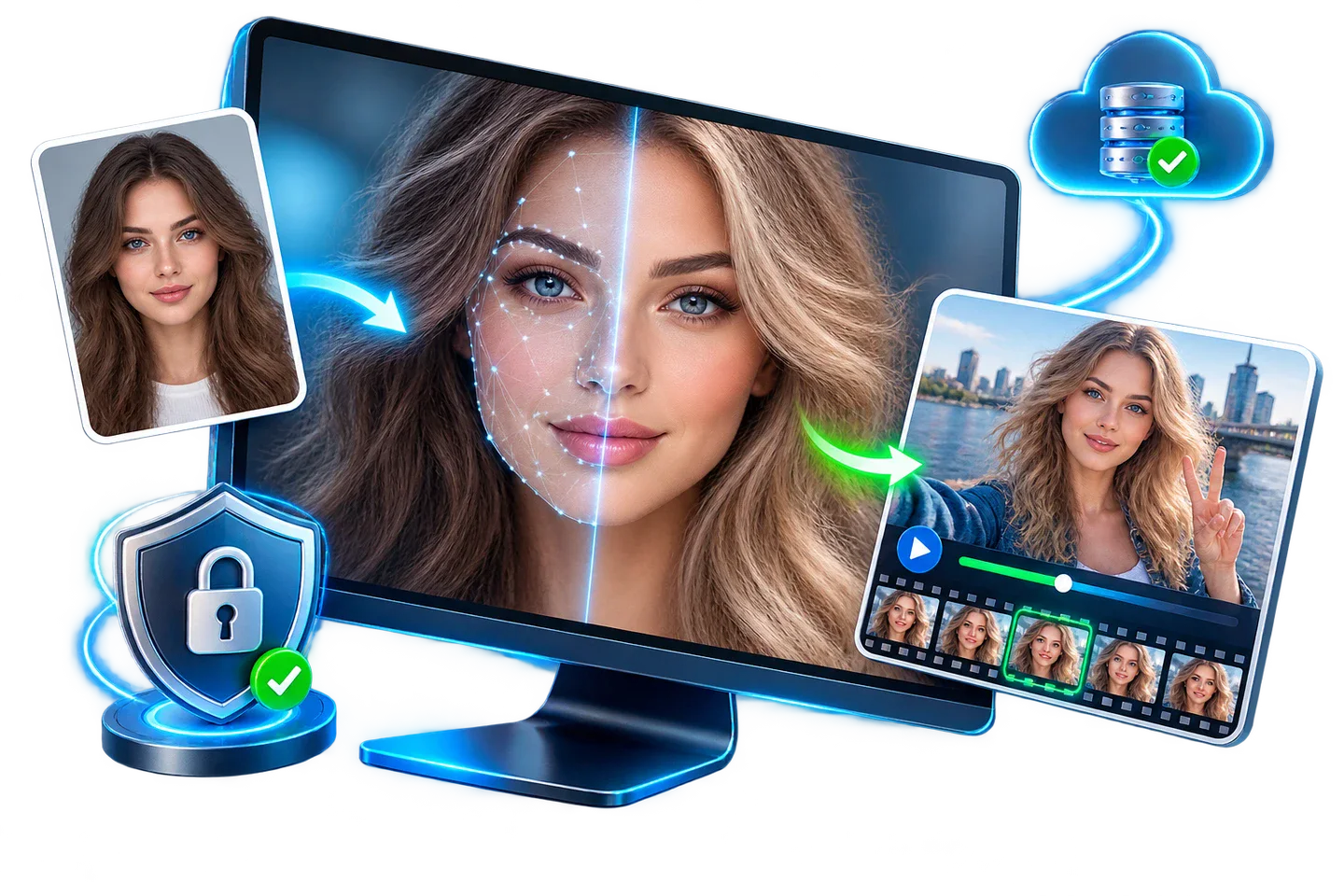
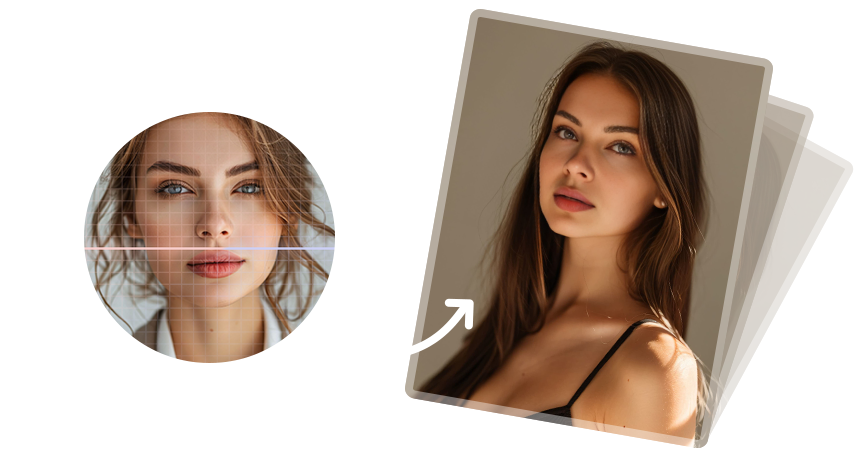
This visual is the product’s face-swap workflow preview rather than a literal screenshot of every control.
- Read current terms
Check the installed build, pricing page, and checkout instead of relying on an old comparison.
- Use non-sensitive test media
Confirm quality and workflow before adding personal or client portraits.
- Test the real output
Export the required format, resolution, and duration and inspect any watermark.
- Check the intended rights
Confirm whether the project is personal, commercial, client, educational, or promotional.
- Choose the sustainable workflow
Include processing time, hardware, storage, privacy, and future revisions in the decision.
Inspect More Than the Face Center
- Check identity and expression
Confirm the intended identity without losing the target’s natural gaze, mouth shape, and expression.
- Inspect difficult boundaries
Zoom into hairline, jaw, ears, neck, glasses, teeth, hands, and foreground objects.
- Compare lighting and color
Look for mismatched exposure, skin tone, shadow direction, sharpness, and noise.
- For video, watch continuously
Check flicker, identity drift, profile turns, motion blur, cuts, and audio synchronization.
- Test the destination copy
Open the exported file on the platform, editor, or device where it will be used.
Use Face Swapping Transparently and Responsibly
Do not use face swapping to impersonate a person, fabricate evidence, create fake endorsements, evade identity verification, facilitate fraud, harass someone, or generate intimate content without explicit consent. Extra care is required for minors, employees, clients, public figures, and private individuals.
Keep the original media and project record. Label or disclose synthetic alterations where context could mislead viewers. Content provenance standards such as C2PA Content Credentials can help carry information about origin and edits when the publishing workflow supports them.
Free Face Swap Without Watermark: Check Export Terms First FAQ
Can GiliSoft Face Swap handle a face swap without a watermark?
GiliSoft Face Swap supports authorized photo and video face swapping on Windows, with cloud and offline processing options. Test a representative sample before a long or sensitive project.
What makes a face swap look more natural?
Use a sharp source face and a target with compatible pose, lighting, expression, scale, and visibility. Occlusion, motion blur, profile turns, and low-resolution compression make the task harder.
Does offline mode guarantee privacy?
No. It reduces upload exposure, but local accounts, malware, caches, backups, sync folders, collaborators, output sharing, and retention still require controls.
Can I use any person’s face?
Use faces only with appropriate authorization and rights. Do not impersonate, deceive, harass, defraud, evade identity systems, or create intimate or reputationally harmful content.
Should altered media be disclosed?
Yes when viewers could reasonably believe it depicts a real event, endorsement, statement, or identity. Keep originals and project records, and use available provenance or Content Credentials workflows when practical.