
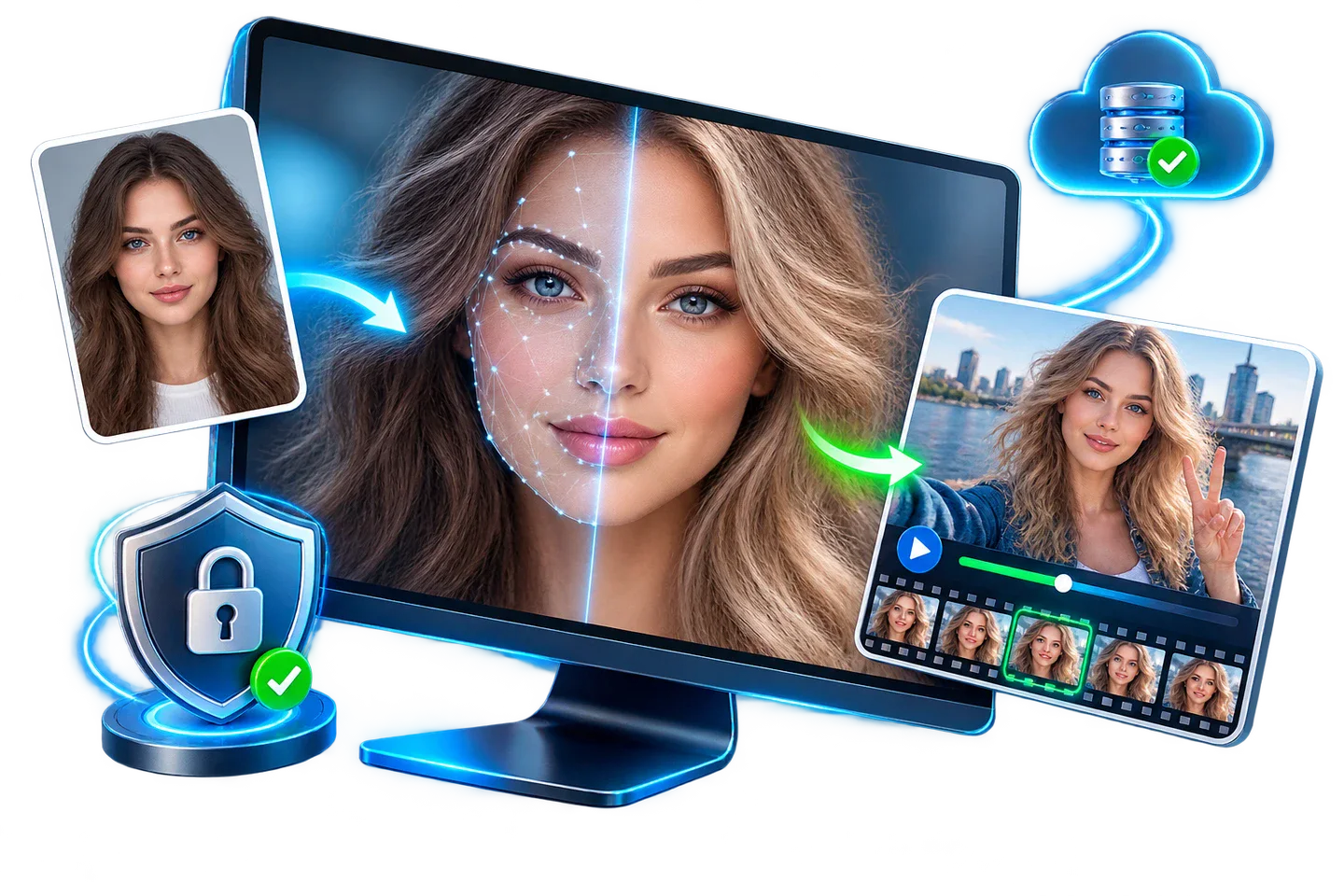
Free Photo Face Swap Tools: What to Check Before Export
A free photo face swap is useful only if the result looks right and the export terms fit your project. Compare trial limits, privacy, and image quality before processing a portrait.
Quick answer
Test one photo first. Check whether the tool lets you save a usable image, whether limits or watermarks apply, and whether your media is uploaded or processed locally. Then inspect facial details at full resolution before committing to a larger project.
What Does "Free" Include?
Free online tools, open-source projects, and desktop trials do not offer the same output rights. Compare export count, resolution, watermark rules, processing queues, privacy terms, and commercial-use permissions before choosing one.
GiliSoft Face Swap offers a trial download, not a promise of unlimited free or watermark-free exports. Check the current trial terms in the product and purchase flow. The offline option is a separate paid choice for projects that should remain on the local PC.
Match the Source Portrait to the Target Image
| Decision | What to check | Why it matters |
|---|---|---|
| Pose | Similar face angle and head orientation | Large angle differences can distort facial alignment and expression. |
| Light | Direction, softness, exposure, and color temperature | Opposing light directions make the inserted face look pasted on. |
| Detail | Eyes, teeth, glasses, hairline, and skin texture | Blurred or obstructed details remain visible in the final photo. |
| Edges | Jaw, ears, neck, hair, and background boundary | Visible seams around the jaw or hairline are common failure points. |
Prepare Source and Target Media
-
Choose source and target portraits
Start with clear images that show the facial details you want to preserve.
-
Keep unmodified originals
Store the source and target separately from generated output.
-
Choose a clear source face
Prefer sharp, evenly lit, unobstructed facial detail without heavy filters.
-
Inspect the target difficulty
Note pose, expression, motion, blur, occlusion, cuts, lighting changes, and resolution.
-
Select cloud or offline mode
Base the choice on sensitivity, upload limits, hardware, storage, and repeated processing needs.
Run the Face Swap Workflow
This visual is the product’s face-swap workflow preview rather than a literal screenshot of every control.
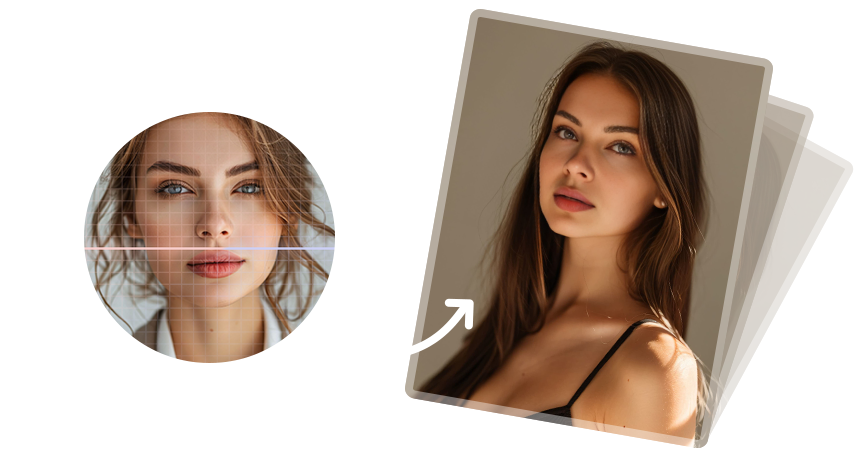
-
Add the source and target photos
Use images with enough resolution to inspect the final result at full size.
-
Pick a clear source face
Avoid heavy blur, filters, obstruction, and extreme expression.
-
Match pose and lighting
Select a target whose head angle and illumination fit the source.
-
Run the swap workflow
Load the source identity and target photo, then process a preview.
-
Inspect at full resolution
Zoom into eyes, mouth, edges, hair, glasses, and skin before export.
Inspect More Than the Face Center
-
Check identity and expression
Confirm the intended identity without losing the target’s natural gaze, mouth shape, and expression.
-
Inspect difficult boundaries
Zoom into hairline, jaw, ears, neck, glasses, teeth, hands, and foreground objects.
-
Compare lighting and color
Look for mismatched exposure, skin tone, shadow direction, sharpness, and noise.
-
For video, watch continuously
Check flicker, identity drift, profile turns, motion blur, cuts, and audio synchronization.
-
Test the destination copy
Open the exported file on the platform, editor, or device where it will be used.
Privacy and Sharing
For photos of other people, get their permission before processing or sharing. Check whether your chosen mode uploads images, and label an edited photo when viewers might mistake it for a real event.
Free Photo Face Swap FAQ
Is GiliSoft Face Swap completely free?
GiliSoft provides a trial download. Check the current trial and export terms before assuming unlimited free or watermark-free output.
Can GiliSoft Face Swap handle a photo face swap?
GiliSoft Face Swap supports photo and video face swapping on Windows, with cloud and offline processing options. Test one photo before processing a larger set.
What makes a photo face swap look more natural?
Use a sharp source portrait and a target photo with compatible pose, lighting, scale, and expression. Inspect eyes, teeth, hairline, and edges at full resolution.
Does offline mode guarantee privacy?
No. Offline processing avoids an upload for that workflow, but device access, local backups, sync folders, and output sharing still need care.